
검증된 프롬프트
검증된 프롬프트
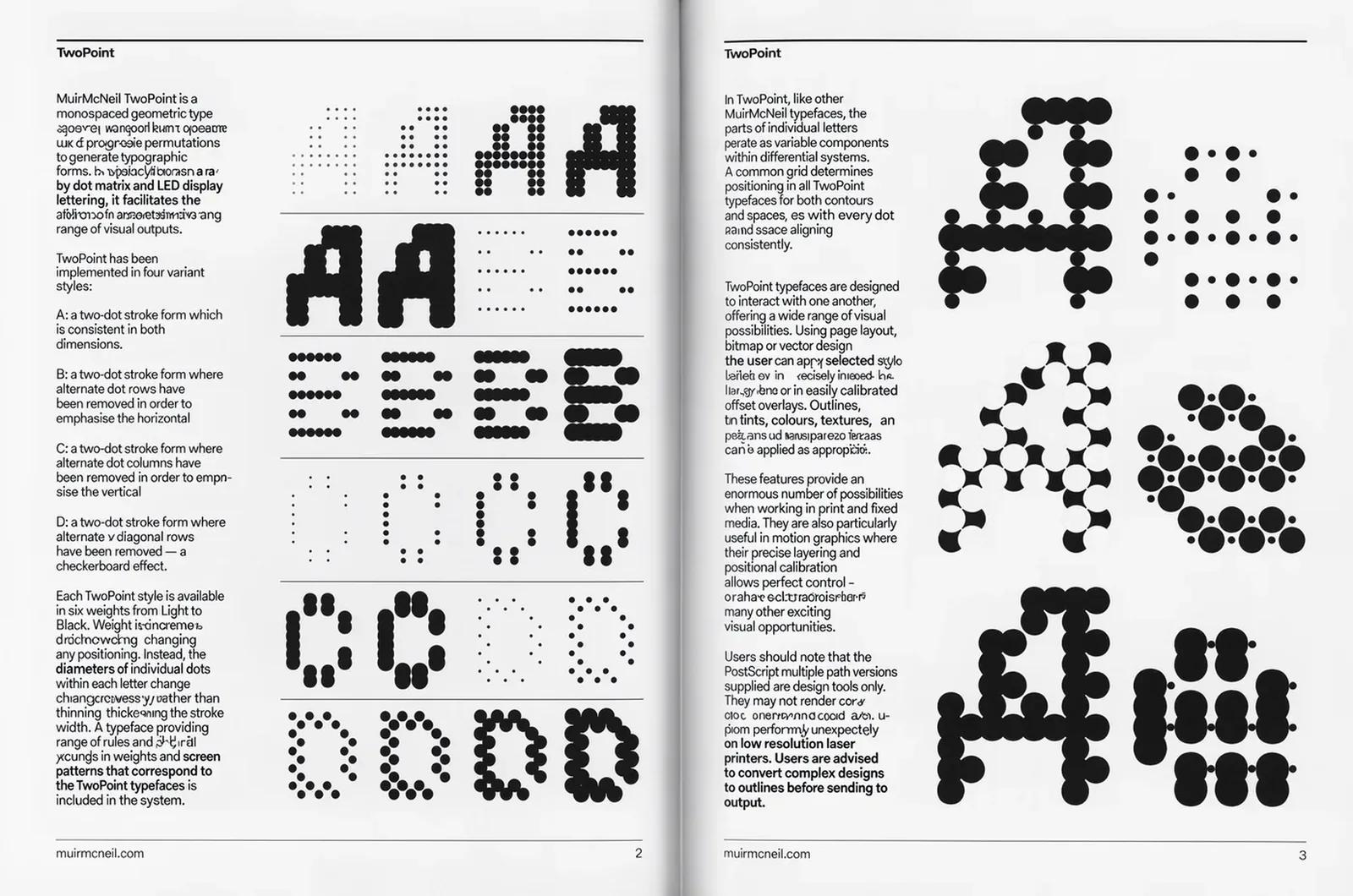
Recreate this image using the parameters from the JSON provided. { "name": "Neon Glass Glow", "style": { "material": { "type": "glass", "transparency": 0.92, "reflectivity": 1.0, "refractionIndex": 1.6, "color": "#ff00ff", "emission": { "color": "#ff66ff", "intensity": 0.8 }, "surfaceFinish": "glossy", "bloom": true, "detail": "high" }, "outline": { "enabled": true, "color": "#ffccff", "width": 1.8 }, "lighting": { "type": "studio", "keyLightColor": "#ffffff", "keyLightIntensity": 1.0, "fillLightColor": "#9900ff", "fillLightIntensity": 0.7, "rimLightColor": "#00ffff", "rimLightIntensity": 0.7, "shadows": "crisp" }, "background": { "type": "solid", "color": "#000000" }, "render": { "shadows": true, "antiAliasing": true, "superSampling": "4x", "resolution": "high", "depthOfField": { "enabled": true, "focusDistance": 0.8, "blurAmount": 0.1 } } } }
Recreate this image using the parameters from the JSON provided. { "name": "Neon Glass Glow", "style": { "material": { "type": "glass", "transparency": 0.92, "reflectivity": 1.0, "refractionIndex": 1.6, "color": "#ff00ff", "emission": { "color": "#ff66ff", "intensity": 0.8 }, "surfaceFinish": "glossy", "bloom": true, "detail": "high" }, "outline": { "enabled": true, "color": "#ffccff", "width": 1.8 }, "lighting": { "type": "studio", "keyLightColor": "#ffffff", "keyLightIntensity": 1.0, "fillLightColor": "#9900ff", "fillLightIntensity": 0.7, "rimLightColor": "#00ffff", "rimLightIntensity": 0.7, "shadows": "crisp" }, "background": { "type": "solid", "color": "#000000" }, "render": { "shadows": true, "antiAliasing": true, "superSampling": "4x", "resolution": "high", "depthOfField": { "enabled": true, "focusDistance": 0.8, "blurAmount": 0.1 } } } }

검증된 프롬프트
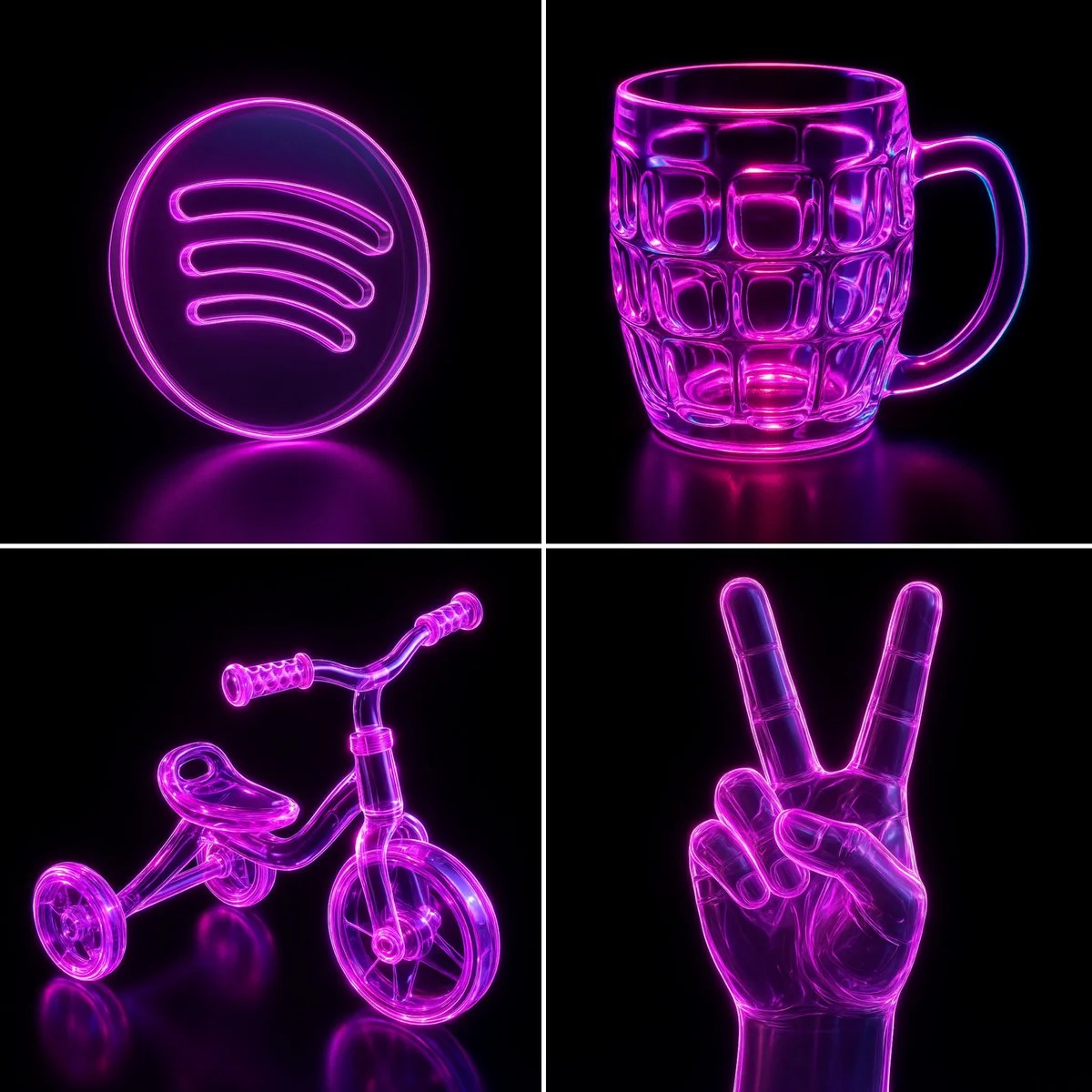
Abstract liquid typography spelling "text", made of thick, transparent water-gel with realistic refraction and soft shadows. Each letter appears sculpted from droplets with surface tension, smooth curves, and light reflections. Water droplets scattered on the surface, minimal background, hyper-realistic lighting, photorealistic render
Abstract liquid typography spelling "text", made of thick, transparent water-gel with realistic refraction and soft shadows. Each letter appears sculpted from droplets with surface tension, smooth curves, and light reflections. Water droplets scattered on the surface, minimal background, hyper-realistic lighting, photorealistic render
검증된 프롬프트
검증된 프롬프트
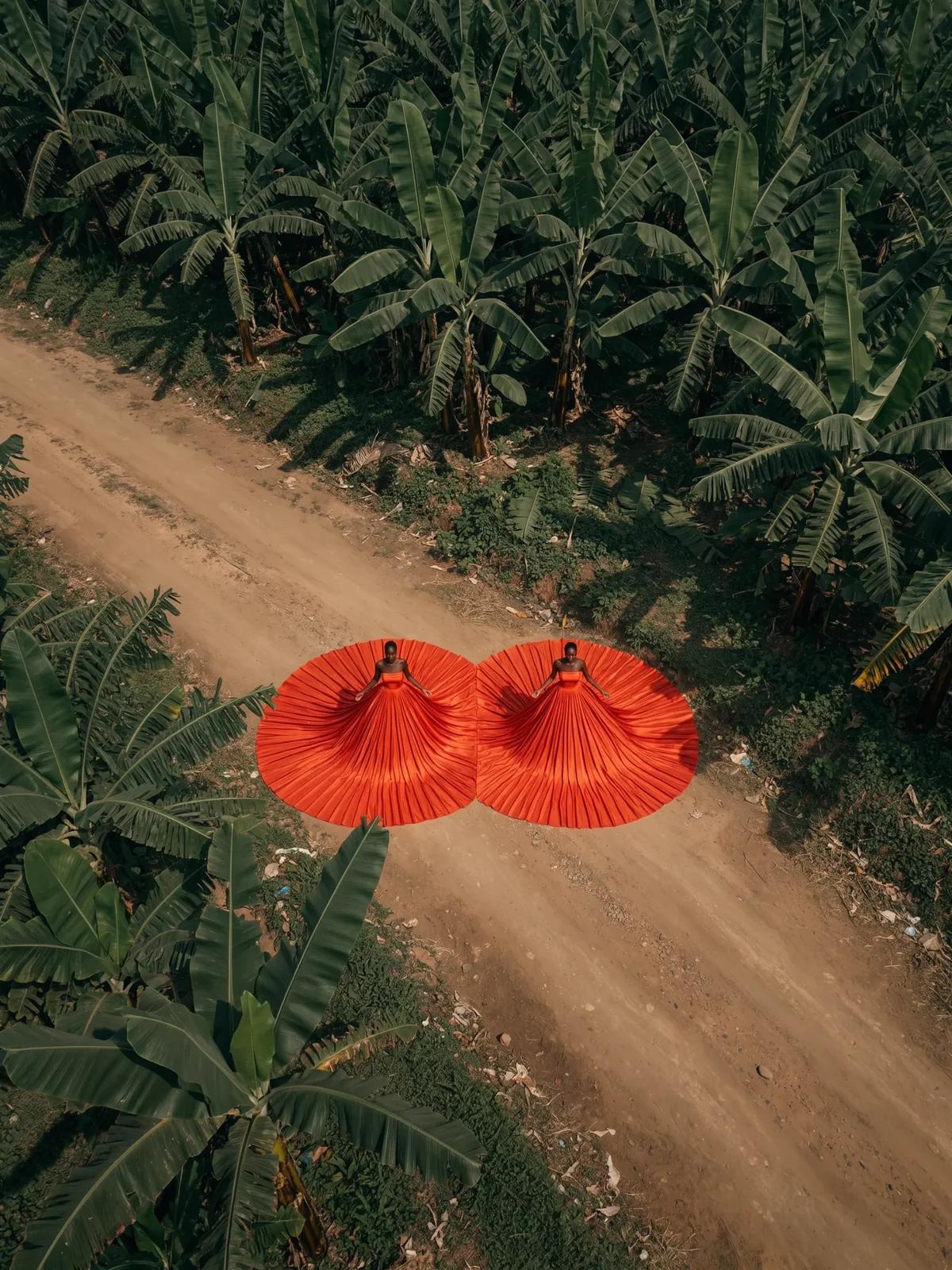
Create a South Park style paper-cut cartoon character with long brown hair, olive shirt and a necklace at a café. Use flat colors, round expressive eyes and a clear silhouette.
Create a South Park style paper-cut cartoon character with long brown hair, olive shirt and a necklace at a café. Use flat colors, round expressive eyes and a clear silhouette.
검증된 프롬프트
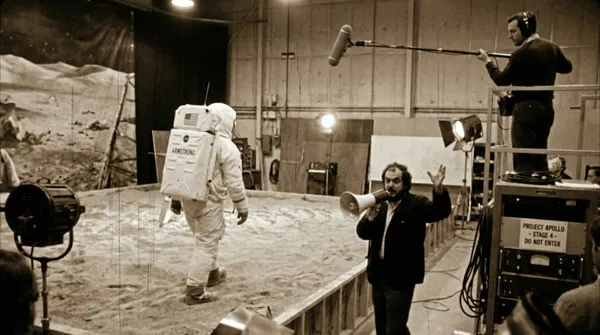
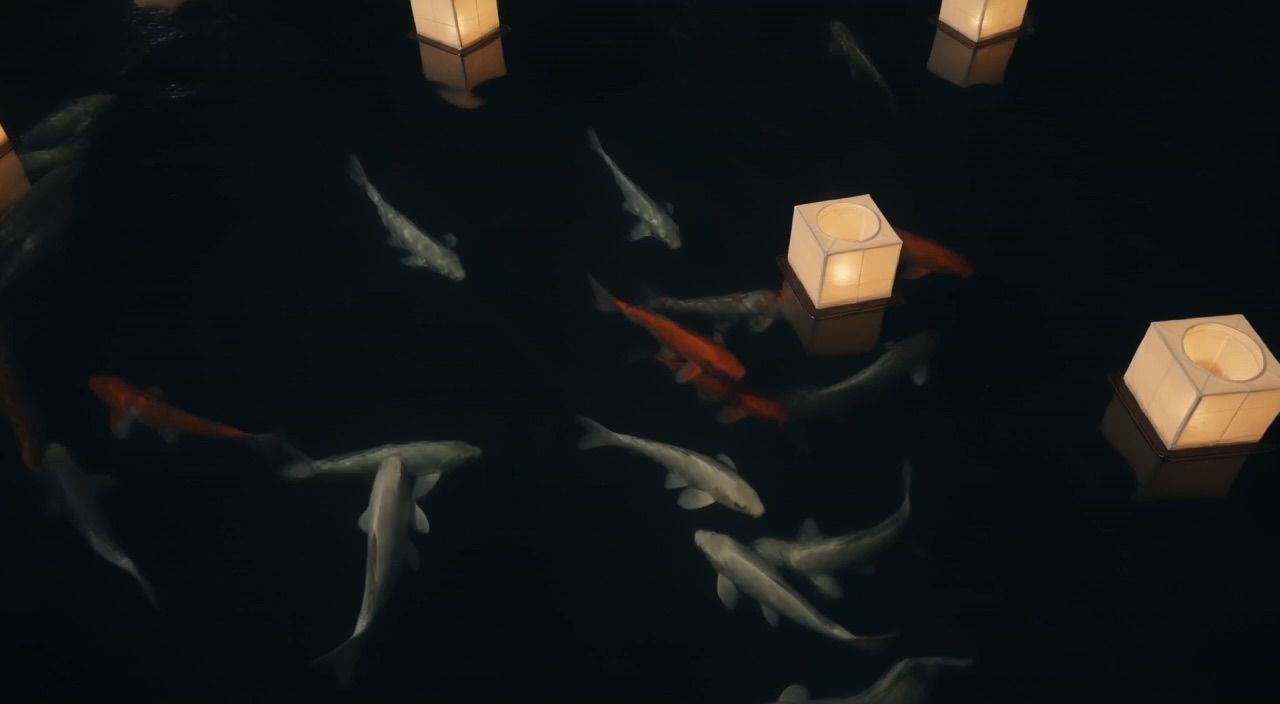
ed production footage from a secret soundstage, 1969. Neil Armstrong is walking on the "Moon surface," but the camera pulls back to reveal it is just a sandbox in a studio. A boom mic operator is visible in the top corner. Stanley Kubrick is shouting instructions through a megaphone. Studio lights, film grain, slightly blurry, handheld camera movement style.
ed production footage from a secret soundstage, 1969. Neil Armstrong is walking on the "Moon surface," but the camera pulls back to reveal it is just a sandbox in a studio. A boom mic operator is visible in the top corner. Stanley Kubrick is shouting instructions through a megaphone. Studio lights, film grain, slightly blurry, handheld camera movement style.
검증된 프롬프트
검증된 프롬프트
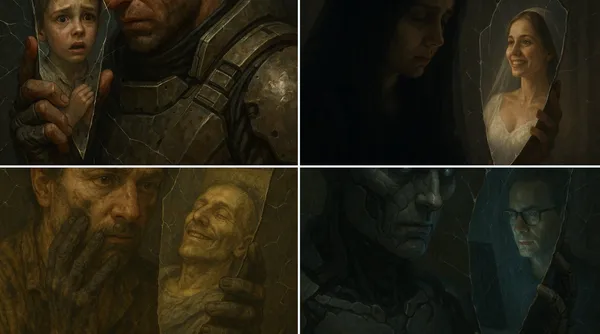
ose-up of [SUBJECT 1] holding a mirror shard to their face. The shard reflects a completely different [SUBJECT 2]. Around them, small cracks spread through the air like fractures in invisible glass, warping the space itself.
ose-up of [SUBJECT 1] holding a mirror shard to their face. The shard reflects a completely different [SUBJECT 2]. Around them, small cracks spread through the air like fractures in invisible glass, warping the space itself.
검증된 프롬프트
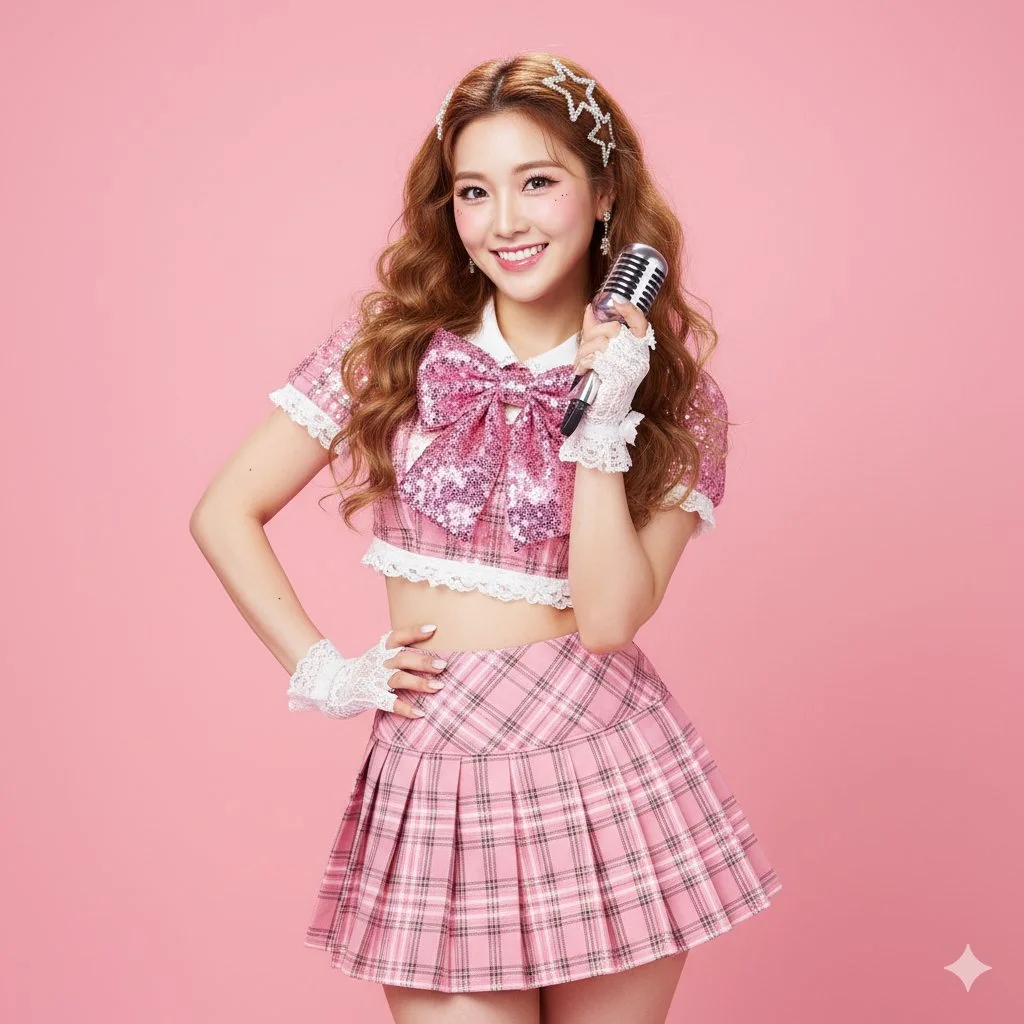
{ "scene": { "location": "Bright photo studio", "background": "Solid, high-saturation macaroon pink seamless background" }, "subject": { "age": "adult", "description": "East Asian woman, long curly caramel-colored hair with sparkling gold highlights, confident 'idol' gaze", "wardrobe": "Sparkly 'idol' stage outfit: pink plaid pleated skirt, cropped top with white lace trim, large bow on chest, sequin details", "accessories": "White lace wrist gloves, sparkly star-shaped hair clips, one hand holding a retro silver microphone (as a prop)", "pose": "Full body, classic idol pose: one hand on hip, other hand making a heart gesture near cheek, S-curve posture, confident", "expression": "Perfect, bright 'professional' smile, sparkling eyes, full of charm", "gaze": "Direct to camera (engaging with fans)", "body_notes": "realistic adult proportions; natural skin texture" }, "camera": { "sensor": "full_frame", "focal_length_mm": 70, "aperture_f": 3.2, "shutter_s": 0.008, "iso": 100, "white_balance_k": 5200, "distance_m": 4.0, "camera_height_m": 1.1, "framing": "Full body shot, with enough space to show the pose", "focus": "eye_detect_AF on nearest eye" }, "lighting": { "key": "Large ring flash, creating the iconic ring catchlight", "fill": "Two large softboxes on the sides, providing even, high-key 'K-pop' lighting", "hair": "Hard light from high-behind to create shiny hair highlights", "catchlights": "Clear ring-shaped catchlights", "notes": "High-key, bright, no shadows, emphasize sparkly texture of outfit" }, "color_grade": { "style": "K-Pop / J-Pop Idol, high-key kawaii", "palette": "Bright pink, white, caramel; flawless 'glass skin'", "contrast": "Medium, very clean", "saturation": "High saturation, vibrant" }, "makeup": { "eyes": "Stage makeup: thick false lashes, sparkly liquid eyeshadow, highlighted aegyo-sal", "cheeks": "Bright strawberry-pink blush", "lips": "High-gloss gradient 'juicy lips'" }, "postprocess": { "retouch": "Highly refined skin retouching, but maintain pore texture (not plastic)", "clarity": "Enhance clarity on sequins, eyes, lips, and hair highlights", "dodge_burn": "Micro dodge on aegyo-sal, nose bridge, and collarbones", "vignette": "None, keep background clean" }, "art_direction": { "mood": "Sparkly, confident, energetic, sweet idol", "keywords": ["idol", "K-Pop", "J-Pop", "stage outfit", "heart gesture", "sparkly"] }, "negative_prompts": [ "nsfw", "underage look", "text or logos", "plastic doll skin", "warped hands or extra fingers", "deformed limbs", "dark or moody lighting", "plain clothing", "sad expression" ] }
{ "scene": { "location": "Bright photo studio", "background": "Solid, high-saturation macaroon pink seamless background" }, "subject": { "age": "adult", "description": "East Asian woman, long curly caramel-colored hair with sparkling gold highlights, confident 'idol' gaze", "wardrobe": "Sparkly 'idol' stage outfit: pink plaid pleated skirt, cropped top with white lace trim, large bow on chest, sequin details", "accessories": "White lace wrist gloves, sparkly star-shaped hair clips, one hand holding a retro silver microphone (as a prop)", "pose": "Full body, classic idol pose: one hand on hip, other hand making a heart gesture near cheek, S-curve posture, confident", "expression": "Perfect, bright 'professional' smile, sparkling eyes, full of charm", "gaze": "Direct to camera (engaging with fans)", "body_notes": "realistic adult proportions; natural skin texture" }, "camera": { "sensor": "full_frame", "focal_length_mm": 70, "aperture_f": 3.2, "shutter_s": 0.008, "iso": 100, "white_balance_k": 5200, "distance_m": 4.0, "camera_height_m": 1.1, "framing": "Full body shot, with enough space to show the pose", "focus": "eye_detect_AF on nearest eye" }, "lighting": { "key": "Large ring flash, creating the iconic ring catchlight", "fill": "Two large softboxes on the sides, providing even, high-key 'K-pop' lighting", "hair": "Hard light from high-behind to create shiny hair highlights", "catchlights": "Clear ring-shaped catchlights", "notes": "High-key, bright, no shadows, emphasize sparkly texture of outfit" }, "color_grade": { "style": "K-Pop / J-Pop Idol, high-key kawaii", "palette": "Bright pink, white, caramel; flawless 'glass skin'", "contrast": "Medium, very clean", "saturation": "High saturation, vibrant" }, "makeup": { "eyes": "Stage makeup: thick false lashes, sparkly liquid eyeshadow, highlighted aegyo-sal", "cheeks": "Bright strawberry-pink blush", "lips": "High-gloss gradient 'juicy lips'" }, "postprocess": { "retouch": "Highly refined skin retouching, but maintain pore texture (not plastic)", "clarity": "Enhance clarity on sequins, eyes, lips, and hair highlights", "dodge_burn": "Micro dodge on aegyo-sal, nose bridge, and collarbones", "vignette": "None, keep background clean" }, "art_direction": { "mood": "Sparkly, confident, energetic, sweet idol", "keywords": ["idol", "K-Pop", "J-Pop", "stage outfit", "heart gesture", "sparkly"] }, "negative_prompts": [ "nsfw", "underage look", "text or logos", "plastic doll skin", "warped hands or extra fingers", "deformed limbs", "dark or moody lighting", "plain clothing", "sad expression" ] }
검증된 프롬프트
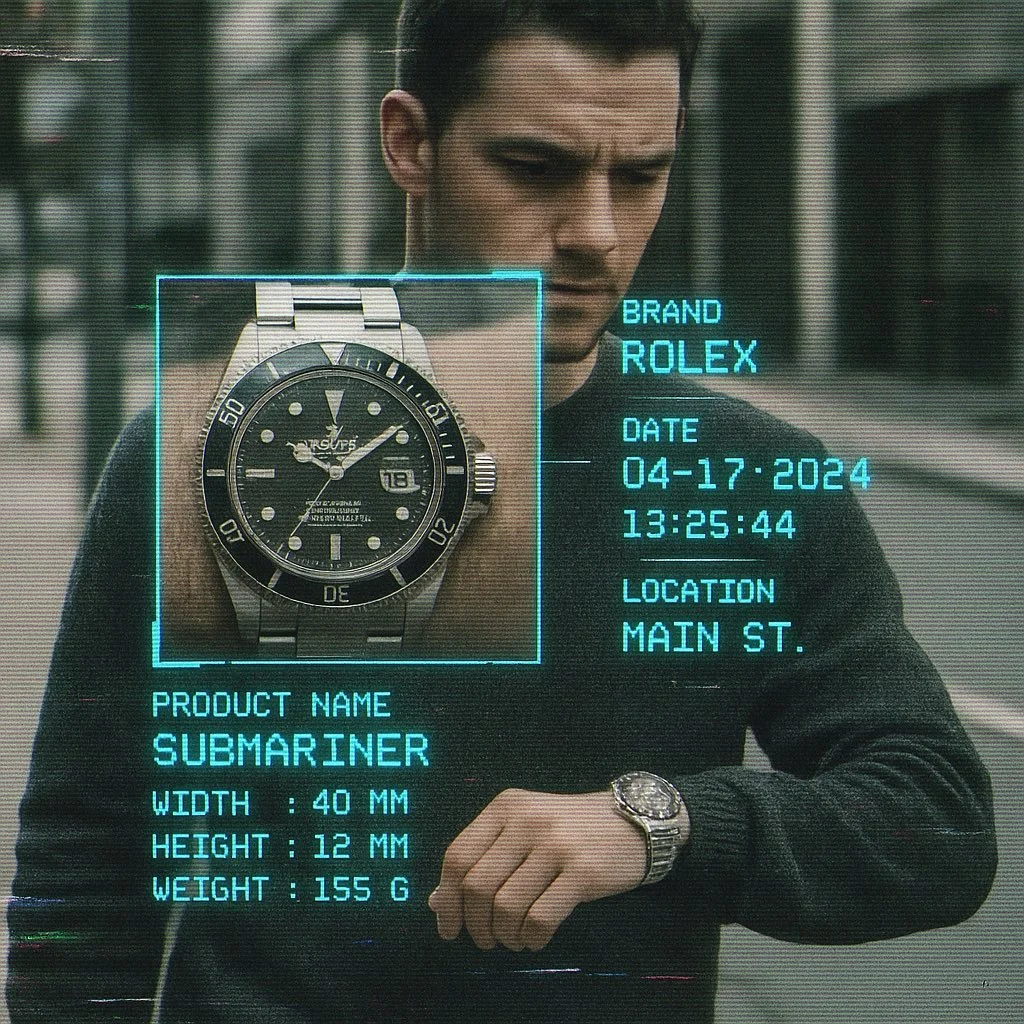
Create image with 1:1 ratio A cctv footage, A closed up view of focus woman carrying [brand] [product] on street, a square zoomed window on the product, sci fi analyzing overlay UI with infos like brand name, date, time, location name, in brand color monospaced font, product name, width, height, weight, etc, vhs effect, glitch effect, film grainy
Create image with 1:1 ratio A cctv footage, A closed up view of focus woman carrying [brand] [product] on street, a square zoomed window on the product, sci fi analyzing overlay UI with infos like brand name, date, time, location name, in brand color monospaced font, product name, width, height, weight, etc, vhs effect, glitch effect, film grainy
검증된 프롬프트
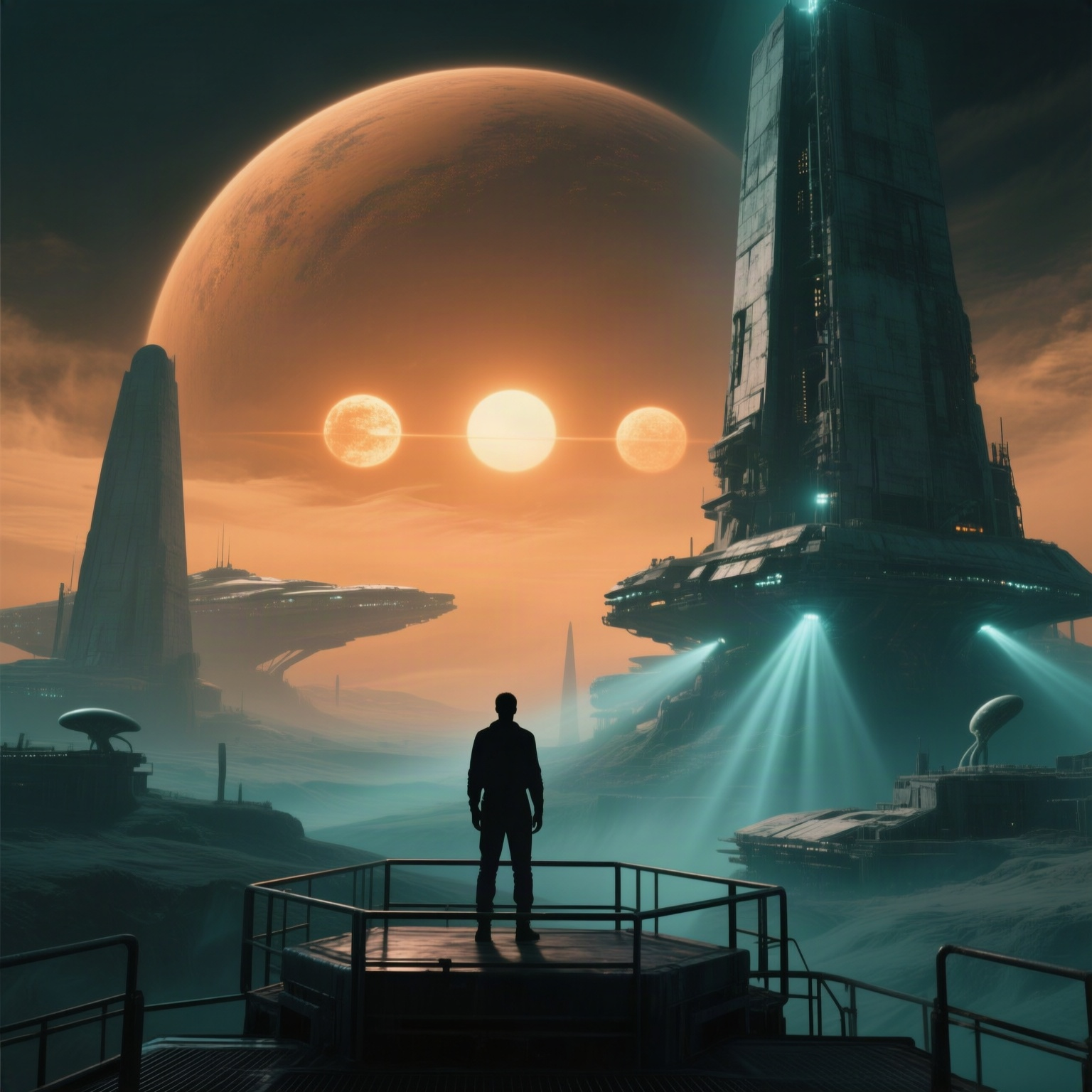
Cinematic still from a high-budget science fiction film inspired by The Three Days and Three Suns, a massive alien planet with three suns hanging low in a dusty orange sky, silhouette of a lone human figure standing on a dark metallic observation platform in the foreground, towering derelict spacecraft and monolithic alien structures in the midground, volumetric lighting, dramatic god rays, desaturated teal and amber color palette with deep shadows, ultra-detailed textures, photorealistic, shot on ARRI Alexa with anamorphic lens, movie poster quality.
Cinematic still from a high-budget science fiction film inspired by The Three Days and Three Suns, a massive alien planet with three suns hanging low in a dusty orange sky, silhouette of a lone human figure standing on a dark metallic observation platform in the foreground, towering derelict spacecraft and monolithic alien structures in the midground, volumetric lighting, dramatic god rays, desaturated teal and amber color palette with deep shadows, ultra-detailed textures, photorealistic, shot on ARRI Alexa with anamorphic lens, movie poster quality.
검증된 프롬프트
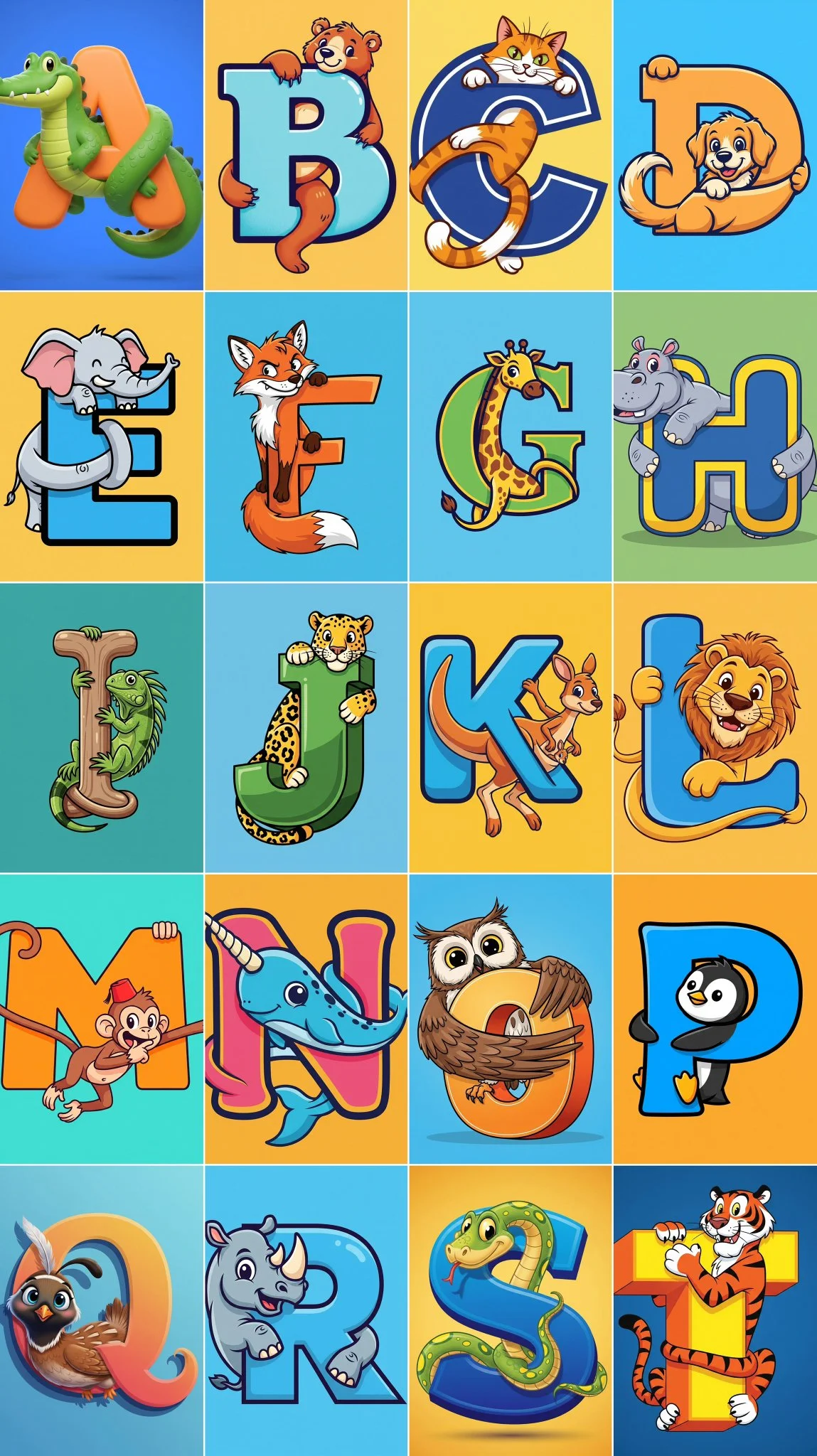
A stylized capital letter [Letter] with a cartoon [Animal] intertwined with it, on a solid color background.
A stylized capital letter [Letter] with a cartoon [Animal] intertwined with it, on a solid color background.
FLUX 이미지 워크플로 살펴보기
텍스트에서 비주얼을 만들거나, 지원되는 이미지 참조를 다듬거나, Prompt Showcase에 게시된 이미지를 살펴보세요.
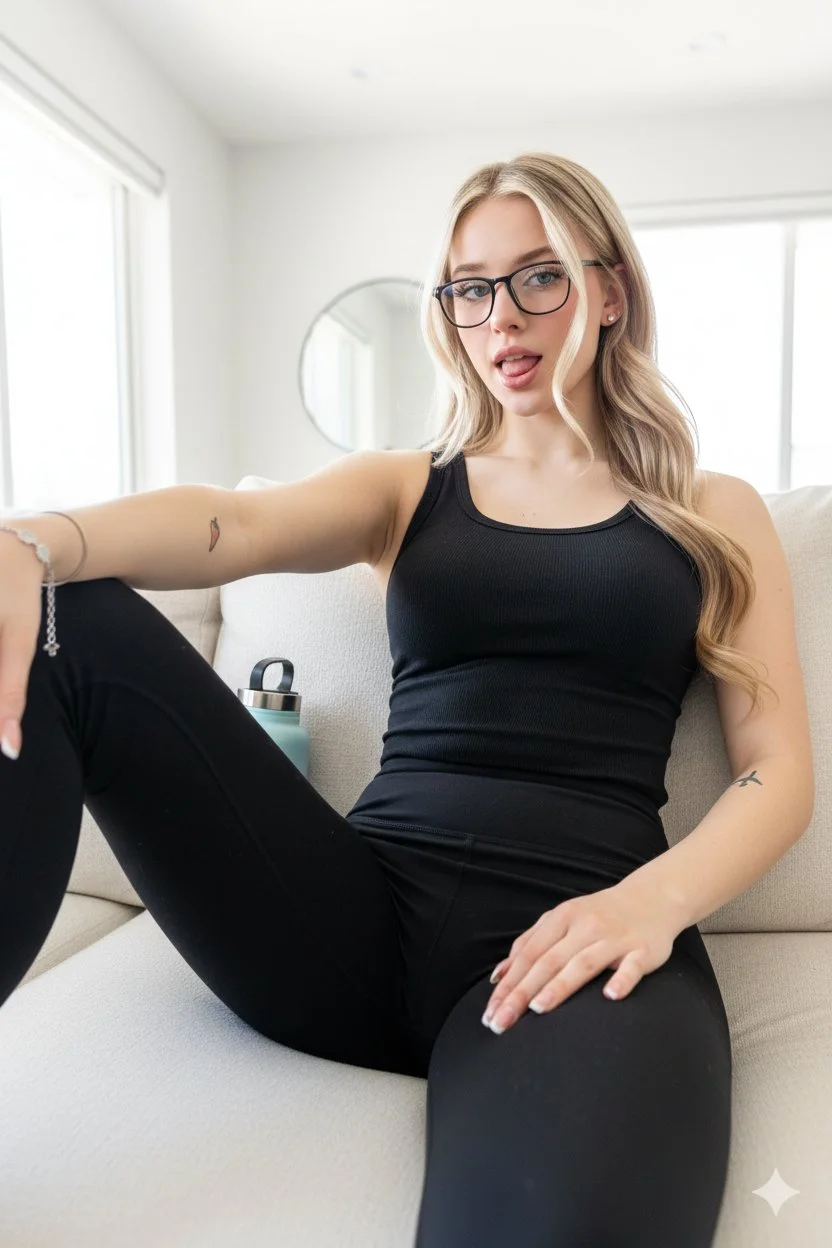
다음 비디오 시작 프레임을 위한 FLUX AI 이미지 생성기
명확한 시각적 방향으로 정지 이미지 만들기
flux3 video에서 FLUX 이미지 모델을 사용하여 피사체, 제품 장면 또는 스토리보드 프레임을 탐색하세요. 텍스트 프롬프트나 지원되는 이미지 참조로 시작하고, 설정과 크레딧 비용을 검토한 후 비디오에 사용하기 전에 결과를 검사하세요.
첫 이미지 만들기모션을 계획하기 전에 정지 이미지 만들기
FLUX AI 이미지 생성기는 비디오의 시각적 방향을 개발하는 데 도움을 줍니다. 이는 이미지 모델입니다: 여기에서 정지 이미지를 만들거나 다듬은 다음, 별도의 비디오 생성기를 사용하여 적합한 시작 프레임을 애니메이션화하세요.
피사체와 구도 설명하기
피사체, 위치, 배경, 조명 및 의도한 스타일을 명시하세요. 중요한 색상이나 재질을 추가한 다음, 선택한 이미지 모델에서 사용 가능한 출력 컨트롤을 선택하세요.
일관된 시각적 스타일 개발하기
스토리보드나 캠페인에 원하는 색상 팔레트, 렌더링 스타일 및 분위기를 설명하세요. 동일한 브리프와 이미지를 비교하고, 모든 결과가 일치할 것이라고 가정하지 말고 특정 세부 사항을 다듬으세요.
지원되는 이미지 참조 다듬기
선택한 FLUX 모델이 이미지 편집을 지원하는 경우, 사용 권한이 있는 참조를 업로드하세요. 한 가지 변경 사항과 보존할 세부 사항을 설명하세요. 사용 가능한 참조 입력은 모델에 따라 다릅니다.
이미지 투 비디오를 위한 시작 프레임 준비하기
의도한 동작과 카메라 움직임을 위한 여유가 있는 정지 이미지를 만드세요. 사용하려는 결과를 다운로드하고, 비디오 생성기를 열고, 이미지 투 비디오 모드에서 업로드하세요. 비디오는 별도의 워크플로에서 생성됩니다.
공유 전 세부 사항 검토하기
얼굴, 제품 형태, 텍스트 및 의도하지 않은 객체를 검사하세요. 적용 가능한 모델 및 플랫폼 약관을 검토하고, 게시하거나 프로젝트에 이미지를 사용하기 전에 참조에 대한 권리를 확인하세요.
하나의 워크스페이스에서 창의적 브리프 유지하기
프롬프트를 작성하고, FLUX 이미지 모델을 선택하고, 크레딧 비용을 검토하고, History에서 완료된 작업을 찾으세요. 비디오의 시작점으로 사용하려는 버전을 유지하세요.
FLUX 이미지 브리프를 구성하는 다섯 가지 방법
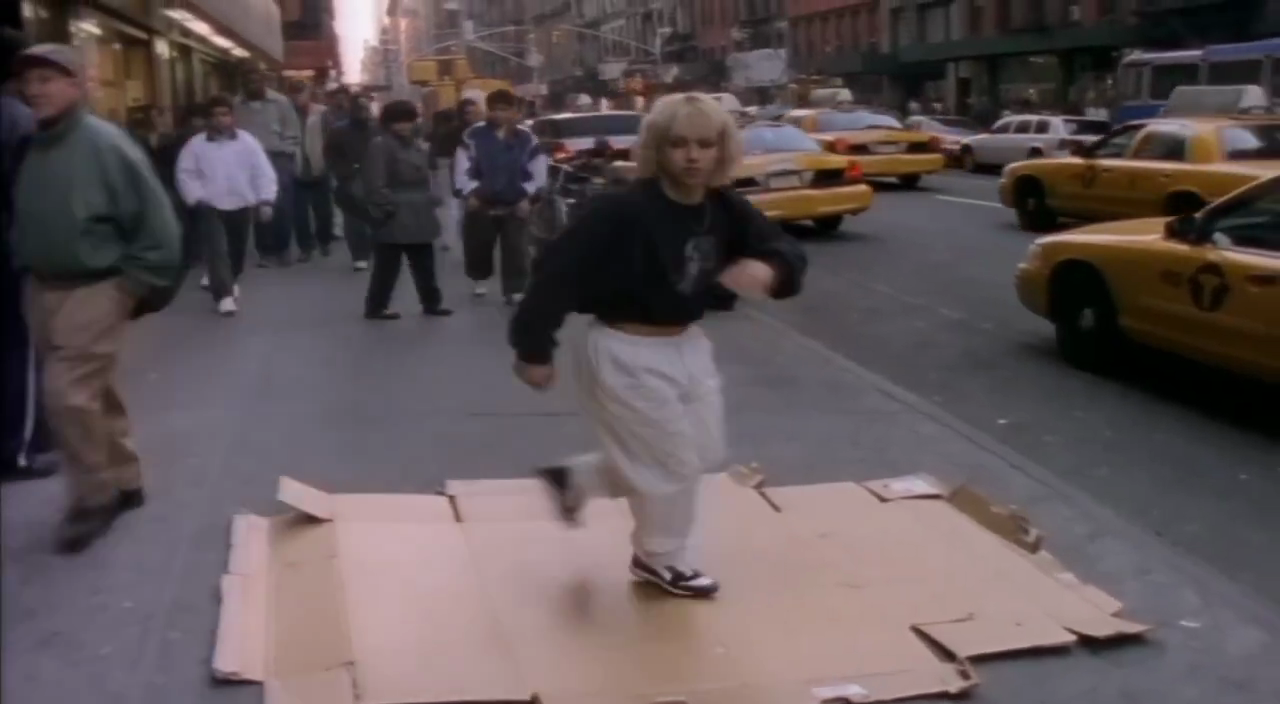
이미지에 특정 스타일 방향 부여하기
사진, 일러스트 또는 애니메이션과 같은 시각적 처리에 대한 단어를 선택하세요. 그 방향을 지원하는 빛, 색상 및 재질을 설명하세요.
장식적인 세부 사항을 추가하기 전에 주요 피사체를 명확하게 유지하세요.
비디오 제작자를 위한 시작 프레임 아이디어
장면, 제품 스토리, 소셜 클립 또는 일러스트레이션 콘셉트를 위한 구도 및 조명 연구를 살펴보세요. 게시된 이미지 참조는 보장된 변환이 아니라 시각적 방향을 보여줍니다.
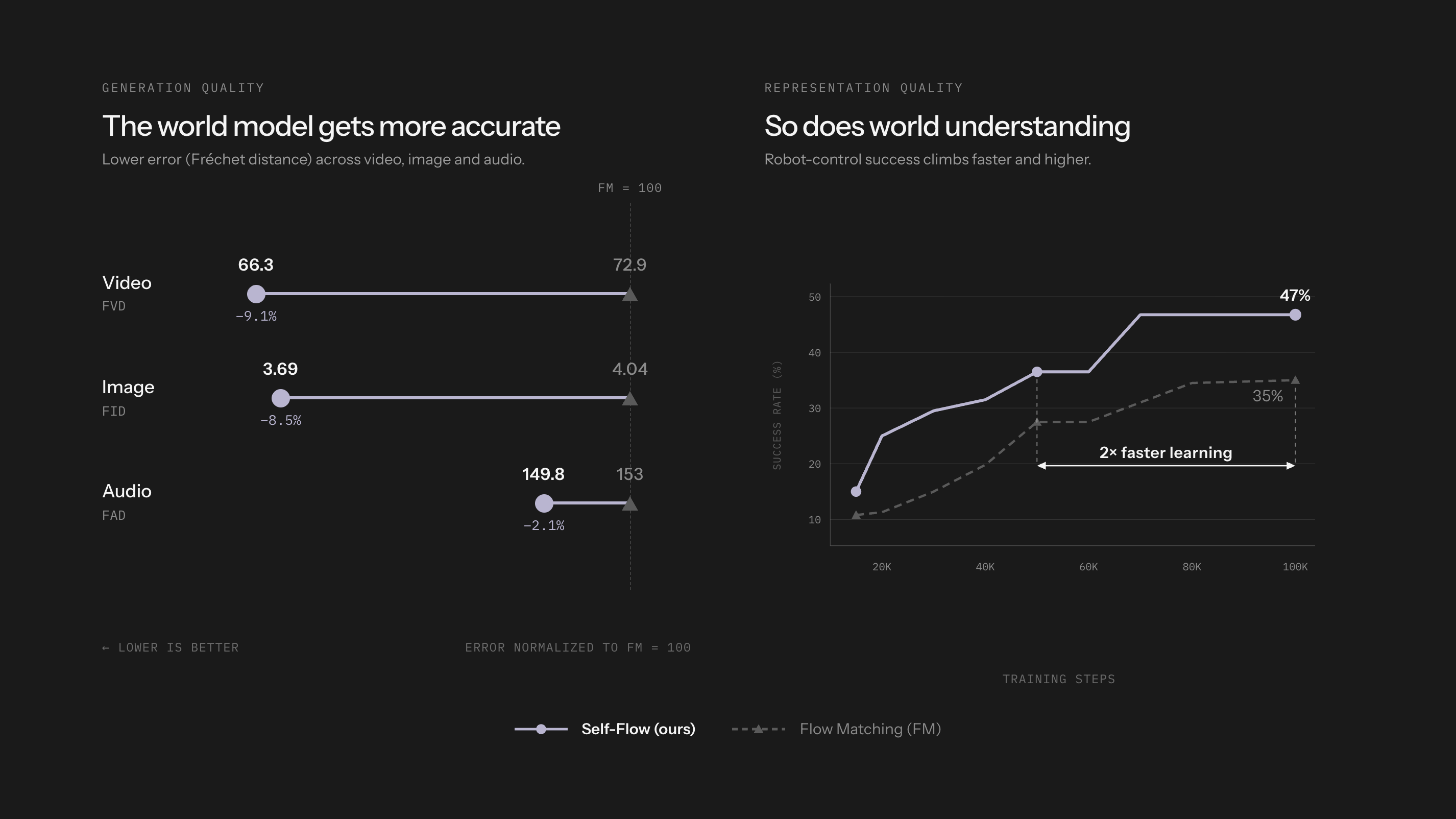
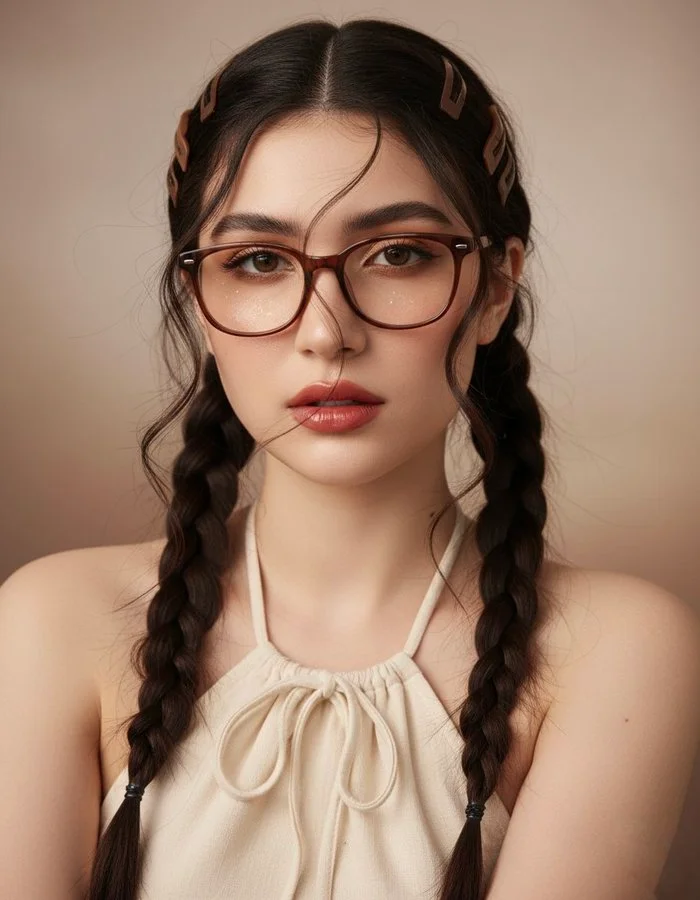
장면 및 스토리보드 프레임
환경, 피사체 위치, 샷 크기 및 빛을 설명하세요. 이미지를 사용하여 장면 방향을 논의하고 나중에 비디오에서 원하는 움직임을 계획하세요.
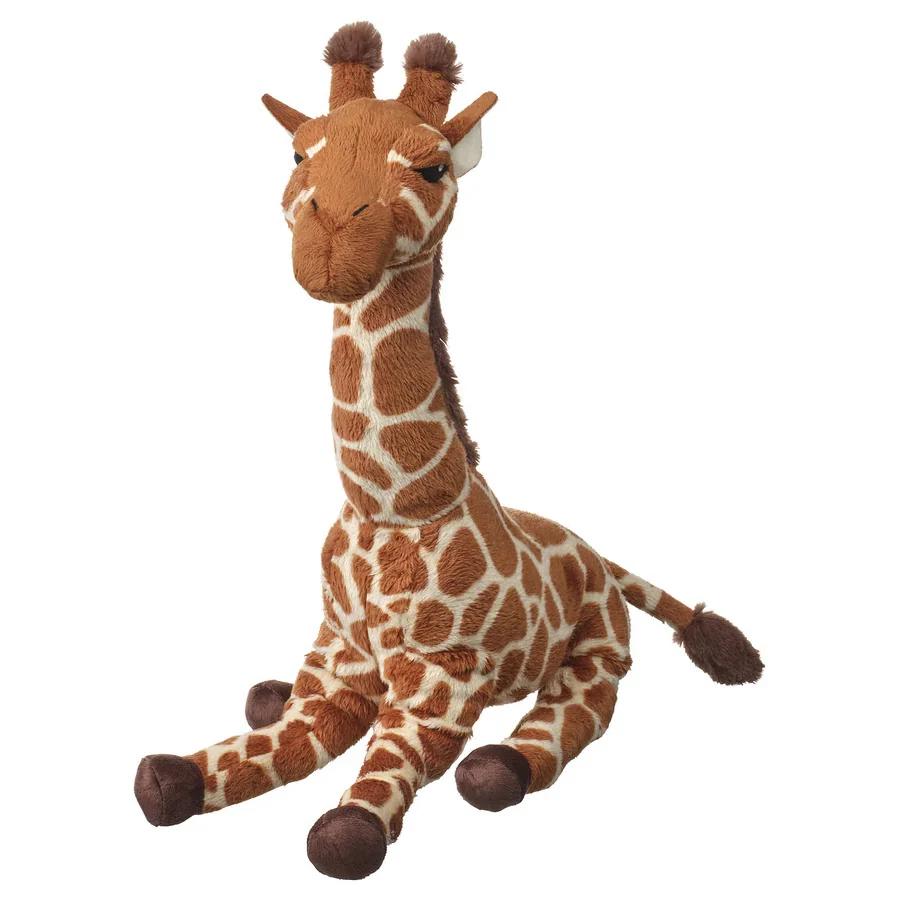
제품 스토리
하나의 제품과 명확한 시각적 아이디어를 중심으로 설정을 구축하세요. 광고에 결과를 사용하기 전에 실제 제품과 형태, 색상, 재질 및 브랜딩을 확인하세요.
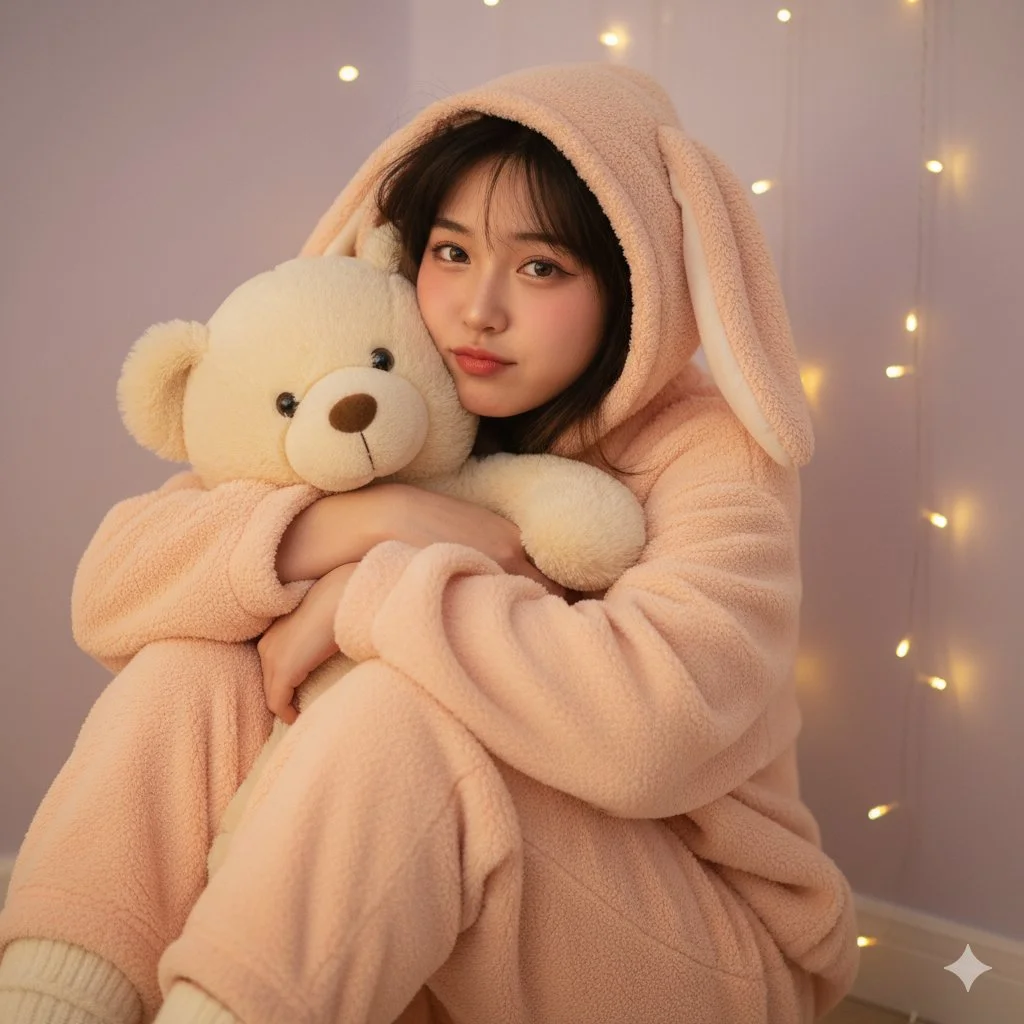
소셜 콘텐츠
게시물이나 짧은 비디오 오프닝을 위한 정지 이미지를 만드세요. 읽기 쉬운 피사체가 있는 지원되는 구도를 선택하고, 선호하는 편집 워크플로에서 최종 타이포그래피를 추가하세요.
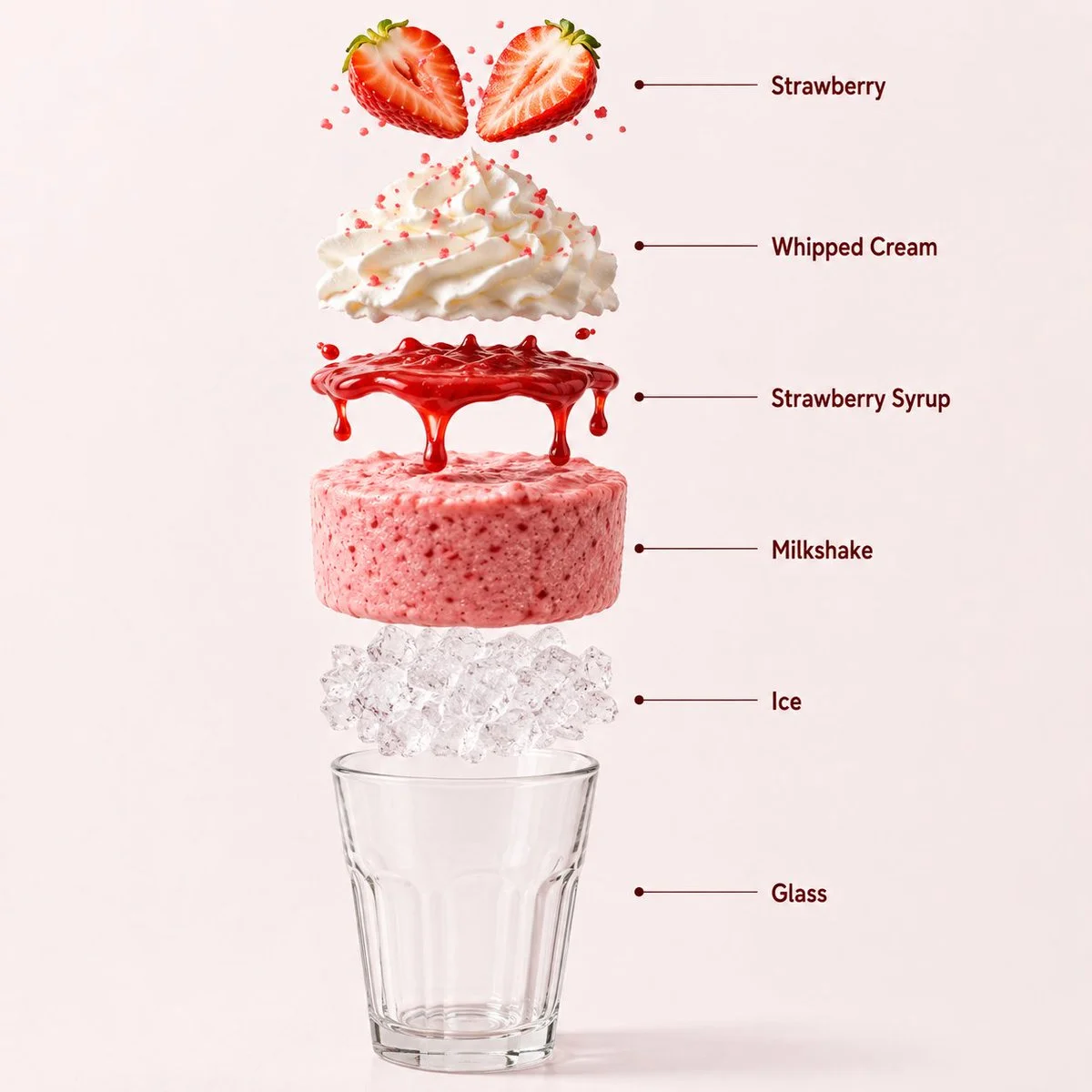
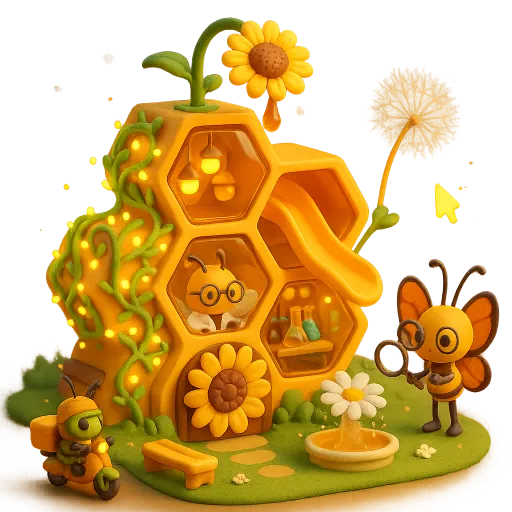
애니메이션 콘셉트
애니메이션 장면을 위한 캐릭터, 배경 및 색상 팔레트를 탐색하세요. 보존하려는 세부 사항을 명시하고 시퀀스를 개발하기 전에 각 결과를 검토하세요.
네 단계로 비디오 시작 프레임 만들기
브리프 작성 또는 참조 추가
피사체, 구도, 조명 및 시각적 스타일을 설명하세요. 선택한 모델이 편집을 지원하는 경우, 사용 권한이 있는 참조를 업로드하고 필요한 변경 사항을 설명하세요.
FLUX 이미지 모델 및 설정 선택
사용 가능한 이미지 카탈로그에서 모델을 선택하고 지원되는 크기, 품질 및 참조 컨트롤을 사용하세요. 제출하기 전에 필요한 크레딧을 검토하세요.
정지 이미지 생성 및 검토
Generate Image를 선택하고 History에서 요청을 추적하세요. 결과를 검사한 다음, 다른 버전이 필요하면 프롬프트나 지원되는 설정을 수정하세요.
다운로드하여 이미지 투 비디오에서 사용하기
선택한 정지 이미지를 다운로드하고, 비디오 생성기를 열고, 시작 프레임 참조로 업로드하세요. 모션을 별도로 설명하세요; 이미지 생성과 비디오 생성은 각자의 모델과 크레딧 견적을 사용합니다.
다음 프로젝트를 위한 시각적 아이디어
소셜 클립, 제품 스토리, 설명 영상 또는 애니메이션 장면을 계획하기 전에 정지 이미지를 사용하여 피사체, 스타일 및 구도를 설정하세요.
캐릭터 및 스타일 연구
장면의 캐릭터, 포즈, 조명 및 배경을 개발하세요. 캐릭터 움직임을 계획하기 전에 얼굴, 손, 의상 및 세부 사항을 검토하세요.
제품 및 캠페인 콘셉트
집중된 브리프에서 제품 설정이나 캠페인 분위기를 탐색하세요. 실제 제품 세부 사항과 결과를 확인하고 최종 텍스트나 브랜딩을 위한 공간을 남기세요.
설명 영상 및 프레젠테이션
하나의 교육 또는 프레젠테이션 포인트를 위한 간단한 비주얼을 준비하세요. 사실과 세부 사항을 검토하고, 정확성이 중요할 때 최종 라벨을 직접 추가하세요.
환경 및 스토리 세계
명확한 팔레트, 조명 및 규모감이 있는 환경 콘셉트를 구축하세요. 별도의 비디오 샷을 생성하기 전에 장면 방향을 계획하는 데 사용하세요.
시작 프레임을 위한 창의적 노트
스타일 단어를 추가하기 전에 피사체와 배경을 명시하세요. 주요 시각적 아이디어를 쉽게 인식할 수 있도록 유지하세요.

FLUX AI 이미지 생성기: 질문과 답변
FLUX 이미지 모델을 사용하여 텍스트 프롬프트나 지원되는 이미지 참조에서 정지 이미지를 생성합니다. flux3 video에서는 비주얼과 시작 프레임을 개발하는 데 사용하세요. 비디오 생성은 비디오 생성기에서 별도로 이루어집니다.
피사체, 배경, 구도, 조명 및 의도한 스타일을 설명하세요. 중요한 경우 색상이나 재질을 포함하세요. 비디오 시작 프레임의 경우, 피사체가 다음 동작을 위해 필요한 공간도 고려하세요.
이미지 모델 메뉴는 현재 이 사이트에서 사용 가능한 FLUX 모델을 보여줍니다. 각 모델은 자체 입력 요구 사항, 설정 및 크레딧 비용을 가지고 있습니다. 생성하기 전에 해당 메뉴를 사용하여 옵션을 검토하세요.
선택한 모델이 제공하는 경우 이미지 투 이미지 또는 편집 모드를 사용하세요. 사용 권한이 있는 지원되는 참조를 업로드하고, 하나의 변경 사항을 설명하고, 보존할 세부 사항을 명시하세요. 입력 횟수와 편집 컨트롤은 선택한 모델에 따라 다릅니다.
예. 선택한 이미지를 다운로드하고 별도의 비디오 생성기에서 이미지 투 비디오 모드로 업로드하세요. 의도한 동작과 카메라 움직임을 거기에서 설명하세요. FLUX 이미지 모델은 정지 이미지를 생성하고; 비디오 모델은 클립을 생성합니다.
적용 가능한 플랫폼 및 모델 약관과 업로드된 참조, 식별 가능한 인물, 로고 및 기타 소스 자료에 대한 권리를 검토하세요. 상업적 프로젝트에 사용하기 전에 의도하지 않은 세부 사항이 있는지 이미지를 검사하세요.
생성은 크레딧을 사용합니다. 잔액을 확인하고, FLUX 이미지 모델과 설정을 선택하고, 제출 전에 견적된 비용을 검토하세요. 사용 가능한 요금제와 크레딧 팩은 가격을 방문하세요.
완료된 이미지는 History에서 사용할 수 있습니다. 결과를 열어 검사하고 프로젝트나 이미지 투 비디오 워크플로를 위해 유지하려는 버전을 다운로드하세요.
해당 구매로 받은 미사용 크레딧이 있고 명확한 사유를 제공하는 경우 환불 정책에 따라 구매 후 10일 이내에 환불을 요청할 수 있습니다. 자격이 있는 경우 미사용 구매는 전액 환불되며, 일부 사용한 구매는 남은 미사용 크레딧에 비례하여 환불됩니다. 전액 사용한 구매와 무료 또는 프로모션 크레딧은 환불되지 않습니다.
크레딧 유효 기간은 이를 발급한 팩, 구독 또는 프로모션에 따라 다릅니다. 설정 > 크레딧에서 구매 조건과 만료일을 확인하세요. 갱신 또는 신규 구매는 이전 크레딧을 연장하지 않습니다. 명시된 만료 전에 크레딧을 사용하세요. 미사용 구독 크레딧이 무기한 이월된다고 가정하지 마세요.
시스템 오류로 실패가 확인된 작업에 청구된 크레딧은 자동으로 반환됩니다. 아직 처리 중인 작업은 실패로 확인되지 않은 상태입니다. 다시 제출하기 전에 작업 상태와 크레딧 내역을 확인하세요. 실패가 확인되었는데도 미해결 청구가 표시되면 작업 ID와 함께 support@flux3video.dev으로 이메일을 보내세요.
AI 결과는 달라질 수 있으므로, 기대와 다른 완료된 결과가 자동으로 기술적 실패로 처리되지는 않습니다. 해당되는 완료된 이미지 작업은 가능한 경우 환불 옵션을 통해 크레딧 환불 검토를 요청할 수 있으며, 승인이 필요합니다. 동영상 또는 다른 문제의 경우 작업 ID와 세부 정보를 포함하여 support@flux3video.dev으로 문의하세요. 크레딧 환불은 결제 수단으로 환불되는 것이 아니라 크레딧을 반환합니다.
support@flux3video.dev으로 이메일을 보내세요. 결제 관련 문의는 계정 이메일과 주문 ID를, 생성 관련 문의는 작업 ID, 문제 설명, 관련 스크린샷을 포함하세요. 게스트로 구매한 경우, 구매 내역을 찾을 수 있도록 원래 브라우저 데이터와 결제 영수증을 보관하세요.
FLUX로 다음 비디오 시작 프레임 만들기
텍스트나 지원되는 이미지 참조에서 시작하고, FLUX 이미지 모델을 선택하고, 설정과 크레딧 비용을 검토하세요. 완료된 결과를 다운로드한 다음, 별도의 이미지 투 비디오 워크플로로 가져오세요.
flux3video.dev · 수정일
업데이트 기록 보기
- — 편집 가능한 예시 프롬프트, 텍스트 및 참조 모드별 초안, 예시 복원 기능을 추가했습니다.
- — 페이지 문구와 콘텐츠가 업데이트되었습니다.
- — 페이지 콘텐츠가 게시되었습니다.