
Genie 4 vs AI Video Generators: A Three-Shot Delivery Plan
Genie 4 vs AI Video Generators: decide whether to explore a steerable scene or prepare fixed clips for editing. Use a practical three-shot courier worksheet with continuity notes, motion bounds, and clear accept-or-revise checks.
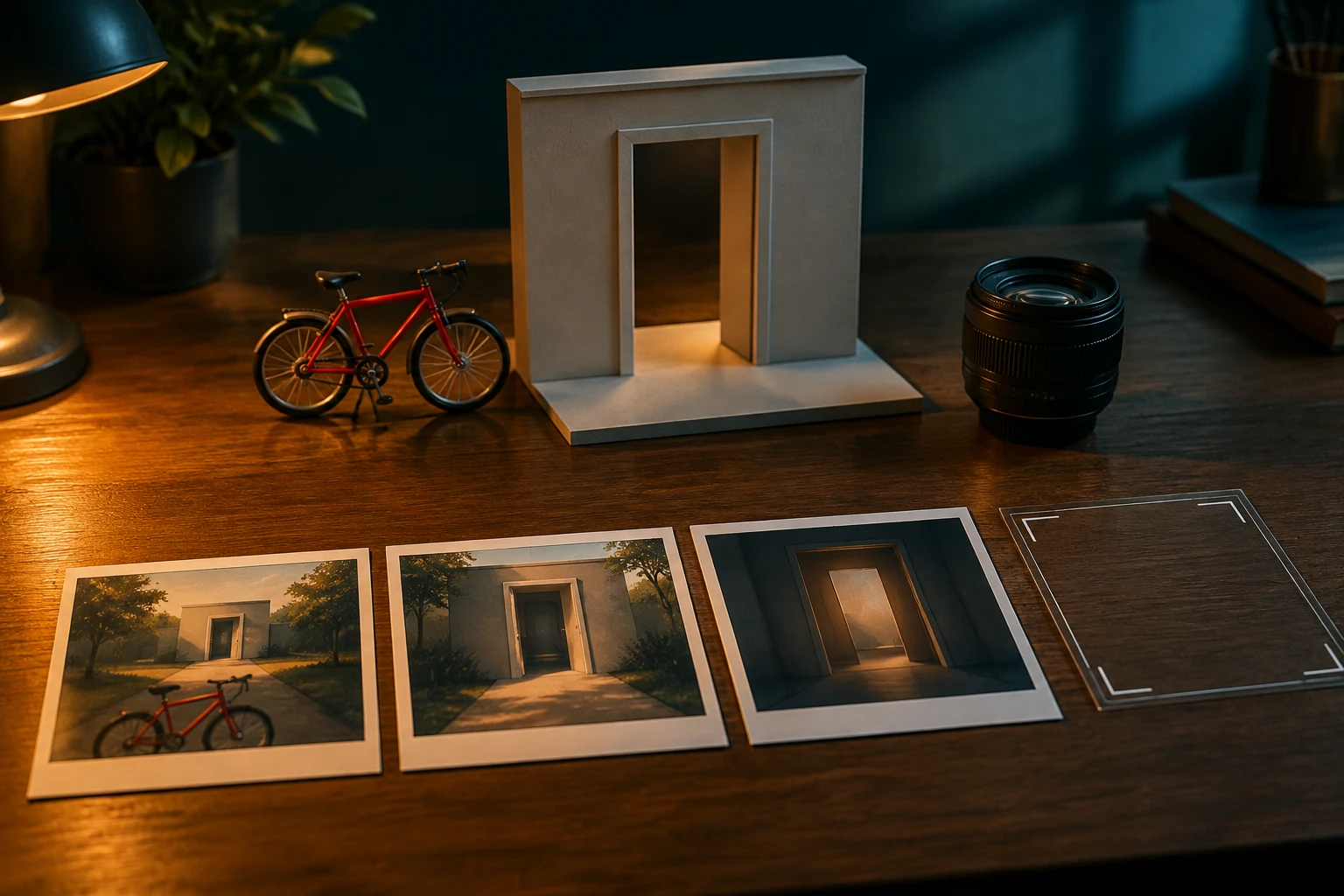
For a short visual story about a courier arriving at a quiet studio, Genie 4 vs AI Video Generators comes down to whether you want to explore a steerable scene or prepare clips for an edit. Choose a world-model experience when the creative task is discovering possible camera moves inside a scene; choose an ordinary prompt-or-image video workflow when you need generated clips to review and potentially hand off. This is a planning comparison, not a claim that one route guarantees better footage.
What's new on this page
- 2026-11-13 — Page published. Added a three-shot courier worksheet with continuity notes, motion bounds, and accept-or-revise checks.
The decision in one line
For a compact, preplanned sequence, start by specifying the shots and delivery checks below, then review the live model options, credits, and History in the video workspace. If your central need is to steer a scene interactively while exploring camera possibilities, Genie 4 may be relevant—but its availability and fit need checking against the official information and your own access. flux3video.dev does not provide Genie 4 access. Its positioning is a video-first creative workspace for turning prompts and images into visual stories, not a user-steered Genie environment.
Official context, briefly
As of November 13, 2026, Google DeepMind describes Genie 4, announced October 27, as an interactive world-model research preview for trusted testers, with wider availability forthcoming. It supports real-time scene steering with native audio, while continuity and audio remain limited. We have not run it or independently benchmarked performance, price, country availability, or latency. (Official model page; official announcement)
Shot-delivery worksheet: the quiet-studio arrival
Premise: A courier reaches a quiet studio on a red bicycle, leaves a parcel at the entrance, and the story settles into stillness. The three shots have different jobs: establish arrival, make the delivery readable, and provide a clean ending. The plan assumes a muted daytime mood and a simple studio doorway. Treat the notes as a brief to guide creation and review—not as footage, a test result, or a promise that a tool will follow every instruction exactly.
Shot 1 — Approach: locate the arrival
Intention: Show the courier and red bicycle entering the frame and approaching the studio. The audience should understand where the courier is going before the delivery action begins.
Composition and action: Use a wide view that keeps the doorway visible as a destination. The courier approaches from the left on the bicycle and slows near the entrance. Keep the parcel visible enough to establish what the courier is carrying, without making it the shot’s main event.
Continuity notes: The bicycle is red; the parcel stays with the courier; the studio doorway is the destination for all three shots. Keep the courier’s clothing and bicycle details consistent in any reference images or prompts used for later shots. End with the courier near the doorway, not already inside.
Motion bounds: One approach and one slowdown. No sudden turn, extra entrance, or abrupt camera reposition. Keep the doorway in view.
Accept if: The destination reads clearly, the courier visibly approaches it, and the parcel remains present.
Revise if: The courier starts at the door, travels away from it, changes direction unexpectedly, or the doorway disappears before the next shot can connect.
Shot 2 — Handoff: make the delivery legible
Intention: Show the parcel being left at the studio entrance. This is the story’s key action, so prioritize readable movement over a dramatic camera move.
Composition and action: Frame the courier, bicycle, parcel, and doorway together closely enough to follow the action. The courier stops, dismounts, and places the parcel beside the entrance. Hold briefly after the placement so the viewer can register the result.
Continuity notes: Match the courier, bicycle, parcel, and doorway to Shot 1. The bicycle remains outside. The parcel is the same object carried in the approach and is left beside the same entrance. Keep the courier’s movement direction consistent where the cut allows.
Motion bounds: One stop, one dismount, one parcel placement. Avoid adding a second parcel, handing the parcel to an unseen person, or moving the bicycle indoors. Keep any camera movement restrained enough that the placement stays visible.
Accept if: The parcel’s transfer from courier to doorstep is clear, and the bicycle remains outside.
Revise if: The parcel vanishes, changes apparent location, or is left somewhere other than the entrance; revise if a camera move hides the placement.
Shot 3 — Still ending: let the arrival land
Intention: End on a quiet image that confirms the courier has completed the delivery. This shot gives the editor a simple place to end, rather than introducing a new event.
Composition and action: Hold on the entrance area with the parcel visible. The courier may leave the frame, but the bicycle, courier, or doorway should not acquire a new action that changes the story. Favor a stable composition and an unhurried finish.
Continuity notes: Keep the parcel beside the same doorway, with the bicycle outside if it remains visible. Preserve the established studio appearance and time-of-day mood. The final image should follow the placement in Shot 2, not imply a different delivery.
Motion bounds: Minimal movement: a small exit or settling action, then a hold. No new visitor, extra parcel, or camera move that obscures the package.
Accept if: The delivered parcel remains visible and the image reads as a completed, quiet ending.
Revise if: The parcel is missing, back with the courier, or elsewhere; revise if an added action makes the sequence feel unfinished or changes its premise.
Delivering clips, not a steerable world
This worksheet is built around three bounded clips that can be reviewed against a known intention. A prompt-and-image video workflow can be useful when the task is to create a clip from supplied direction or imagery; actual options depend on the live tools available. It is not the same interaction as exploring a world by steering it in real time. Nor should any one outcome be assumed for every video generator.
If the clips suit the brief, a separate step in an external editor could be to arrange them as approach, handoff, and still ending, then review the cuts for continuity. That is a suggested editing workflow, not a built-in editor claim about flux3video.dev. Check the workspace’s live model options and History when reviewing what is available and what you have made; check credits before committing to a workflow. Do not assume a particular duration, resolution, audio option, or usage allowance without verifying the current interface.
Use the worksheet as the handoff
Before generating, choose whether you need to explore camera possibilities or make bounded clips for an edit. Then keep the three shot intentions separate and use each accept-or-revise check as a review gate. If the courier’s identity, bicycle, parcel, or doorway changes between shots, fix the continuity brief before trying to solve it with a more elaborate ending.
For the next task, AI video supports exploring the current prompt-and-image video workflow; AI image supports preparing or refining a visual reference for the courier, bicycle, or studio entrance; Pricing supports checking current plan and credit information; and Blog supports browsing other workflow guides. These are separate next steps, not claims that the tools share a timeline or that Genie 4 is available here.