
Prompt verificado
*A cinematic magical-realism sequence set on a quiet European-style city street during a gentle rainfall at blue hour. A beautiful young woman in a light pastel raincoat walks calmly through the rain. Curious, she raises her hand and catches a single raindrop. The instant it touches her fingertips, it transforms into a delicate blooming flower. As she continues walking, every raindrop that lands on her or touches the ground blossoms into vibrant wildflowers, roses, daisies, cherry blossoms, and colourful petals. Within seconds, the once-grey street transforms into a breathtaking floral paradise. Flowers bloom naturally from the wet pavement, climb walls, decorate lamp posts, and spread across rooftops. Soft petals swirl gracefully in the wind while warm golden streetlights reflect on the rain-soaked road, creating a dreamy, enchanting atmosphere.* *The camera opens with an extreme close-up of the raindrop touching her fingertips, then smoothly transitions into a slow cinematic tracking shot following her as flowers bloom behind every step. Include realistic character animation, subtle facial expressions of wonder, natural walking motion, flowing hair and clothing physics, volumetric rainfall, realistic water splashes, soft fog, depth of field, cinematic lens flares, HDR lighting, global illumination, highly detailed flower growth animation, seamless motion, ultra-realistic textures, magical realism, premium film quality, 4K, 24fps, masterpiece, emotionally uplifting, visually breathtaking.* **Negative Prompt:** *Low quality, blurry, low resolution, cartoon, anime, CGI look, plastic skin, unrealistic flowers, duplicated flowers, flickering, jitter, unstable motion, deformed anatomy, extra fingers, bad hands, distorted face, oversaturated colours, flat lighting, frame glitches, artifacts, text, subtitles, watermark, logo, noise, compression, camera shake, abrupt transitions, unrealistic physics.*
*A cinematic magical-realism sequence set on a quiet European-style city street during a gentle rainfall at blue hour. A beautiful young woman in a light pastel raincoat walks calmly through the rain. Curious, she raises her hand and catches a single raindrop. The instant it touches her fingertips, it transforms into a delicate blooming flower. As she continues walking, every raindrop that lands on her or touches the ground blossoms into vibrant wildflowers, roses, daisies, cherry blossoms, and colourful petals. Within seconds, the once-grey street transforms into a breathtaking floral paradise. Flowers bloom naturally from the wet pavement, climb walls, decorate lamp posts, and spread across rooftops. Soft petals swirl gracefully in the wind while warm golden streetlights reflect on the rain-soaked road, creating a dreamy, enchanting atmosphere.* *The camera opens with an extreme close-up of the raindrop touching her fingertips, then smoothly transitions into a slow cinematic tracking shot following her as flowers bloom behind every step. Include realistic character animation, subtle facial expressions of wonder, natural walking motion, flowing hair and clothing physics, volumetric rainfall, realistic water splashes, soft fog, depth of field, cinematic lens flares, HDR lighting, global illumination, highly detailed flower growth animation, seamless motion, ultra-realistic textures, magical realism, premium film quality, 4K, 24fps, masterpiece, emotionally uplifting, visually breathtaking.* **Negative Prompt:** *Low quality, blurry, low resolution, cartoon, anime, CGI look, plastic skin, unrealistic flowers, duplicated flowers, flickering, jitter, unstable motion, deformed anatomy, extra fingers, bad hands, distorted face, oversaturated colours, flat lighting, frame glitches, artifacts, text, subtitles, watermark, logo, noise, compression, camera shake, abrupt transitions, unrealistic physics.*
Prompt verificado
Create a 12 second photorealistic cinematic behind the scenes filmmaking video in a 16:9 landscape aspect ratio. The scene takes place inside a busy modern office film set. Desks, computers, scattered papers, fluorescent ceiling lights, camera equipment, LED panels, C-stands, cables, crew members and a production monitor are visible throughout the scene. A male film director in his early 30s wears a dark utility jacket, black trousers, a baseball cap and headphones around his neck. He speaks naturally to the behind-the-scenes camera while demonstrating how the office chaos scene was filmed. 0–3 SECONDS: Begin with a handheld medium-wide tracking shot as the director walks backward through the office set while facing the camera. Behind him, crew members quickly reset chairs, collect papers and prepare the actors. The director points toward the main actor and says: “The trick was keeping our hero completely calm.” 3–6 SECONDS: The director walks beside the lead actor, who wears a red and black striped T shirt, loose black trousers and a black knitted beanie. The actor remains perfectly still while several extras rehearse fast movements behind him. The director gestures toward the background and says: “Everything behind him was carefully choreographed.” 6–9 SECONDS: Show fast behind the scenes insert shots: — an assistant placing paper inside a hidden air blower — crew members counting down with hand signals — background actors preparing to jump onto desks — a camera operator framing the shot through a cinema camera — the director watching the production monitor The director continues as voiceover: “Then we triggered the chaos in one take.” 9–12 SECONDS: The director raises his hand and calls: “Three, two, one action!” Immediately show the practical effect happening on set. Papers blast through the office, extras jump and run across the desks, chairs move, and the lead actor remains completely calm and motionless in the center. End with the director smiling while watching the successful shot on the production monitor. VISUAL STYLE: Authentic movie set documentary footage, natural handheld movement, realistic behind the scenes lighting, subtle camera shake, believable crew activity, detailed production equipment and natural human movement. Use medium wide compositions that clearly show both the director and the active film set. The final action moment should briefly appear more cinematic, with stronger contrast, cool teal green office tones, natural skin tones, realistic motion blur and subtle film grain. DIALOGUE STYLE: Natural American English male voice, confident and conversational director delivery, accurate lip synchronization, no robotic narration. AUDIO: Clear director dialogue, paper fluttering, crew footsteps, camera equipment sounds, subtle office ambience and a light energetic cinematic rhythm underneath. No subtitles, no captions, no logos, no watermark, no visible brands, no split screen and no artificial CGI appearance.
Create a 12 second photorealistic cinematic behind the scenes filmmaking video in a 16:9 landscape aspect ratio. The scene takes place inside a busy modern office film set. Desks, computers, scattered papers, fluorescent ceiling lights, camera equipment, LED panels, C-stands, cables, crew members and a production monitor are visible throughout the scene. A male film director in his early 30s wears a dark utility jacket, black trousers, a baseball cap and headphones around his neck. He speaks naturally to the behind-the-scenes camera while demonstrating how the office chaos scene was filmed. 0–3 SECONDS: Begin with a handheld medium-wide tracking shot as the director walks backward through the office set while facing the camera. Behind him, crew members quickly reset chairs, collect papers and prepare the actors. The director points toward the main actor and says: “The trick was keeping our hero completely calm.” 3–6 SECONDS: The director walks beside the lead actor, who wears a red and black striped T shirt, loose black trousers and a black knitted beanie. The actor remains perfectly still while several extras rehearse fast movements behind him. The director gestures toward the background and says: “Everything behind him was carefully choreographed.” 6–9 SECONDS: Show fast behind the scenes insert shots: — an assistant placing paper inside a hidden air blower — crew members counting down with hand signals — background actors preparing to jump onto desks — a camera operator framing the shot through a cinema camera — the director watching the production monitor The director continues as voiceover: “Then we triggered the chaos in one take.” 9–12 SECONDS: The director raises his hand and calls: “Three, two, one action!” Immediately show the practical effect happening on set. Papers blast through the office, extras jump and run across the desks, chairs move, and the lead actor remains completely calm and motionless in the center. End with the director smiling while watching the successful shot on the production monitor. VISUAL STYLE: Authentic movie set documentary footage, natural handheld movement, realistic behind the scenes lighting, subtle camera shake, believable crew activity, detailed production equipment and natural human movement. Use medium wide compositions that clearly show both the director and the active film set. The final action moment should briefly appear more cinematic, with stronger contrast, cool teal green office tones, natural skin tones, realistic motion blur and subtle film grain. DIALOGUE STYLE: Natural American English male voice, confident and conversational director delivery, accurate lip synchronization, no robotic narration. AUDIO: Clear director dialogue, paper fluttering, crew footsteps, camera equipment sounds, subtle office ambience and a light energetic cinematic rhythm underneath. No subtitles, no captions, no logos, no watermark, no visible brands, no split screen and no artificial CGI appearance.
Prompt verificado
[CINEMATIC SETUP] Real TV Broadcast style. Shot on 35mm lenses with high-shutter speed to capture water droplets. Color grade: Natural, overcast race aesthetic matching the lighting in [ref img] . Audio: Immersive spatial sound with high-pitched engine whirring, heavy water splashing, and dramatic sports commentary muffled by engine noise. [IMAGE REFERENCES / LEGEND] [ref img] : The starting grid at Autodromo Nazionale Monza. Use this for the exact hovercraft designs, the wet track texture, and the "LIVE SPORTS" UI overlay. [TIMELINE SECOND BY SECOND] 0-3s: [Wide shot] Match [ref img] perfectly. The red lights vanish; the hovercrafts accelerate instantly with massive "rooster tail" water spray. Realistic physics as the crafts lift off the wet asphalt. 3-7s: [Aerial Drone tracking shot] High-angle view following the pack into a sharp curve. Two hovercrafts lose stability, skip across the water's surface, and land into the grass/mud runoff, creating a debris cloud. 7-11s: [Close-up tracking shot] Focus on the head of the race. A blue "TechHalla Aqua" craft attempts an aggressive overtake. Suddenly, a large crocodile lunges from the trackside water, biting into the thick rubber tire of the chasing craft. The craft jerks and spins out of control. 11-15s: [Ground-level wide shot] The hovercraft comes to a stop. The bald with beard pilot frantically climbs out of the cockpit. The crocodile crawls onto the track toward him. The shot ends with the pilot running toward the camera as the crocodile pursues.
[CINEMATIC SETUP] Real TV Broadcast style. Shot on 35mm lenses with high-shutter speed to capture water droplets. Color grade: Natural, overcast race aesthetic matching the lighting in [ref img] . Audio: Immersive spatial sound with high-pitched engine whirring, heavy water splashing, and dramatic sports commentary muffled by engine noise. [IMAGE REFERENCES / LEGEND] [ref img] : The starting grid at Autodromo Nazionale Monza. Use this for the exact hovercraft designs, the wet track texture, and the "LIVE SPORTS" UI overlay. [TIMELINE SECOND BY SECOND] 0-3s: [Wide shot] Match [ref img] perfectly. The red lights vanish; the hovercrafts accelerate instantly with massive "rooster tail" water spray. Realistic physics as the crafts lift off the wet asphalt. 3-7s: [Aerial Drone tracking shot] High-angle view following the pack into a sharp curve. Two hovercrafts lose stability, skip across the water's surface, and land into the grass/mud runoff, creating a debris cloud. 7-11s: [Close-up tracking shot] Focus on the head of the race. A blue "TechHalla Aqua" craft attempts an aggressive overtake. Suddenly, a large crocodile lunges from the trackside water, biting into the thick rubber tire of the chasing craft. The craft jerks and spins out of control. 11-15s: [Ground-level wide shot] The hovercraft comes to a stop. The bald with beard pilot frantically climbs out of the cockpit. The crocodile crawls onto the track toward him. The shot ends with the pilot running toward the camera as the crocodile pursues.
Prompt verificado
Prompt verificado
Motion transfer: replicate the exact camera movement, timing, and rhythm of the reference video, applied to a new subject: a kraft-paper burger bag with a folded top and clean logo, next to a paper cup with lid, straw, and condensation. Both items move together as one group with natural weight. Clean restaurant counter, warm blurred background, soft key light with warm rim light. Commercial food ad look, 4K, shallow depth of field, smooth stabilized motion, consistent shape, colors, and logo placement in every frame. Negative: distorted logo, unreadable text, warped packaging, morphing objects, flickering textures, color shifts between frames, jitter, jerky motion, motion not matching the reference, extra or duplicate objects, floating objects, deformed lid, bent straw, low resolution, blurry, overexposed, harsh shadows, cartoon, CGI look, watermark, subtitles, hands, people, cropped subjects
Motion transfer: replicate the exact camera movement, timing, and rhythm of the reference video, applied to a new subject: a kraft-paper burger bag with a folded top and clean logo, next to a paper cup with lid, straw, and condensation. Both items move together as one group with natural weight. Clean restaurant counter, warm blurred background, soft key light with warm rim light. Commercial food ad look, 4K, shallow depth of field, smooth stabilized motion, consistent shape, colors, and logo placement in every frame. Negative: distorted logo, unreadable text, warped packaging, morphing objects, flickering textures, color shifts between frames, jitter, jerky motion, motion not matching the reference, extra or duplicate objects, floating objects, deformed lid, bent straw, low resolution, blurry, overexposed, harsh shadows, cartoon, CGI look, watermark, subtitles, hands, people, cropped subjects
Prompt verificado
风格:真实、高级、自然光汽车时尚短片,白天城市光线,快节奏卡点混剪 人物锁定: 始终使用参考图中的同一位棕发女性。五官、发型、肤色、年龄和身材比例全程一致,绝不换脸。 穿搭与车辆固定组合(全片不得串换): 组合A:黄色短款吊带背心+黑色白边运动短裤+白色运动鞋 ←→ 黑黄双色内饰豪华SUV 组合B:黑色一字肩修身连衣裙+金色细腰带 ←→ 酒红色皮革内饰敞篷跑车 组合C:黑色机车皮夹克+白色内搭+高腰喇叭牛仔裤 ←→ 深红色内饰轿跑 组合D:奶油白短款西装+同色A字短裙+珍珠项链 ←→ 米白色内饰轿车 组合E:雾霾蓝修身运动套装+白色棒球帽+白色斜挎小包 ←→ 冷灰浅蓝内饰运动轿跑 摄影规则: 固定副驾驶机位,斜拍驾驶位,人物位于画面中间偏右,方向盘位于右侧前景。换车后保持相近的脸部大小、坐姿、视线、安全带角度和扶方向盘位置。行驶镜头车外景物始终从右向左移动,阳光和树影在人物身上流动。 所有变装和换车均使用音乐重拍上的单帧硬切。没有魔法变装、渐变或复杂特效。 SHOT 1|上车动作匹配(0-5秒) 0-1.6秒:组合A。主角坐进SUV驾驶位,低头拉过安全带,右手拉住肩带,左手摸向腰侧卡扣,嘴里轻轻哼着歌。1.6秒在卡扣即将扣合时硬切。 1.6-3.1秒:组合B。保持相同低头角度、手部位置和安全带方向,她无缝接续上一镜的动作把安全带"咔哒"扣好,随手理了一下裙摆。3.1秒硬切。 3.1-4.0秒:组合C。她从驾驶门坐入,同时把黑色手提包干脆地甩向左侧副驾驶座。4.0秒在包甩过画面中线时硬切。 4.0-5.0秒:组合D。浅色手提包沿完全相同的轨迹继续飞向副驾驶座稳稳落下,她坐稳后右手顺势带上车门,回头朝副驾方向轻轻一笑。 SHOT 2|驾驶变装轮换(5-12.5秒) 5.0-6.4秒:硬切到车辆已在行驶。组合B,安全带已系好,右手扶方向盘,左手搭在腿上,短发被气流轻轻吹动,她跟着音乐微微点头。6.4秒硬切。 6.4-7.7秒:组合A,保持人物姿态和构图,她看向前方道路,手指在方向盘上打拍子。7.7秒硬切。 7.7-9.0秒:组合E,右手扶方向盘,左手轻轻把耳边短发别到耳后,目光扫了一眼副驾驶座。9.0秒硬切。 9.0-10.2秒:组合C,保持相同坐姿,她短暂看向镜头挑了下眉,随即转回道路。10.2秒硬切。 10.2-11.3秒:组合D,浅色手提包放在副驾驶座上,她平稳驾驶,嘴角带笑像在跟副驾聊天。11.3秒硬切。 11.3-12.5秒:组合B,她微微抬起下巴,从容驾驶,窗外光影快速掠过。 SHOT 3|快速轮换与收尾(12.5-15秒) 12.5-13.2秒:踩重拍硬切组合A,她正随节奏轻晃肩膀。 13.2-13.9秒:保持头部、肩膀和手部位置,硬切组合D。 13.9-15.0秒:最后硬切组合C。主角双手短暂握住方向盘,随后微微转脸看向镜头,露出自信、克制的表情,干净定格结束。 音效设计: 开场安全带"咔哒"声接轻快鼓点;每次硬切落在音乐重拍上,配极短的切换音效;行驶段有轻微引擎声和风声垫底;结尾重拍收束。 剪辑要求: 每次切换都必须是干净的单帧硬切。硬切前后人物的头部位置、肩膀高度、安全带斜线、视线方向和方向盘位置尽量对齐。车辆只通过座椅颜色、内饰材质和车顶结构区分,不展示车辆外观。人物每个镜头必须有具体的小动作(哼歌、打拍子、别头发、点头、微笑、挑眉),禁止任何镜头呆坐不动。 负面提示词: 换脸,长发,人物比例变化,服装融化,服装与车辆组合错乱,车辆内饰变形,渐变变装,粒子转场,闪白转场,旋转转场,机位漂移,方向盘换边,安全带方向改变,手部畸形,多余肢体,包漂浮,错误文字,字幕,水印,塑料CG质感
风格:真实、高级、自然光汽车时尚短片,白天城市光线,快节奏卡点混剪 人物锁定: 始终使用参考图中的同一位棕发女性。五官、发型、肤色、年龄和身材比例全程一致,绝不换脸。 穿搭与车辆固定组合(全片不得串换): 组合A:黄色短款吊带背心+黑色白边运动短裤+白色运动鞋 ←→ 黑黄双色内饰豪华SUV 组合B:黑色一字肩修身连衣裙+金色细腰带 ←→ 酒红色皮革内饰敞篷跑车 组合C:黑色机车皮夹克+白色内搭+高腰喇叭牛仔裤 ←→ 深红色内饰轿跑 组合D:奶油白短款西装+同色A字短裙+珍珠项链 ←→ 米白色内饰轿车 组合E:雾霾蓝修身运动套装+白色棒球帽+白色斜挎小包 ←→ 冷灰浅蓝内饰运动轿跑 摄影规则: 固定副驾驶机位,斜拍驾驶位,人物位于画面中间偏右,方向盘位于右侧前景。换车后保持相近的脸部大小、坐姿、视线、安全带角度和扶方向盘位置。行驶镜头车外景物始终从右向左移动,阳光和树影在人物身上流动。 所有变装和换车均使用音乐重拍上的单帧硬切。没有魔法变装、渐变或复杂特效。 SHOT 1|上车动作匹配(0-5秒) 0-1.6秒:组合A。主角坐进SUV驾驶位,低头拉过安全带,右手拉住肩带,左手摸向腰侧卡扣,嘴里轻轻哼着歌。1.6秒在卡扣即将扣合时硬切。 1.6-3.1秒:组合B。保持相同低头角度、手部位置和安全带方向,她无缝接续上一镜的动作把安全带"咔哒"扣好,随手理了一下裙摆。3.1秒硬切。 3.1-4.0秒:组合C。她从驾驶门坐入,同时把黑色手提包干脆地甩向左侧副驾驶座。4.0秒在包甩过画面中线时硬切。 4.0-5.0秒:组合D。浅色手提包沿完全相同的轨迹继续飞向副驾驶座稳稳落下,她坐稳后右手顺势带上车门,回头朝副驾方向轻轻一笑。 SHOT 2|驾驶变装轮换(5-12.5秒) 5.0-6.4秒:硬切到车辆已在行驶。组合B,安全带已系好,右手扶方向盘,左手搭在腿上,短发被气流轻轻吹动,她跟着音乐微微点头。6.4秒硬切。 6.4-7.7秒:组合A,保持人物姿态和构图,她看向前方道路,手指在方向盘上打拍子。7.7秒硬切。 7.7-9.0秒:组合E,右手扶方向盘,左手轻轻把耳边短发别到耳后,目光扫了一眼副驾驶座。9.0秒硬切。 9.0-10.2秒:组合C,保持相同坐姿,她短暂看向镜头挑了下眉,随即转回道路。10.2秒硬切。 10.2-11.3秒:组合D,浅色手提包放在副驾驶座上,她平稳驾驶,嘴角带笑像在跟副驾聊天。11.3秒硬切。 11.3-12.5秒:组合B,她微微抬起下巴,从容驾驶,窗外光影快速掠过。 SHOT 3|快速轮换与收尾(12.5-15秒) 12.5-13.2秒:踩重拍硬切组合A,她正随节奏轻晃肩膀。 13.2-13.9秒:保持头部、肩膀和手部位置,硬切组合D。 13.9-15.0秒:最后硬切组合C。主角双手短暂握住方向盘,随后微微转脸看向镜头,露出自信、克制的表情,干净定格结束。 音效设计: 开场安全带"咔哒"声接轻快鼓点;每次硬切落在音乐重拍上,配极短的切换音效;行驶段有轻微引擎声和风声垫底;结尾重拍收束。 剪辑要求: 每次切换都必须是干净的单帧硬切。硬切前后人物的头部位置、肩膀高度、安全带斜线、视线方向和方向盘位置尽量对齐。车辆只通过座椅颜色、内饰材质和车顶结构区分,不展示车辆外观。人物每个镜头必须有具体的小动作(哼歌、打拍子、别头发、点头、微笑、挑眉),禁止任何镜头呆坐不动。 负面提示词: 换脸,长发,人物比例变化,服装融化,服装与车辆组合错乱,车辆内饰变形,渐变变装,粒子转场,闪白转场,旋转转场,机位漂移,方向盘换边,安全带方向改变,手部畸形,多余肢体,包漂浮,错误文字,字幕,水印,塑料CG质感
Prompt verificado
Create a premium cinematic character bible sheet for a Wing Chun master named IP MAN. Use the uploaded character sheet as the strict visual reference for his exact face, body, proportions, hair, skin tone and outfit. Do not change his appearance. LEFT SIDE: Massive bold brushstroke painted text IP MAN top left corner, rough expressive hand-painted brush font in deep black with subtle red accent. Below it small text: WING CHUN MASTER / THE SILENT FIST. One large full height dynamic hero pose of Ip Man directly below — standing in classic Wing Chun ready stance, one hand forward open palm, other hand pulled back at hip, completely composed, black changshan flowing slightly, traditional Chinese ink wash splash behind him, deep blacks and subtle reds radiating outward fading into white, no box no frame, standing directly on the white page. CENTER: Section labeled TURNAROUND in small clean text. Three full body views: Front, Side, Back. Same character same outfit same proportions. Below: TRAINING EQUIPMENT with clean illustration of the Muk Yan Jong wooden dummy — tall post, three arms, diagonal leg, wooden cross base. RIGHT SIDE: Section labeled DETAILS. Grid of four clean close-up panels: Face front calm and composed, Face side profile, Eyes authoritative and focused, Hands in Wing Chun stance close-up showing finger position. Below: COLOR PALETTE — black, white, dark wood brown, stone grey. Tagline bottom right: SIFU. OVERALL: Clean white background, black and red ink wash behind hero pose, minimal clean typography, cinematic cel-shaded 3D anime, semi-realistic CGI, hand-painted textures, digital painting feel, hard-edge brushwork, not cartoon not Disney not Pixar, print ready.
Create a premium cinematic character bible sheet for a Wing Chun master named IP MAN. Use the uploaded character sheet as the strict visual reference for his exact face, body, proportions, hair, skin tone and outfit. Do not change his appearance. LEFT SIDE: Massive bold brushstroke painted text IP MAN top left corner, rough expressive hand-painted brush font in deep black with subtle red accent. Below it small text: WING CHUN MASTER / THE SILENT FIST. One large full height dynamic hero pose of Ip Man directly below — standing in classic Wing Chun ready stance, one hand forward open palm, other hand pulled back at hip, completely composed, black changshan flowing slightly, traditional Chinese ink wash splash behind him, deep blacks and subtle reds radiating outward fading into white, no box no frame, standing directly on the white page. CENTER: Section labeled TURNAROUND in small clean text. Three full body views: Front, Side, Back. Same character same outfit same proportions. Below: TRAINING EQUIPMENT with clean illustration of the Muk Yan Jong wooden dummy — tall post, three arms, diagonal leg, wooden cross base. RIGHT SIDE: Section labeled DETAILS. Grid of four clean close-up panels: Face front calm and composed, Face side profile, Eyes authoritative and focused, Hands in Wing Chun stance close-up showing finger position. Below: COLOR PALETTE — black, white, dark wood brown, stone grey. Tagline bottom right: SIFU. OVERALL: Clean white background, black and red ink wash behind hero pose, minimal clean typography, cinematic cel-shaded 3D anime, semi-realistic CGI, hand-painted textures, digital painting feel, hard-edge brushwork, not cartoon not Disney not Pixar, print ready.
Prompt verificado
15-second intense action sequence, handheld camera tracking sideways at high speed alongside a black horse galloping through a dense foggy forest at dawn, low angle, mud splashing on the lens, camera shakes slightly with each horse's hoofbeat, branches of trees whip past the frame, sun rays piercing through the mist creating god rays. cinematic color grading teal-orange, dynamic and gritty feel.
15-second intense action sequence, handheld camera tracking sideways at high speed alongside a black horse galloping through a dense foggy forest at dawn, low angle, mud splashing on the lens, camera shakes slightly with each horse's hoofbeat, branches of trees whip past the frame, sun rays piercing through the mist creating god rays. cinematic color grading teal-orange, dynamic and gritty feel.
Prompt verificado
A professional film storyboard sheet, clean infographic layout on off-white paper. Bold title top-left: "THE 3AM RAMEN CHEF". Top-right header: "TOTAL VIDEO TIME: 60 SECONDS · 4 CLIPS · 8 SHOTS · SACRED · UNHINGED · DELICIOUS". A thin icon legend row below the title with four small icons labeled: ACTION, HEAT, TIME HINT, INGREDIENT. A 4×2 grid of 8 numbered storyboard panels (1–8), each a 3D Pixar-style rendered frame with a small caption label, tiny action icons, and a time stamp. Panels are grouped into 4 clips (2 panels each): CLIP 1 — THE SUMMONS: 1. THE RELIC — a sleepy young man in a hoodie in a dark kitchen lit only by open microwave and fridge glow, holding a single instant ramen packet up like a holy relic, dramatic low angle, reverent. 2. THE FLAME — extreme close-up of a blue stove flame whooshing to life under a pot, water pouring in, steam rising, filmed like a Michelin cooking sequence. CLIP 2 — THE CRAFT: 3. THE SACRED PACKET — macro shot of fingers tearing the seasoning packet in slow motion, powder cascading like gold dust into the pot. 4. THE BLOOM — the dry noodle brick lowered into boiling water with surgeon-like focus, intense squint, steam reflecting on his face. CLIP 3 — THE MASTERPIECE: 5. THE EGG — a raw egg cracked one-handed over the pot with theatrical flair, yolk suspended mid-air, dramatic hero lighting. 6. THE PLATING — he lifts noodles high with chopsticks in an artful swirl, garnish sprinkled with a chef's-kiss flourish, restaurant-quality presentation. CLIP 4 — THE TRUTH: 7. THE ANTICLIMAX — reality snaps back: he stands at the dark counter in socks, eating straight out of the pot, hunched, no bowl, no plate. 8. THE PEACE — extreme close-up of his face, cheeks full of noodles, eyes closed in blissful contentment, a tiny happy tear. Bottom section with three labeled note blocks: VIDEO FLOW: 4 clips × 15s · sacred ritual → fine-dining fantasy → eating from the pot in the dark. LIGHT & STYLE: moody dark kitchen, warm microwave and stove glow as key light, steam and dust in the beams, shallow depth of field, bright vivid Pixar colors. DIRECTOR NOTES: one man, one packet of instant noodles, 3AM. Treat instant ramen like a Michelin tasting menu, then hard-cut to reality. Shots 2–6 are pure fine dining; shot 7 is the punchline — sell the mismatch. Consistent character across all panels, warm cinematic Pixar-Disney 3D animation style, high detail.
A professional film storyboard sheet, clean infographic layout on off-white paper. Bold title top-left: "THE 3AM RAMEN CHEF". Top-right header: "TOTAL VIDEO TIME: 60 SECONDS · 4 CLIPS · 8 SHOTS · SACRED · UNHINGED · DELICIOUS". A thin icon legend row below the title with four small icons labeled: ACTION, HEAT, TIME HINT, INGREDIENT. A 4×2 grid of 8 numbered storyboard panels (1–8), each a 3D Pixar-style rendered frame with a small caption label, tiny action icons, and a time stamp. Panels are grouped into 4 clips (2 panels each): CLIP 1 — THE SUMMONS: 1. THE RELIC — a sleepy young man in a hoodie in a dark kitchen lit only by open microwave and fridge glow, holding a single instant ramen packet up like a holy relic, dramatic low angle, reverent. 2. THE FLAME — extreme close-up of a blue stove flame whooshing to life under a pot, water pouring in, steam rising, filmed like a Michelin cooking sequence. CLIP 2 — THE CRAFT: 3. THE SACRED PACKET — macro shot of fingers tearing the seasoning packet in slow motion, powder cascading like gold dust into the pot. 4. THE BLOOM — the dry noodle brick lowered into boiling water with surgeon-like focus, intense squint, steam reflecting on his face. CLIP 3 — THE MASTERPIECE: 5. THE EGG — a raw egg cracked one-handed over the pot with theatrical flair, yolk suspended mid-air, dramatic hero lighting. 6. THE PLATING — he lifts noodles high with chopsticks in an artful swirl, garnish sprinkled with a chef's-kiss flourish, restaurant-quality presentation. CLIP 4 — THE TRUTH: 7. THE ANTICLIMAX — reality snaps back: he stands at the dark counter in socks, eating straight out of the pot, hunched, no bowl, no plate. 8. THE PEACE — extreme close-up of his face, cheeks full of noodles, eyes closed in blissful contentment, a tiny happy tear. Bottom section with three labeled note blocks: VIDEO FLOW: 4 clips × 15s · sacred ritual → fine-dining fantasy → eating from the pot in the dark. LIGHT & STYLE: moody dark kitchen, warm microwave and stove glow as key light, steam and dust in the beams, shallow depth of field, bright vivid Pixar colors. DIRECTOR NOTES: one man, one packet of instant noodles, 3AM. Treat instant ramen like a Michelin tasting menu, then hard-cut to reality. Shots 2–6 are pure fine dining; shot 7 is the punchline — sell the mismatch. Consistent character across all panels, warm cinematic Pixar-Disney 3D animation style, high detail.
Prompt verificado
A cinematic concert gacha reveal in portrait orientation. Phase 1 (2s): Dark arena with scattered blue-white penlight dots. Vertical Japanese text of the character's catchphrase reveals rapidly character-by-character with soft glow. Camera orbits above the audience. Phase 2 (2.5s): Camera swings toward the stage. 8-10 vertical spotlight beams descend from trusses. Steady zoom in reveals spherical footlights along the stage edge. A rainbow-colored ring burst explodes at center with multicolored star-shaped particles scattering outward. Phase 3 (3.5s): Stage reappears with an elaborate gothic arch structure. Penlights multiply into a vibrant rainbow sea below. On the large screen behind the stage, a long-haired character silhouette slowly materializes. Camera creeps closer. The glow intensifies into a massive four-pointed star flash, then instant cut to total black. Phase 4 (3s): A blinding white flash erupts. The stage returns dramatically upgraded — golden fireworks shoot upward from both sides of the arch, backdrop transforms into stained-glass geometric patterns in pink, purple, blue and gold. The character materializes from silhouette to full color on center stage. Crossing laser beams sweep from the sides. Phase 5 (4s): Screen floods white, resolves into a close-up dolly sweeping right-to-left past colorful spotlights with dense rainbow penlights waving below. Camera pulls back to center revealing the full arena — arch stage, stained glass screen, character center, thousands of rainbow penlights. Final frame: character illustration in a card frame with name signature.
A cinematic concert gacha reveal in portrait orientation. Phase 1 (2s): Dark arena with scattered blue-white penlight dots. Vertical Japanese text of the character's catchphrase reveals rapidly character-by-character with soft glow. Camera orbits above the audience. Phase 2 (2.5s): Camera swings toward the stage. 8-10 vertical spotlight beams descend from trusses. Steady zoom in reveals spherical footlights along the stage edge. A rainbow-colored ring burst explodes at center with multicolored star-shaped particles scattering outward. Phase 3 (3.5s): Stage reappears with an elaborate gothic arch structure. Penlights multiply into a vibrant rainbow sea below. On the large screen behind the stage, a long-haired character silhouette slowly materializes. Camera creeps closer. The glow intensifies into a massive four-pointed star flash, then instant cut to total black. Phase 4 (3s): A blinding white flash erupts. The stage returns dramatically upgraded — golden fireworks shoot upward from both sides of the arch, backdrop transforms into stained-glass geometric patterns in pink, purple, blue and gold. The character materializes from silhouette to full color on center stage. Crossing laser beams sweep from the sides. Phase 5 (4s): Screen floods white, resolves into a close-up dolly sweeping right-to-left past colorful spotlights with dense rainbow penlights waving below. Camera pulls back to center revealing the full arena — arch stage, stained glass screen, character center, thousands of rainbow penlights. Final frame: character illustration in a card frame with name signature.
Prompt verificado
Create a realistic fashion GRWM featuring a trendy Korean woman wearing a black fitted crop top, relaxed blue jeans, white sneakers, and a small crossbody bag. The video opens with her waving at the camera while sitting at her vanity. She does her makeup, curls her hair, picks her outfit from the wardrobe, wears sunglasses, packs essentials into her handbag, takes a mirror selfie, and leaves for a luxury shopping district filled with boutiques and cafés. Premium lifestyle commercial, cinematic camera movement, soft daylight, photorealistic, 4K.
Create a realistic fashion GRWM featuring a trendy Korean woman wearing a black fitted crop top, relaxed blue jeans, white sneakers, and a small crossbody bag. The video opens with her waving at the camera while sitting at her vanity. She does her makeup, curls her hair, picks her outfit from the wardrobe, wears sunglasses, packs essentials into her handbag, takes a mirror selfie, and leaves for a luxury shopping district filled with boutiques and cafés. Premium lifestyle commercial, cinematic camera movement, soft daylight, photorealistic, 4K.
Prompt verificado
Create a 15-second 16:9 ultra-cinematic desert motorcycle chase. A masked rider on a brutal custom motorcycle charges through a post-apocalyptic desert highway at full speed. The bike is heavy, dirty, metal, aggressive, with exposed engine parts, dust-covered tires, and vibrating handlebars. The scene begins with the motorcycle exploding out of a wall of dust. Behind it, a convoy of rusted armored vehicles appears, chasing the rider. The rider dodges between wrecked cars, slides sideways through sand, jumps over broken metal debris, then lands hard as a huge explosion erupts behind him. Camera style: intense action movie camera, very low to the ground, close to the front wheel, then fast side tracking shot, then rear chase camera, then wide shot showing the whole desert convoy. Use powerful motion blur, dust hitting the lens, controlled handheld shake, dramatic speed ramps, sharp focus on the rider. Lighting: burning sunset, orange desert sky, harsh shadows, dust glowing in the air, gritty contrast, dirty cinematic look, realistic fire and smoke. Mood: brutal, fast, dangerous, survival chase, no comedy, no clean futuristic style. Audio: roaring engine, heavy drums, metal impacts, wind, tire skids, explosions, deep cinematic bass. Keep the same rider and same motorcycle during the whole video. Avoid random text, logos, distorted wheels, changing motorcycle shape, extra riders, floating objects, weak explosions, cartoon style, unstable chaotic camera, unreadable action, flicker, warped body, impossible physics.
Create a 15-second 16:9 ultra-cinematic desert motorcycle chase. A masked rider on a brutal custom motorcycle charges through a post-apocalyptic desert highway at full speed. The bike is heavy, dirty, metal, aggressive, with exposed engine parts, dust-covered tires, and vibrating handlebars. The scene begins with the motorcycle exploding out of a wall of dust. Behind it, a convoy of rusted armored vehicles appears, chasing the rider. The rider dodges between wrecked cars, slides sideways through sand, jumps over broken metal debris, then lands hard as a huge explosion erupts behind him. Camera style: intense action movie camera, very low to the ground, close to the front wheel, then fast side tracking shot, then rear chase camera, then wide shot showing the whole desert convoy. Use powerful motion blur, dust hitting the lens, controlled handheld shake, dramatic speed ramps, sharp focus on the rider. Lighting: burning sunset, orange desert sky, harsh shadows, dust glowing in the air, gritty contrast, dirty cinematic look, realistic fire and smoke. Mood: brutal, fast, dangerous, survival chase, no comedy, no clean futuristic style. Audio: roaring engine, heavy drums, metal impacts, wind, tire skids, explosions, deep cinematic bass. Keep the same rider and same motorcycle during the whole video. Avoid random text, logos, distorted wheels, changing motorcycle shape, extra riders, floating objects, weak explosions, cartoon style, unstable chaotic camera, unreadable action, flicker, warped body, impossible physics.
Explora los flujos de trabajo de video FLUX 3
Comienza con una escena escrita, da vida a una imagen de referencia o explora la vitrina de prompts para encontrar dirección creativa.
Crea un video a partir de texto o una imagen
Usa los modelos de video FLUX para crear una escena corta para una publicación social, una historia de producto o un guion gráfico. Elige el modo de entrada y los controles mostrados en el generador.
Describe tu sujeto y su movimiento, elige ajustes compatibles y revisa el costo en créditos. El estado de tu solicitud y los resultados completados están disponibles en Historial.
Crea tu primer vídeo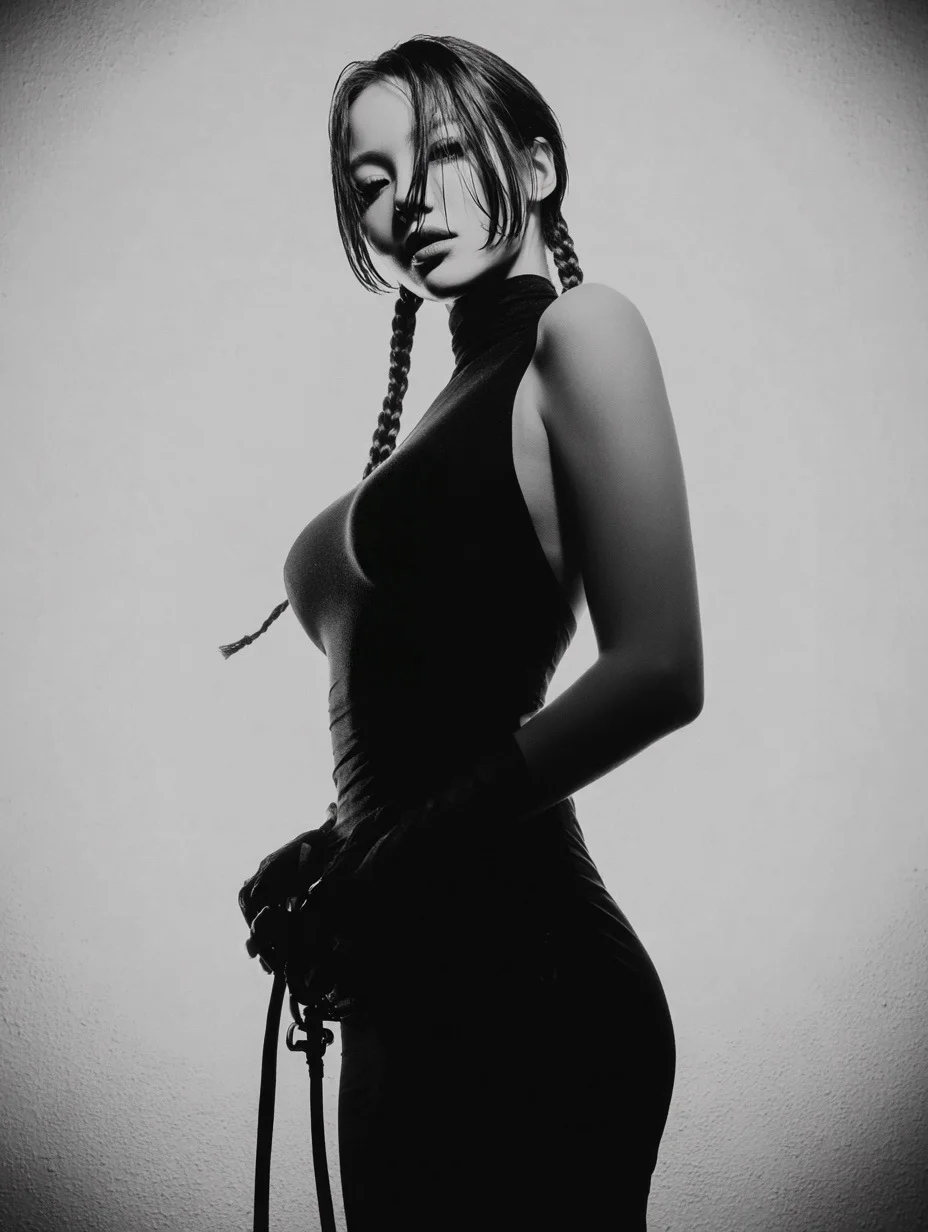
Crea un brief de video FLUX enfocado
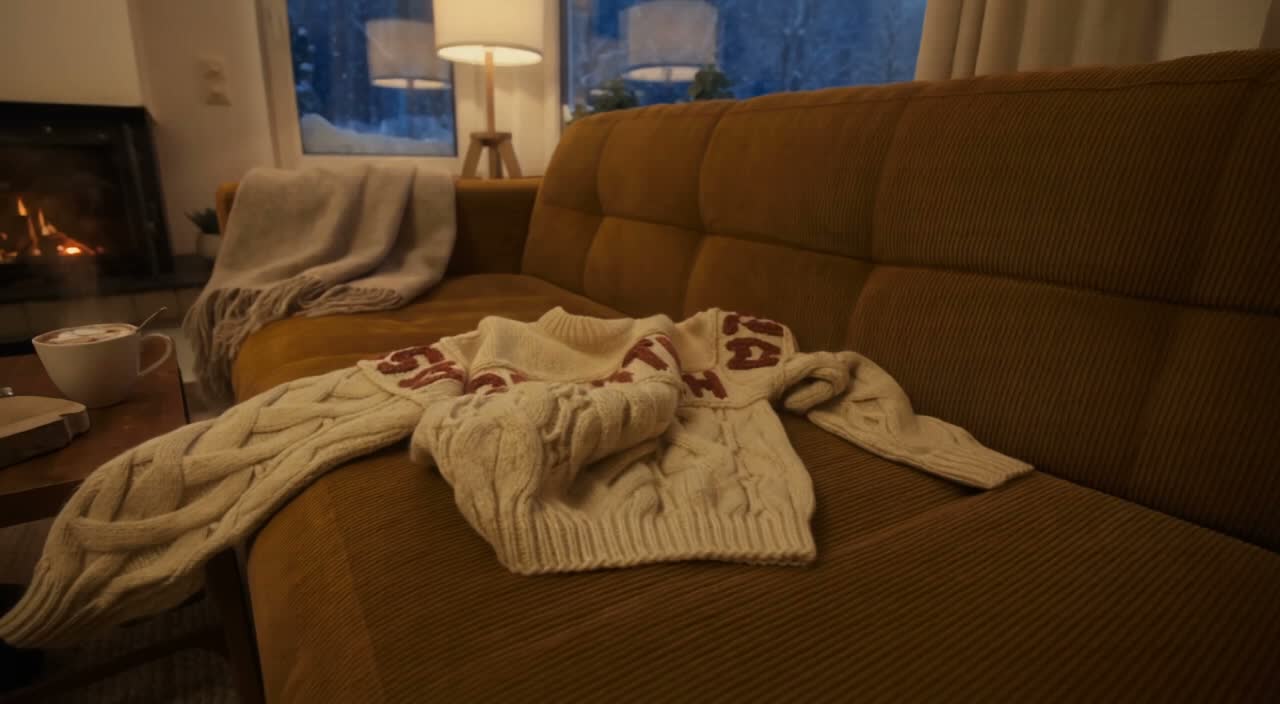
Escribe una escena con una acción clara
Describe el sujeto, el entorno, el tamaño de plano, el movimiento de cámara y la iluminación. Usa el asistente de prompts cuando quieras ayuda para desarrollar una idea preliminar y luego edita la dirección que prefieras.
Explora ideas de video y guías creativas
Usa la vitrina de prompts para estudiar resultados publicados y su modelo real. Lee el blog para conocer formas prácticas de dar forma a un brief de video y revisar tu resultado.
Un espacio de trabajo para historias visuales cortas
Empieza desde texto o una imagen, dale a tu escena una dirección de sonido donde sea compatible y elige los ajustes de salida mostrados para tu modelo seleccionado.
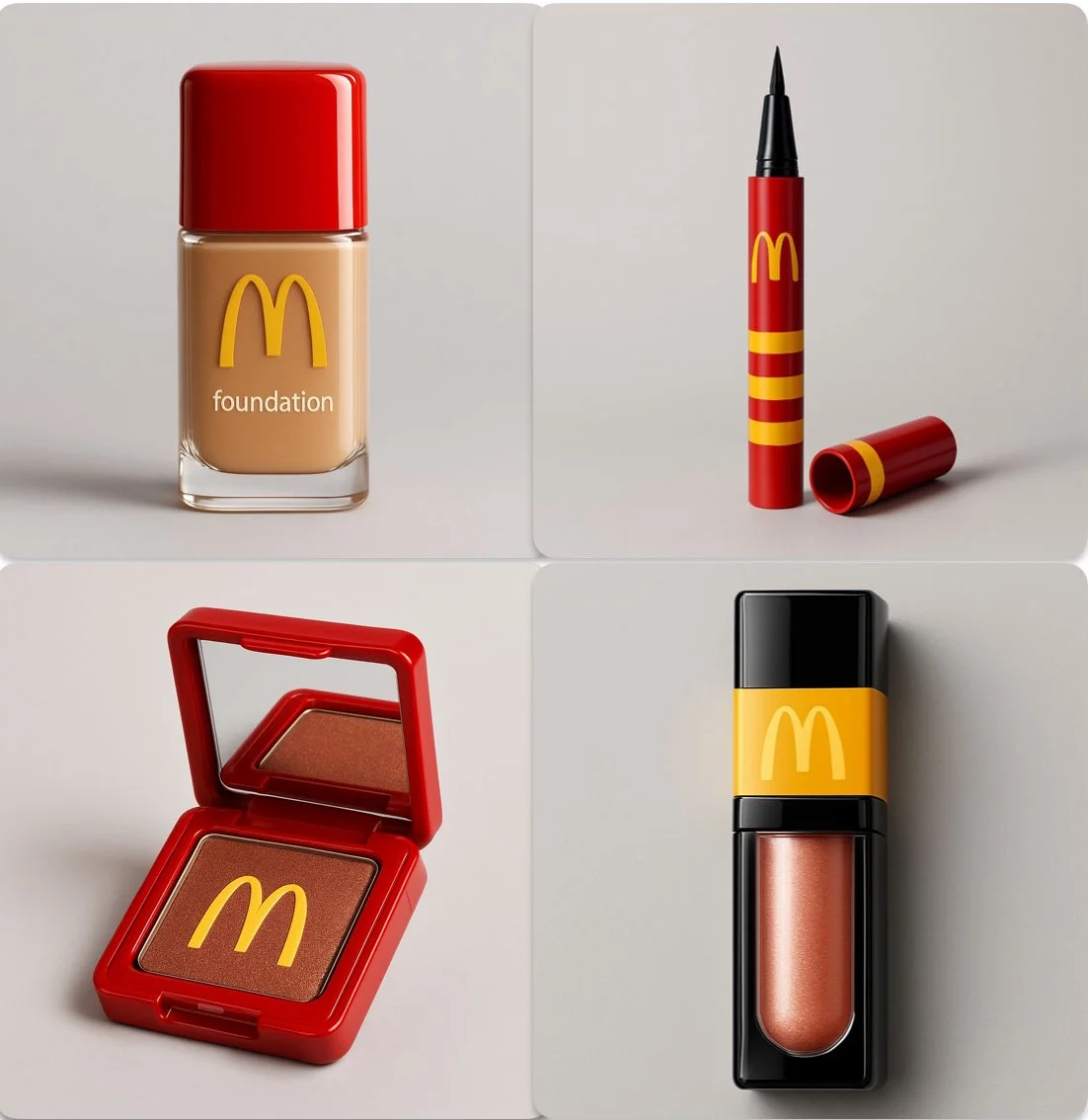
Modelos de video FLUX en un solo espacio de trabajo
El menú de modelos muestra los modelos de video FLUX disponibles en flux3 video. Cada modelo tiene sus propias entradas, ajustes y costos en créditos. Revisa la selección antes de generar.
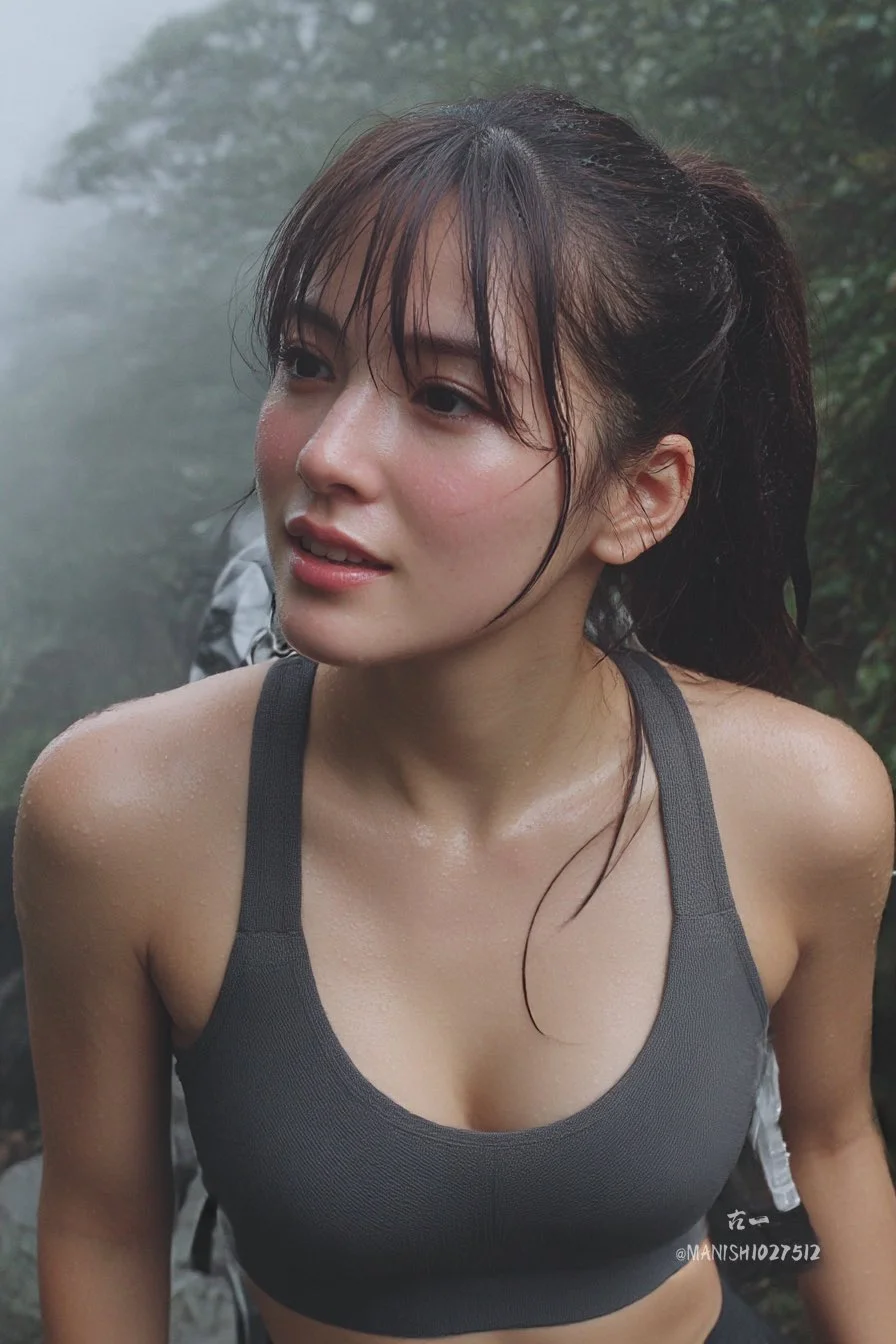
Direcciones de sonido para tu escena
Cuando se admite audio, describe diálogo, sonido ambiente y música por separado de las instrucciones visuales. Reproduce el clip completado y revisa el sonido y la sincronización antes de publicar.
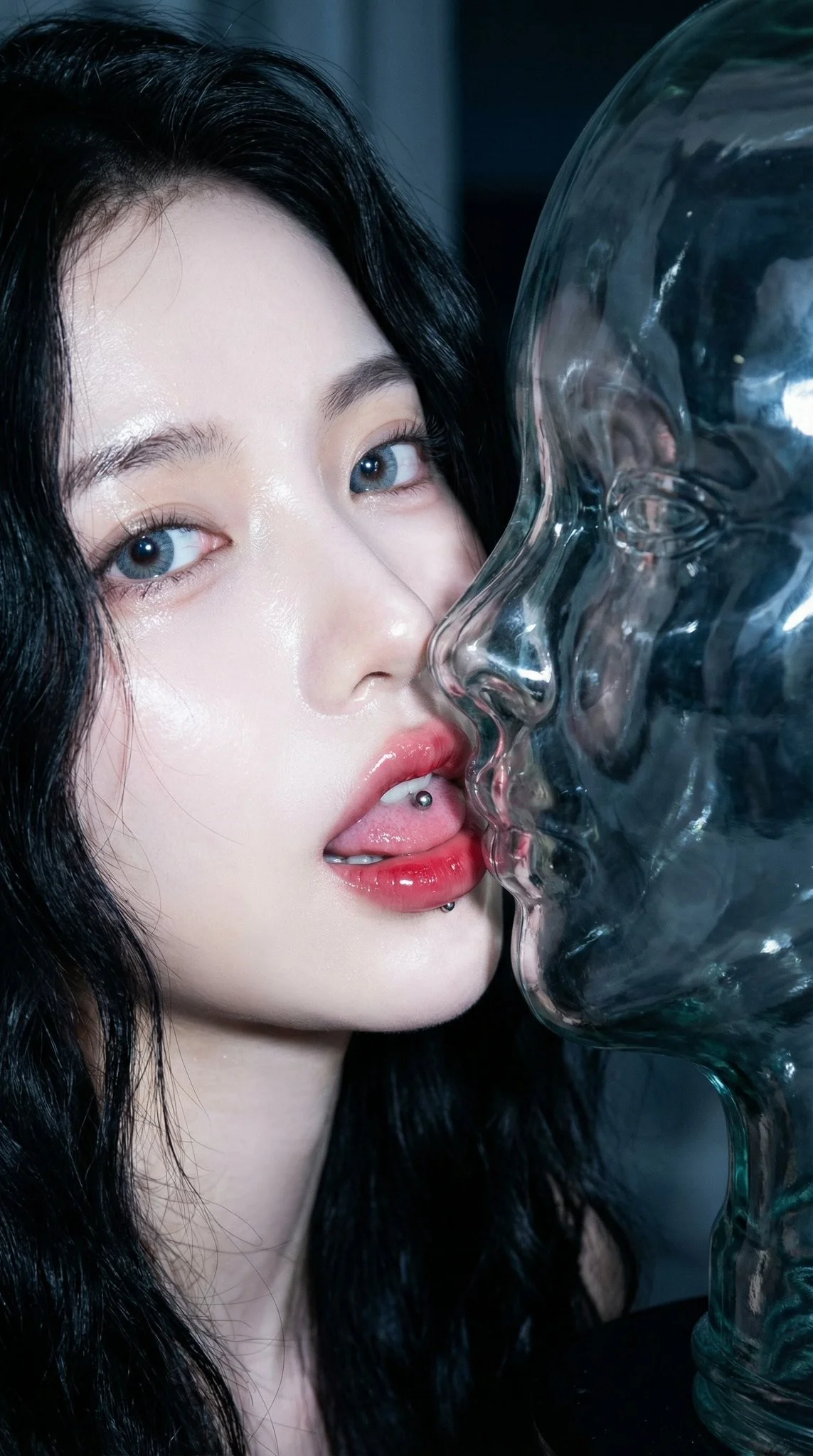
Text-to-Video and Image-to-Video
Usa una escena escrita para texto a video o una imagen de referencia para imagen a video. Describe una acción y el movimiento de cámara. Los controles de referencia adicionales dependen del modelo seleccionado.
Crea un video FLUX en cuatro pasos
Escribe la escena, elige los ajustes compatibles, revisa el coste en créditos y genera. Inspecciona tu clip completado en el Historial antes de descargarlo o compartirlo.
1. Escribe un mensaje o sube una imagen
Comienza con una acción, como un producto girando bajo luz suave o un personaje cruzando una calle. Añade encuadre, iluminación y movimiento de cámara. Para imagen a video, usa una referencia que tengas permiso de subir.
2. Elige los ajustes y genera
Selecciona un modelo de video FLUX y usa los controles ofrecidos para ese modelo. Revisa la duración, resolución, opciones de audio y los créditos requeridos antes de enviar tu solicitud.
3. Revisa y descarga
Abre tu resultado completado en Historial, reproduce el clip y comprueba el movimiento, los detalles y el sonido. Descarga la versión que quieras conservar para tu flujo de trabajo de edición o publicación.
4. Perfecciona tu siguiente versión
Ajusta una parte del prompt o una configuración compatible y luego compara el resultado. Conserva los cambios que puedas ver y ensambla los clips individuales en tu editor de video preferido.
Ideas de vídeo para tu próximo proyecto
Convierte un brief creativo enfocado en material visual corto para contenido social, historias de productos y guiones gráficos. Elige el formato que ofrece tu modelo y revisa cada resultado según su uso previsto.
Historias de producto y publicidad
Muestra un producto en un entorno específico con una acción visible. Usa imágenes de referencia donde sea compatible, deja espacio para la tipografía final y revisa los detalles del producto antes de publicar un anuncio.
Clips sociales y reels
Construye un clip corto en torno a un único mensaje para Shorts, Reels o TikTok. Elige un formato vertical o panorámico compatible y mantén el sujeto legible en una pantalla pequeña.
Explicaciones y lecciones visuales
Ilustra una idea a la vez con una escena corta. Revisa los datos y los detalles visuales, y añade subtítulos o diagramas finales en tu flujo de trabajo de edición cuando la precisión sea importante.
Presentaciones creativas
Usa un concepto visual corto para comunicar una idea en un pitch o presentación. Describe lo que debería ocurrir en pantalla y luego compara versiones con tu equipo.
Conceptos cinematográficos y guiones gráficos
Prueba una dirección de escena antes de planificar una producción mayor. Dale a cada plano un sujeto, una acción y una dirección de cámara, luego revisa la continuidad al ensamblar una secuencia.
Anime e historias personales
Explora un personaje, un estado de ánimo o un recuerdo como una escena animada corta. Usa direcciones precisas de iluminación y estilo, luego revisa el personaje y los detalles en cada resultado.
Notas creativas para tu próximo video
Dale a la escena una acción principal. Un sujeto específico y un movimiento visible hacen que un brief de video sea más fácil de evaluar.

Creación de vídeo con FLUX: preguntas y respuestas
Crea clips cortos para contenido social, historias de producto y guiones gráficos creativos a partir de un prompt de texto o una imagen. Revisa las entradas y los ajustes compatibles en el generador antes de enviar una solicitud.
La generación usa créditos. Consulta tu saldo, elige un modelo y su configuración, y revisa los créditos requeridos antes de enviar. Visita Precios para ver las opciones disponibles mensuales, anuales y de paquetes de créditos.
El menú de modelos muestra los modelos de vídeo FLUX disponibles para generar en este sitio. Cada modelo tiene sus propias entradas, ajustes y costes en créditos; usa ese menú para revisar tus opciones actuales.
Usa flux3 video en un navegador de escritorio o móvil. Puedes escribir prompts, subir imágenes compatibles, revisar Historial y descargar clips completados sin instalar una aplicación.
Reproduce el vídeo y comprueba el movimiento, los rostros, los detalles del producto, el texto y el sonido. Revisa los términos aplicables y cualquier elemento no deseado antes de usar el resultado en un proyecto.
El tiempo de procesamiento depende del modelo seleccionado, la configuración, la solicitud y la carga del servicio. Sigue el estado de la solicitud en Historial y vuelve al resultado cuando se complete.
Sí. Selecciona imagen a vídeo y sube una imagen de referencia compatible que tengas permiso para usar. El generador muestra las entradas aceptadas y los límites de subida. Describe el movimiento que quieres a partir del fotograma inicial.
Revisa los términos aplicables de la plataforma y del modelo antes del uso comercial. Eres responsable de los derechos sobre imágenes de referencia, personas identificables, logotipos y otro material de origen, así como de revisar el resultado final antes de publicarlo.
El modelo seleccionado determina la duración, resolución, relación de aspecto y controles de audio que se muestran en el generador. Elige entre esos controles e inspecciona el video completado en lugar de asumir que todos los modelos FLUX admiten las mismas opciones.
Los prompts, las referencias subidas y los resultados generados pueden almacenarse para procesar solicitudes y proporcionar tu Historial. Los casos publicados y los enlaces a medios públicos pueden ser vistos y compartidos por otras personas. Lee la Política de privacidad antes de subir material sensible.
Puedes solicitar un reembolso dentro de los 10 días posteriores a la compra si tienes créditos sin usar de esa compra y proporcionas un motivo claro, sujeto a nuestra Política de Reembolsos. Si cumples los requisitos, una compra sin usar puede reembolsarse íntegramente; una compra parcialmente usada se reembolsa en proporción a sus créditos restantes sin usar. Las compras totalmente usadas y los créditos gratuitos o promocionales no son reembolsables.
La validez de los créditos depende del paquete, la suscripción o la promoción que los emitió. Revisa los términos de compra y las fechas de caducidad en Configuración > Créditos. Una renovación o una nueva compra no amplía los créditos anteriores. Usa los créditos antes de su fecha de caducidad indicada; no asumas que los créditos de suscripción sin usar se acumulan indefinidamente.
Los créditos cobrados por una tarea que se confirma como fallida debido a un error del sistema se devuelven automáticamente. Una tarea que aún se está procesando todavía no se ha confirmado como fallida. Comprueba su estado y tu historial de créditos antes de volver a enviarla. Si una falla confirmada sigue mostrando un cobro sin resolver, escribe a support@flux3video.dev con el ID de la tarea.
Los resultados de IA pueden variar, por lo que un resultado completado que difiere de tus expectativas no se trata automáticamente como un fallo técnico. Las tareas de imagen completadas que cumplan los requisitos se pueden enviar para revisión de reembolso de créditos mediante la opción de reembolso cuando esté disponible; se requiere aprobación. Para un vídeo u otro problema, contacta con support@flux3video.dev con el ID de la tarea y los detalles. Un reembolso de créditos devuelve créditos, no dinero a tu método de pago.
Escribe a support@flux3video.dev. Para facturación, incluye el correo de tu cuenta y el ID de pedido; para generación, incluye el ID de la tarea, la descripción del problema y las capturas de pantalla relevantes. Si compraste como invitado, conserva los datos del navegador original y el recibo de pago para que podamos ayudarte a localizar la compra.
Crea tu próximo vídeo con flux3 video
Empieza a partir de texto o una imagen, elige un modelo de vídeo FLUX y los ajustes compatibles, y revisa el coste en créditos. Inspecciona y descarga los resultados completados desde el Historial.
flux3video.dev · Actualizado
Ver el historial de actualizaciones
- — Se añadieron ejemplos de prompts editables, borradores separados para los modos de texto y referencia y una opción para restaurar el ejemplo.
- — Textos y contenido de la página actualizados.
- — Contenido de la página publicado.