
Prompt verificato
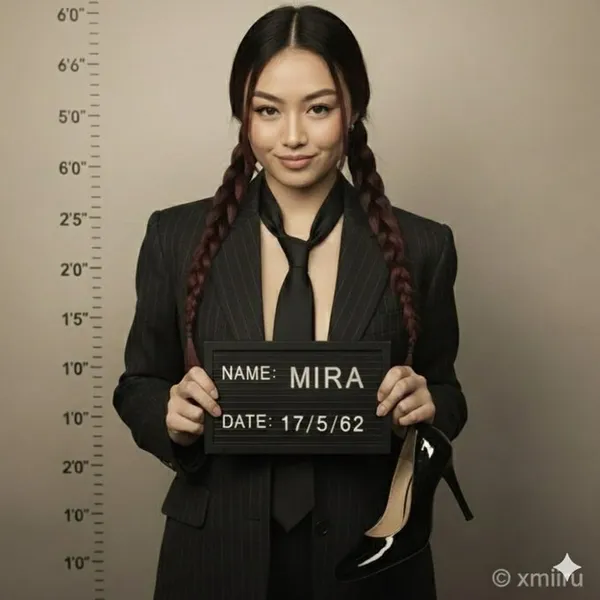
ription. A high-resolution hyper-realistic 8K HD portrait photograph captured with a professional DSLR camera using a 50mm lens for natural depth of field and razor-sharp focus. Full-body composition mimicking an old-fashioned mugshot/police booking photo.. attached image. facial_features. , . , . confident, slightly smug smirk. leaning against wall, one knee bent. neat, straight, wavy or elegant updo. appearance. natural and well-groomed. vintage-style tailored dark pinstripe suit jacket. inner_garment. slightly loosened, dark shade matching jacket. accessories. mugshot board. ,\ . \ }\ },\ {\ . ,\ . single shiny dark-colored high-heeled shoe in right hand. patent leather. background. naturally blurred bokeh. slightly gritty studio wall. vertical lines with numerical markings 2'0\. color_tone. desaturated, slightly sepia-toned archival photograph aesthetic. clean, soft, balanced. accurate shadows and highlights. strong overhead or frontal lighting emphasizing dramatic shadows and height chart lines. resolution. sharp subject focus. composition. full figure and mugshot details. color_accuracy. professional, natural tones. Hyper-realistic photography, 8K clarity, DSLR quality, accurate color grading, natural lens blur, vintage photo aesthetic, true-to-life detail. negative_prompt. No cartoon. No digital painting. No illustration. No 3D render. No stylized features. No plastic/doll-like skin. No fantasy glow. No cinematic effects. No airbrushed smoothing. No overexposure. No unnatural blur. No video-game/Unreal Engine style. No artificial lighting effects. No unrealistic proportions/textures. No multiple shoes. No modern background elements
ription. A high-resolution hyper-realistic 8K HD portrait photograph captured with a professional DSLR camera using a 50mm lens for natural depth of field and razor-sharp focus. Full-body composition mimicking an old-fashioned mugshot/police booking photo.. attached image. facial_features. , . , . confident, slightly smug smirk. leaning against wall, one knee bent. neat, straight, wavy or elegant updo. appearance. natural and well-groomed. vintage-style tailored dark pinstripe suit jacket. inner_garment. slightly loosened, dark shade matching jacket. accessories. mugshot board. ,\ . \ }\ },\ {\ . ,\ . single shiny dark-colored high-heeled shoe in right hand. patent leather. background. naturally blurred bokeh. slightly gritty studio wall. vertical lines with numerical markings 2'0\. color_tone. desaturated, slightly sepia-toned archival photograph aesthetic. clean, soft, balanced. accurate shadows and highlights. strong overhead or frontal lighting emphasizing dramatic shadows and height chart lines. resolution. sharp subject focus. composition. full figure and mugshot details. color_accuracy. professional, natural tones. Hyper-realistic photography, 8K clarity, DSLR quality, accurate color grading, natural lens blur, vintage photo aesthetic, true-to-life detail. negative_prompt. No cartoon. No digital painting. No illustration. No 3D render. No stylized features. No plastic/doll-like skin. No fantasy glow. No cinematic effects. No airbrushed smoothing. No overexposure. No unnatural blur. No video-game/Unreal Engine style. No artificial lighting effects. No unrealistic proportions/textures. No multiple shoes. No modern background elements
Prompt verificato
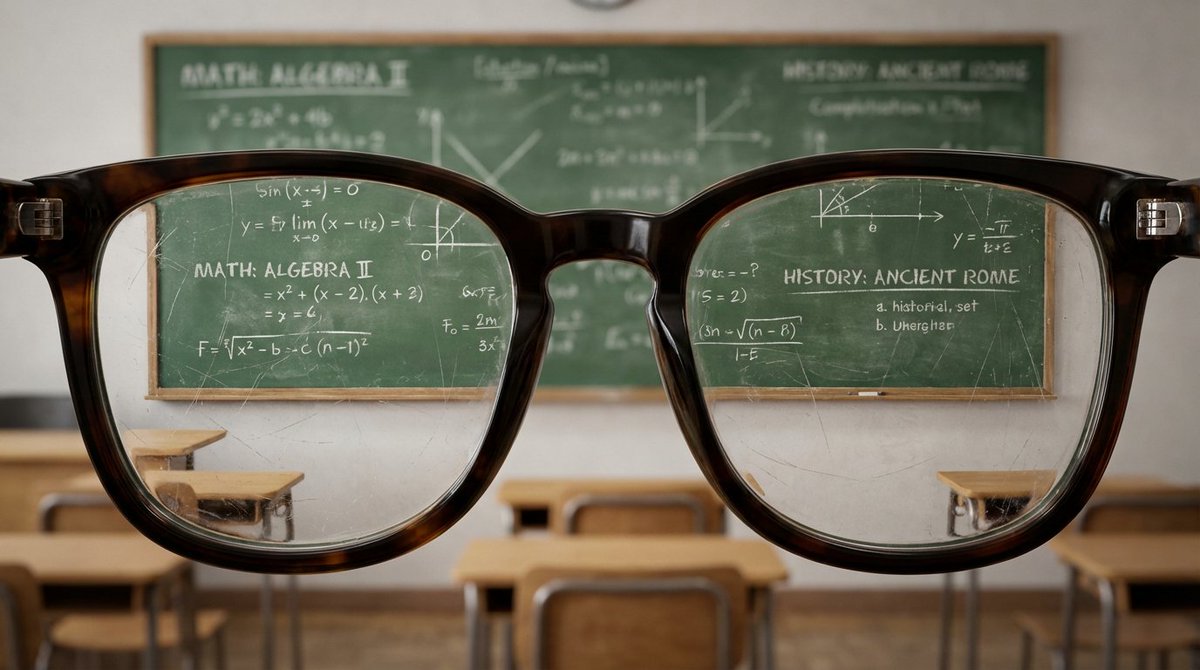
a hugging close-up view of with edges of glasses with the lenses almost touching the viewer's perspective, filling most of the view. The glasses reveal a detailed [VIEW] within the lenses, showcasing [VIEW] .The background is out of focus , enhancing the impression that the viewer is peering into the [VIEW]
a hugging close-up view of with edges of glasses with the lenses almost touching the viewer's perspective, filling most of the view. The glasses reveal a detailed [VIEW] within the lenses, showcasing [VIEW] .The background is out of focus , enhancing the impression that the viewer is peering into the [VIEW]
Prompt verificato
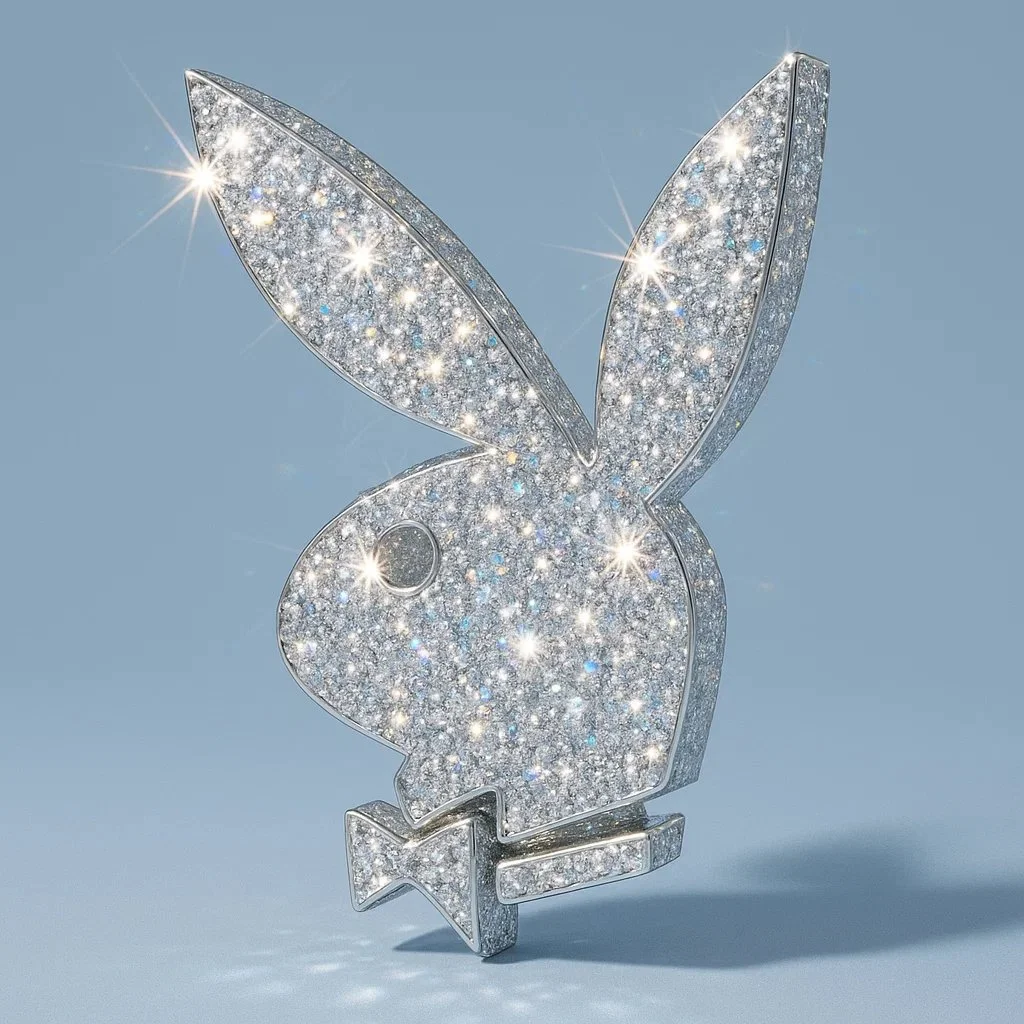
Recreate this image using the parameters of the JSON provided. { "style_name": "Diamond-Encrusted Glamour", "description": "Applies a hyper-realistic diamond-encrusted style to any object, logo, or shape. The surface of the subject is entirely covered with sparkling gemstones that reflect light with intense brilliance, creating a luxurious, eye-catching, and surreal look.", "surface_texture": { "material": "diamond-crystal", "coating": "fully encrusted with multi-faceted diamonds", "sparkle_intensity": "maximum", "reflection_type": "specular and highly refractive", "detail_density": "ultra-fine, micro-gem coverage with no gaps", "light_refraction": "strong rainbow dispersion through facets" }, "lighting": { "light_source": "hard directional light", "highlight_effects": "lens flares, sparkle flares on gem edges", "shadow_type": "soft-edged, low-opacity shadows for contrast", "specularity": "very high", "reflection_sources": "ambient and direct highlights across the gem facets" }, "background": { "type": "minimalist solid color", "color": "#B0C4DE", "texture": "smooth matte", "contrast_with_subject": "high contrast to enhance sparkle", "depth": "subtle shadow under the object for floating effect" }, "color_palette": { "primary": "transparent white (diamond base)", "secondary": "prismatic reflections (rainbow light dispersion)", "accent": "metallic shimmer on edges (optional: gold or silver undertones)" }, "camera": { "angle": "slight top-down perspective", "depth_of_field": "shallow (sharp focus on object, blurred background)", "lens_effects": ["macro focus", "sparkle highlights", "light bloom"] }, "style_keywords": [ "glamorous", "luxury", "crystal-covered", "bling", "hyper-detailed", "sparkling", "futuristic", "eye-catching", "surreal realism", "fashion-inspired" ], "applicability": { "usable_on": ["logos", "icons", "food items", "everyday objects", "fashion accessories", "typography"], "visual_requirements": ["well-defined silhouette", "clean shapes for gem placement"], "scalability": "best results on medium to large subjects for detailed sparkle" } }
Recreate this image using the parameters of the JSON provided. { "style_name": "Diamond-Encrusted Glamour", "description": "Applies a hyper-realistic diamond-encrusted style to any object, logo, or shape. The surface of the subject is entirely covered with sparkling gemstones that reflect light with intense brilliance, creating a luxurious, eye-catching, and surreal look.", "surface_texture": { "material": "diamond-crystal", "coating": "fully encrusted with multi-faceted diamonds", "sparkle_intensity": "maximum", "reflection_type": "specular and highly refractive", "detail_density": "ultra-fine, micro-gem coverage with no gaps", "light_refraction": "strong rainbow dispersion through facets" }, "lighting": { "light_source": "hard directional light", "highlight_effects": "lens flares, sparkle flares on gem edges", "shadow_type": "soft-edged, low-opacity shadows for contrast", "specularity": "very high", "reflection_sources": "ambient and direct highlights across the gem facets" }, "background": { "type": "minimalist solid color", "color": "#B0C4DE", "texture": "smooth matte", "contrast_with_subject": "high contrast to enhance sparkle", "depth": "subtle shadow under the object for floating effect" }, "color_palette": { "primary": "transparent white (diamond base)", "secondary": "prismatic reflections (rainbow light dispersion)", "accent": "metallic shimmer on edges (optional: gold or silver undertones)" }, "camera": { "angle": "slight top-down perspective", "depth_of_field": "shallow (sharp focus on object, blurred background)", "lens_effects": ["macro focus", "sparkle highlights", "light bloom"] }, "style_keywords": [ "glamorous", "luxury", "crystal-covered", "bling", "hyper-detailed", "sparkling", "futuristic", "eye-catching", "surreal realism", "fashion-inspired" ], "applicability": { "usable_on": ["logos", "icons", "food items", "everyday objects", "fashion accessories", "typography"], "visual_requirements": ["well-defined silhouette", "clean shapes for gem placement"], "scalability": "best results on medium to large subjects for detailed sparkle" } }

Prompt verificato
A highly stylized 3D caricature of me, with expressive facial features, and playful exaggeration. Rendered in a smooth, polished style with clean materials and soft ambient lighting. Bold color background to emphasize the character’s charm and presence.
A highly stylized 3D caricature of me, with expressive facial features, and playful exaggeration. Rendered in a smooth, polished style with clean materials and soft ambient lighting. Bold color background to emphasize the character’s charm and presence.
Prompt verificato
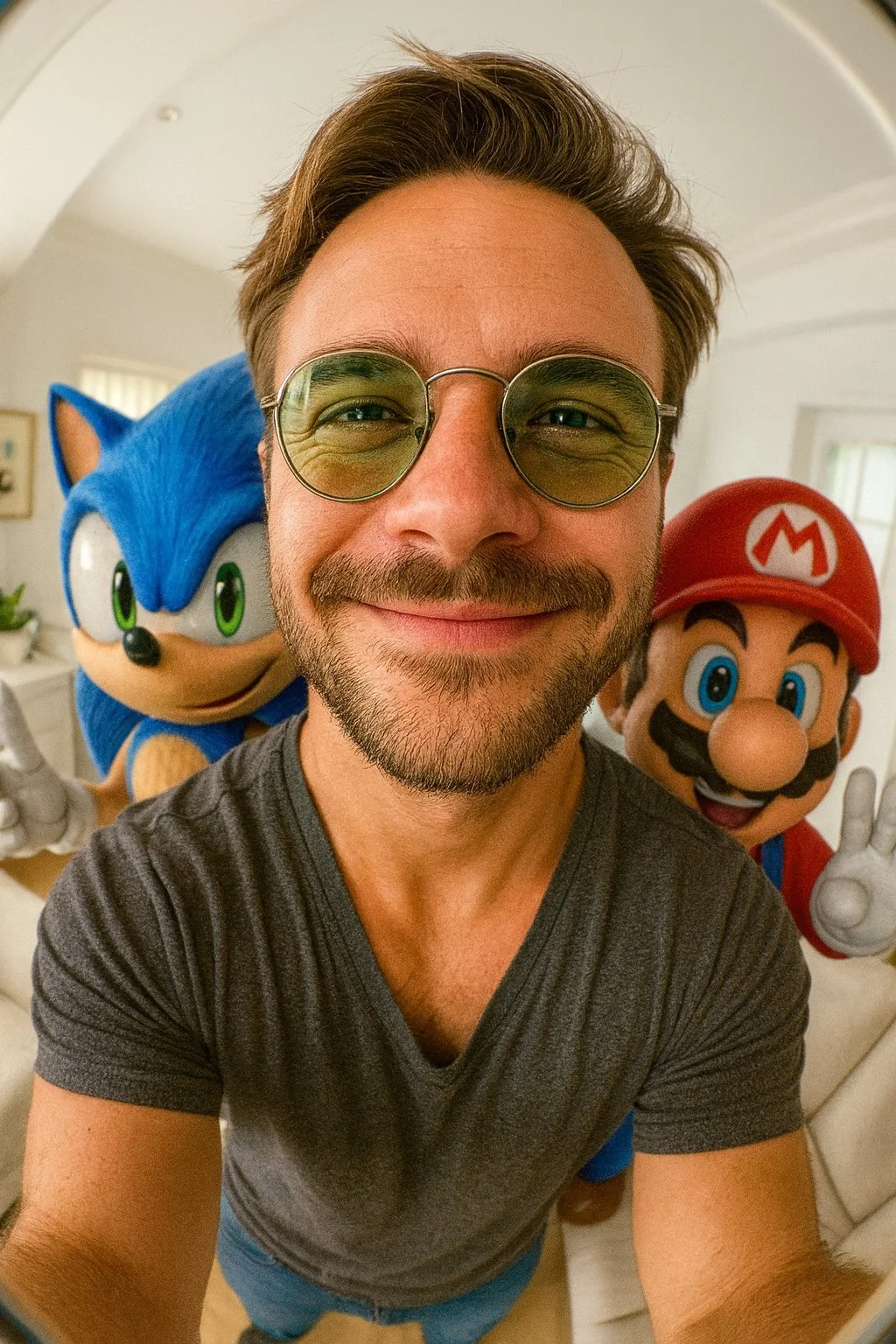
Selfie ultra-realista en formato vertical 9:16 con lente ojo de pez de mí junto a (Sonic y Mario). Ambientado en una sala de estar pequeña y luminosa con tonos blancos. Ángulo de cámara alto. Distorsión extrema de ojo de pez. Iluminación realista y cinematográfica. Personajes de anime integrados con realismo estilizado.
Selfie ultra-realista en formato vertical 9:16 con lente ojo de pez de mí junto a (Sonic y Mario). Ambientado en una sala de estar pequeña y luminosa con tonos blancos. Ángulo de cámara alto. Distorsión extrema de ojo de pez. Iluminación realista y cinematográfica. Personajes de anime integrados con realismo estilizado.
Prompt verificato
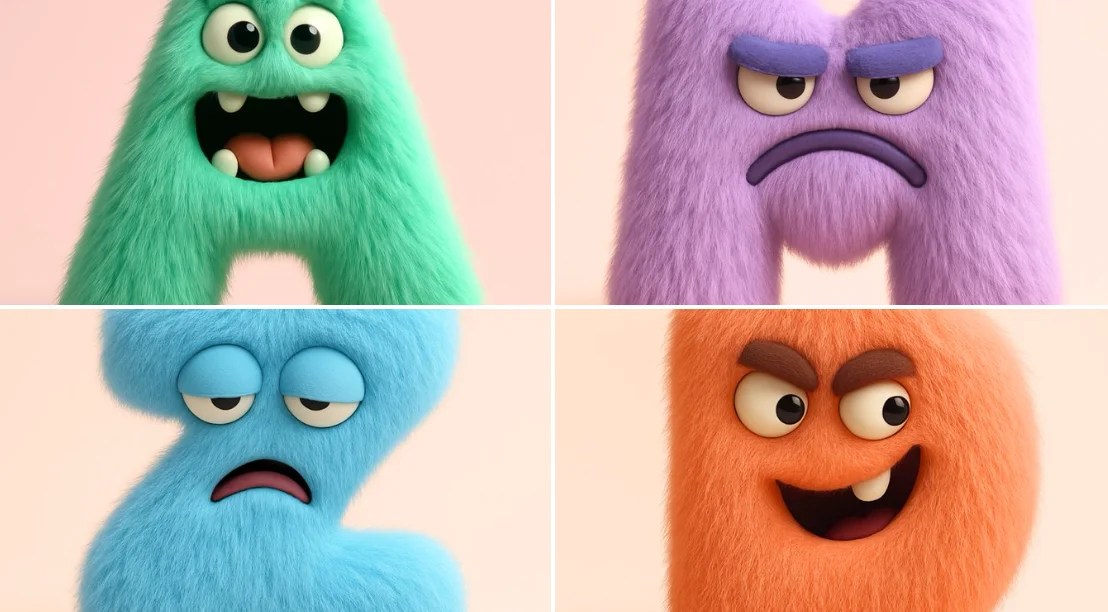
A highly realistic 3D render of the letter [A-Z] designed as a full-body fluffy monster. The letter shape itself is the creature’s body — no separate head or limbs. The eyes, mouth, and other monster features are embedded naturally into the letter form. The monster expresses a [mischievous / grumpy / shy / joyful / sleepy / surprised / confident] emotion through its eyes and mouth shape. The texture is dense, soft, and realistic fur, with subtle volume and shadow. The color palette is bold but clean — solid vibrant tones like mint, lilac, sky blue, or coral (avoid rainbow gradients). Studio lighting on a simple pastel background. No hats, no party props — just a minimal, high-quality character design with playful expression.
A highly realistic 3D render of the letter [A-Z] designed as a full-body fluffy monster. The letter shape itself is the creature’s body — no separate head or limbs. The eyes, mouth, and other monster features are embedded naturally into the letter form. The monster expresses a [mischievous / grumpy / shy / joyful / sleepy / surprised / confident] emotion through its eyes and mouth shape. The texture is dense, soft, and realistic fur, with subtle volume and shadow. The color palette is bold but clean — solid vibrant tones like mint, lilac, sky blue, or coral (avoid rainbow gradients). Studio lighting on a simple pastel background. No hats, no party props — just a minimal, high-quality character design with playful expression.
Prompt verificato
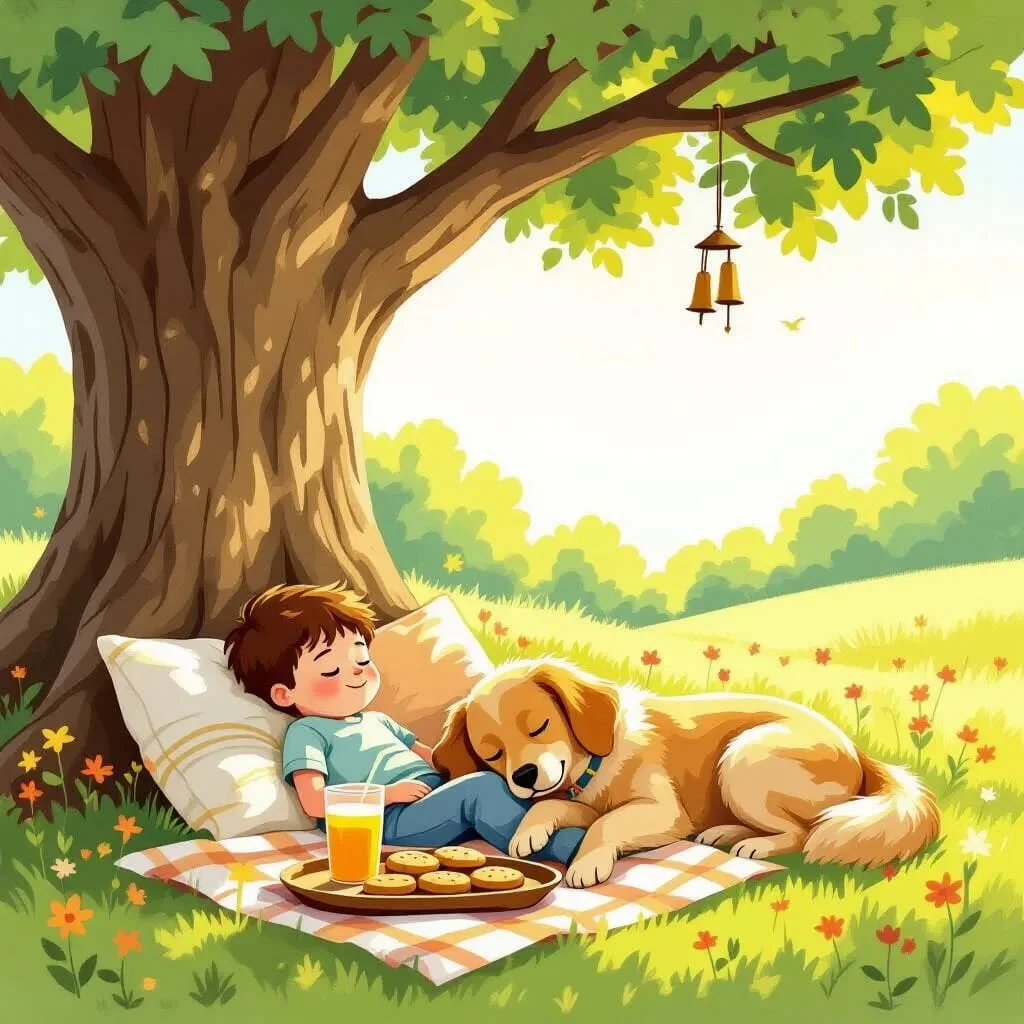
a pillow fort in the backyard, shaded by a big old tree. Sunlight filters through the leaves, and a young boy and his golden retriever naps beside a tray of lemonade and cookies. Wind chimes tinkle gently in the breeze. Warm afternoon light, playful and nostalgic, children's book illustrated feeling
a pillow fort in the backyard, shaded by a big old tree. Sunlight filters through the leaves, and a young boy and his golden retriever naps beside a tray of lemonade and cookies. Wind chimes tinkle gently in the breeze. Warm afternoon light, playful and nostalgic, children's book illustrated feeling
Prompt verificato
Prompt verificato
A hyper-realistic photograph of a [FRUIT] sliced into five glossy layers, each slice floating vertically in mid-air with glistening juice droplets at the edges. The slices cast soft, natural shadows on each other. The [FRUIT] has a vibrant skin with appropriate interior details .Set against a softly blurred tropical garden background with hints of lush green leaves and dappled sunlight, the scene is lit with warm, directional golden-hour lighting, enhancing the vivid colors and depth
A hyper-realistic photograph of a [FRUIT] sliced into five glossy layers, each slice floating vertically in mid-air with glistening juice droplets at the edges. The slices cast soft, natural shadows on each other. The [FRUIT] has a vibrant skin with appropriate interior details .Set against a softly blurred tropical garden background with hints of lush green leaves and dappled sunlight, the scene is lit with warm, directional golden-hour lighting, enhancing the vivid colors and depth
Prompt verificato
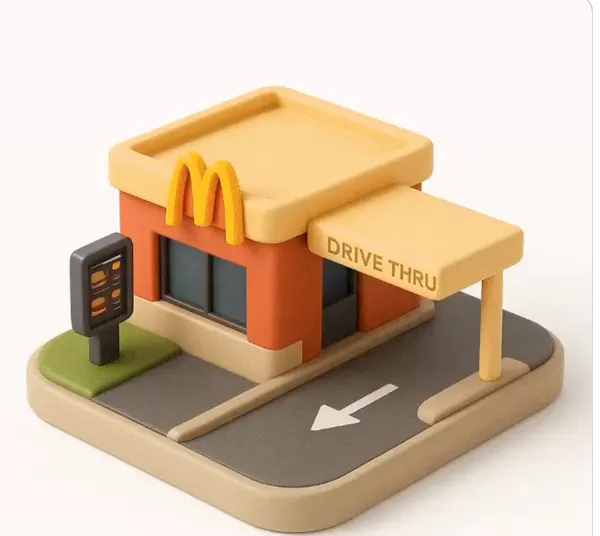
ghly detailed 3D isometric icon of the following object: [OBJECT] Style: Airbnb 2024 icon language — miniature diorama / emoji-like object with crisp edges, realistic textures, and soft handcrafted realism. Material: The object should clearly retains its fundamental qualities but look as if its made from a mixture of matte and plastic-like materials. View: three-quarter front-left isometric view with a slight top-down angle. Lighting: soft neutral studio lighting from the top-left with subtle shadows and gentle gloss highlights. Color palette: retain the fundamental colors from the object and include subtle gradients and no harsh contrasts. Background: clean white, no drop shadow or noise. Mood: minimal, charming, utilitarian, premium. Rendering: hyper-detailed, photorealistic object with depth and tactility, like a designer lifestyle emoji or miniature product model. Optional Add-on for Replication: Use the attached photo as a reference for proportions and layout. Do not copy exactly — reinterpret it in the Airbnb icon aesthetic.
ghly detailed 3D isometric icon of the following object: [OBJECT] Style: Airbnb 2024 icon language — miniature diorama / emoji-like object with crisp edges, realistic textures, and soft handcrafted realism. Material: The object should clearly retains its fundamental qualities but look as if its made from a mixture of matte and plastic-like materials. View: three-quarter front-left isometric view with a slight top-down angle. Lighting: soft neutral studio lighting from the top-left with subtle shadows and gentle gloss highlights. Color palette: retain the fundamental colors from the object and include subtle gradients and no harsh contrasts. Background: clean white, no drop shadow or noise. Mood: minimal, charming, utilitarian, premium. Rendering: hyper-detailed, photorealistic object with depth and tactility, like a designer lifestyle emoji or miniature product model. Optional Add-on for Replication: Use the attached photo as a reference for proportions and layout. Do not copy exactly — reinterpret it in the Airbnb icon aesthetic.
Prompt verificato
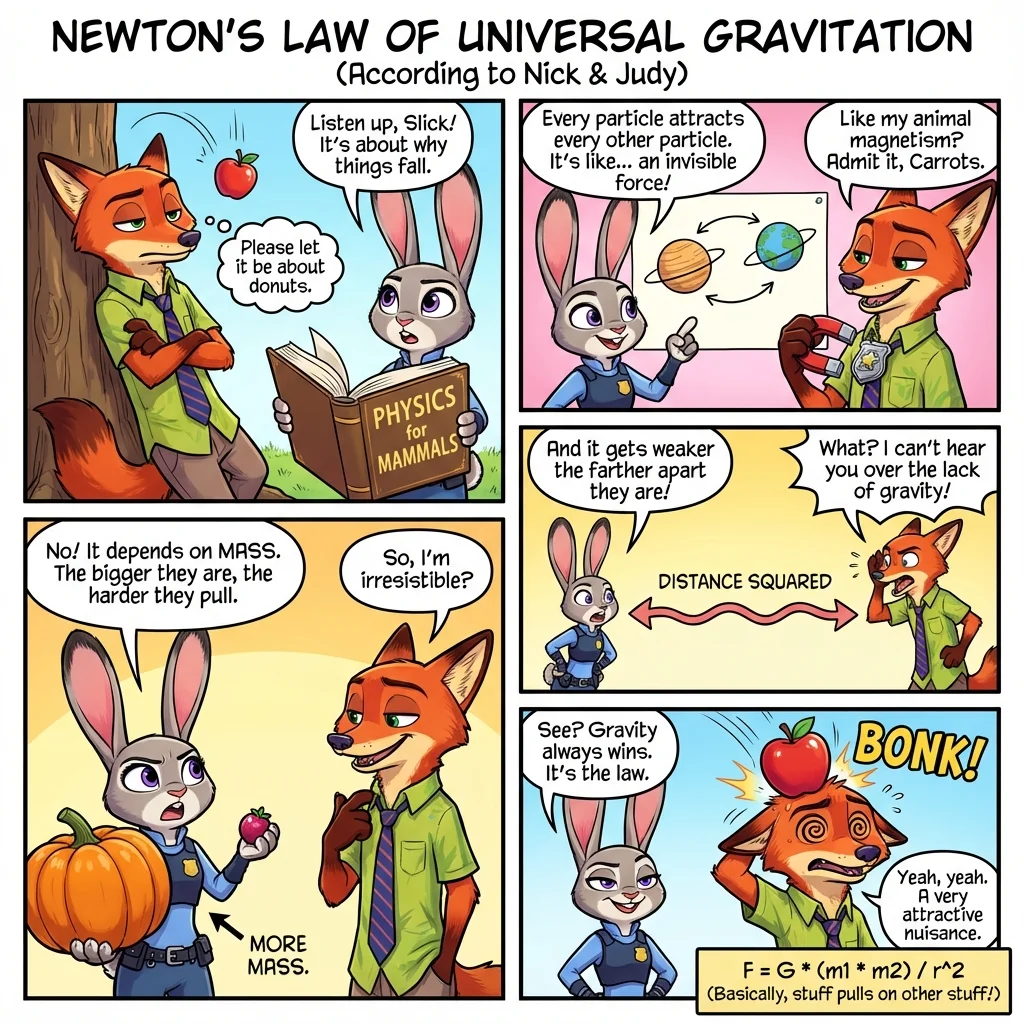
a colorful page of manga describing the theory of relativity. add some humor
a colorful page of manga describing the theory of relativity. add some humor
Prompt verificato
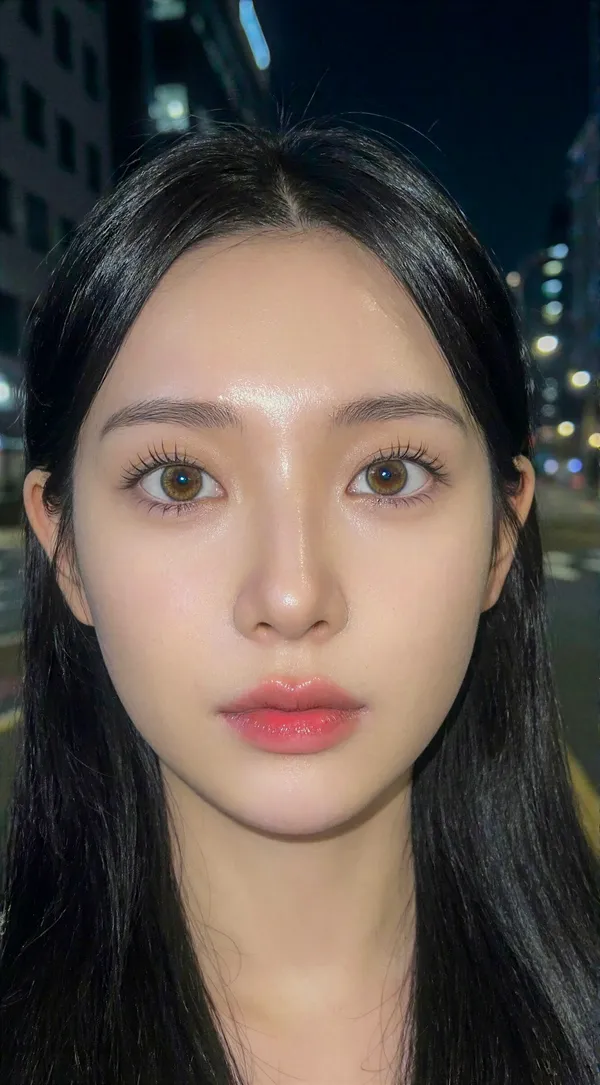
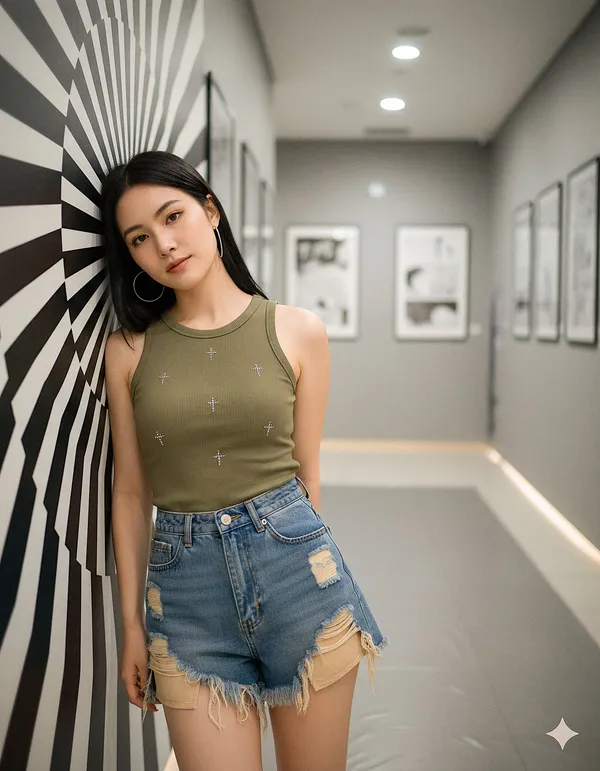
ent] Generate a hyper-idealized, 'Douyin-aesthetic' portrait of a young woman at night, utilizing direct flash photography to create a high-contrast, ethereal look with clear weather conditions.. [Frame] Aspect Ratio: 9:16. Composition: Extreme close-up selfie framing (tighter than standard portrait), cutting off the top of the forehead to focus intensely on the eyes and lips. The subject is centered with a direct, confronting gaze.. Style Mode: Flash photography, digital influencer aesthetic, soft-focus realism.. [Subject] Identity: A young Asian woman, approximately 20 years old, with hyper-symmetrical, doll-like features characterized by the 'bunny tongue' and 'puppy eye' aesthetic.. Skin: Pale, cool-toned porcelain complexion with zero texture. The skin reflects the flash, creating a 'mochi' or 'glass skin' effect that appears soft and translucent. High-key brightness on the T-zone.. Eyes: Large, round eyes with a slight downward tint at the outer corners (puppy dog eyes). Prominent 'aegyosal' (under-eye fat bands) are highlighted to enhance youthfulness. The irises are soft brown with a large diameter. Eyelashes are styled in the 'manhwa' or 'idol' style: distinct, vertical clumps of mascara-coated lashes separated by space, rather than a dense fan.. Nose: Petite, low-bridge nose with a small, rounded tip. The lighting minimizes the nostril definition, making the nose appear delicate and unobtrusive.. Mouth: Heart-shaped lips featuring a 'gradient lip' technique. The center of the lips is a saturated, glossy strawberry pink, fading outward to a blurred, pale nude at the vermilion border. The texture is soft and hydrated.. Hair: Long, silky jet-black hair with a straight texture. Without the snow, the hair is dry, sleek, and tucked slightly behind the ears or framing the face smoothly, catching the flash with a white sheen.. Wardrobe: Minimal visibility, suggesting a stylish but casual top appropriate for a pleasant evening.. [Environment] Location: Urban night setting.. Weather: Clear, calm, and beautiful night weather. The atmosphere is clean and free of precipitation or fog.. Background: A backdrop of deep black shadows punctuated by creamy, circular bokeh from distant city lights (streetlamps, neon signs). The background is significantly darker than the subject, ensuring the face is the sole focus.. [Lighting] Type: Direct, frontal camera flash or high-intensity screen light.. Quality: Hard but flattering light that flattens facial topography, eliminating shadows under the eyes and nose. This creates a 2D, illustrative quality common in high-end social media selfies.. Contrast: High contrast between the brightly illuminated face and the pitch-black environment.. Catchlight: Sharp, tiny pinpoint reflection in the center of the pupils from the flash.. [Camera] Sensor Format: Smartphone main sensor simulation.. Lens: 24mm wide-angle lens. This focal length slightly exaggerates the size of the eyes and diminishes the size of the nose and face width, contributing to the 'baby face' proportion.. Aperture Depth Of Field: f/1.8 to f/2.2, keeping the eyes and lips razor sharp while instantly blurring the ears and background.. Focus: Critical focus on the eyelashes and iris texture.. [Negative] Content: No snow, no rain, no wet hair, no masculine jawline, no skin texture, no pores, no heavy contouring, no western makeup style, no sunglasses, no hand near face.. Style: No cinematic dramatic shadows (must be flat lit), no warm vintage tones, no painting, no illustration..
ent] Generate a hyper-idealized, 'Douyin-aesthetic' portrait of a young woman at night, utilizing direct flash photography to create a high-contrast, ethereal look with clear weather conditions.. [Frame] Aspect Ratio: 9:16. Composition: Extreme close-up selfie framing (tighter than standard portrait), cutting off the top of the forehead to focus intensely on the eyes and lips. The subject is centered with a direct, confronting gaze.. Style Mode: Flash photography, digital influencer aesthetic, soft-focus realism.. [Subject] Identity: A young Asian woman, approximately 20 years old, with hyper-symmetrical, doll-like features characterized by the 'bunny tongue' and 'puppy eye' aesthetic.. Skin: Pale, cool-toned porcelain complexion with zero texture. The skin reflects the flash, creating a 'mochi' or 'glass skin' effect that appears soft and translucent. High-key brightness on the T-zone.. Eyes: Large, round eyes with a slight downward tint at the outer corners (puppy dog eyes). Prominent 'aegyosal' (under-eye fat bands) are highlighted to enhance youthfulness. The irises are soft brown with a large diameter. Eyelashes are styled in the 'manhwa' or 'idol' style: distinct, vertical clumps of mascara-coated lashes separated by space, rather than a dense fan.. Nose: Petite, low-bridge nose with a small, rounded tip. The lighting minimizes the nostril definition, making the nose appear delicate and unobtrusive.. Mouth: Heart-shaped lips featuring a 'gradient lip' technique. The center of the lips is a saturated, glossy strawberry pink, fading outward to a blurred, pale nude at the vermilion border. The texture is soft and hydrated.. Hair: Long, silky jet-black hair with a straight texture. Without the snow, the hair is dry, sleek, and tucked slightly behind the ears or framing the face smoothly, catching the flash with a white sheen.. Wardrobe: Minimal visibility, suggesting a stylish but casual top appropriate for a pleasant evening.. [Environment] Location: Urban night setting.. Weather: Clear, calm, and beautiful night weather. The atmosphere is clean and free of precipitation or fog.. Background: A backdrop of deep black shadows punctuated by creamy, circular bokeh from distant city lights (streetlamps, neon signs). The background is significantly darker than the subject, ensuring the face is the sole focus.. [Lighting] Type: Direct, frontal camera flash or high-intensity screen light.. Quality: Hard but flattering light that flattens facial topography, eliminating shadows under the eyes and nose. This creates a 2D, illustrative quality common in high-end social media selfies.. Contrast: High contrast between the brightly illuminated face and the pitch-black environment.. Catchlight: Sharp, tiny pinpoint reflection in the center of the pupils from the flash.. [Camera] Sensor Format: Smartphone main sensor simulation.. Lens: 24mm wide-angle lens. This focal length slightly exaggerates the size of the eyes and diminishes the size of the nose and face width, contributing to the 'baby face' proportion.. Aperture Depth Of Field: f/1.8 to f/2.2, keeping the eyes and lips razor sharp while instantly blurring the ears and background.. Focus: Critical focus on the eyelashes and iris texture.. [Negative] Content: No snow, no rain, no wet hair, no masculine jawline, no skin texture, no pores, no heavy contouring, no western makeup style, no sunglasses, no hand near face.. Style: No cinematic dramatic shadows (must be flat lit), no warm vintage tones, no painting, no illustration..
Esplora i flussi di lavoro delle immagini FLUX
Crea un elemento visivo dal testo, perfeziona un riferimento immagine supportato o studia le immagini pubblicate nella Vetrina dei prompt.
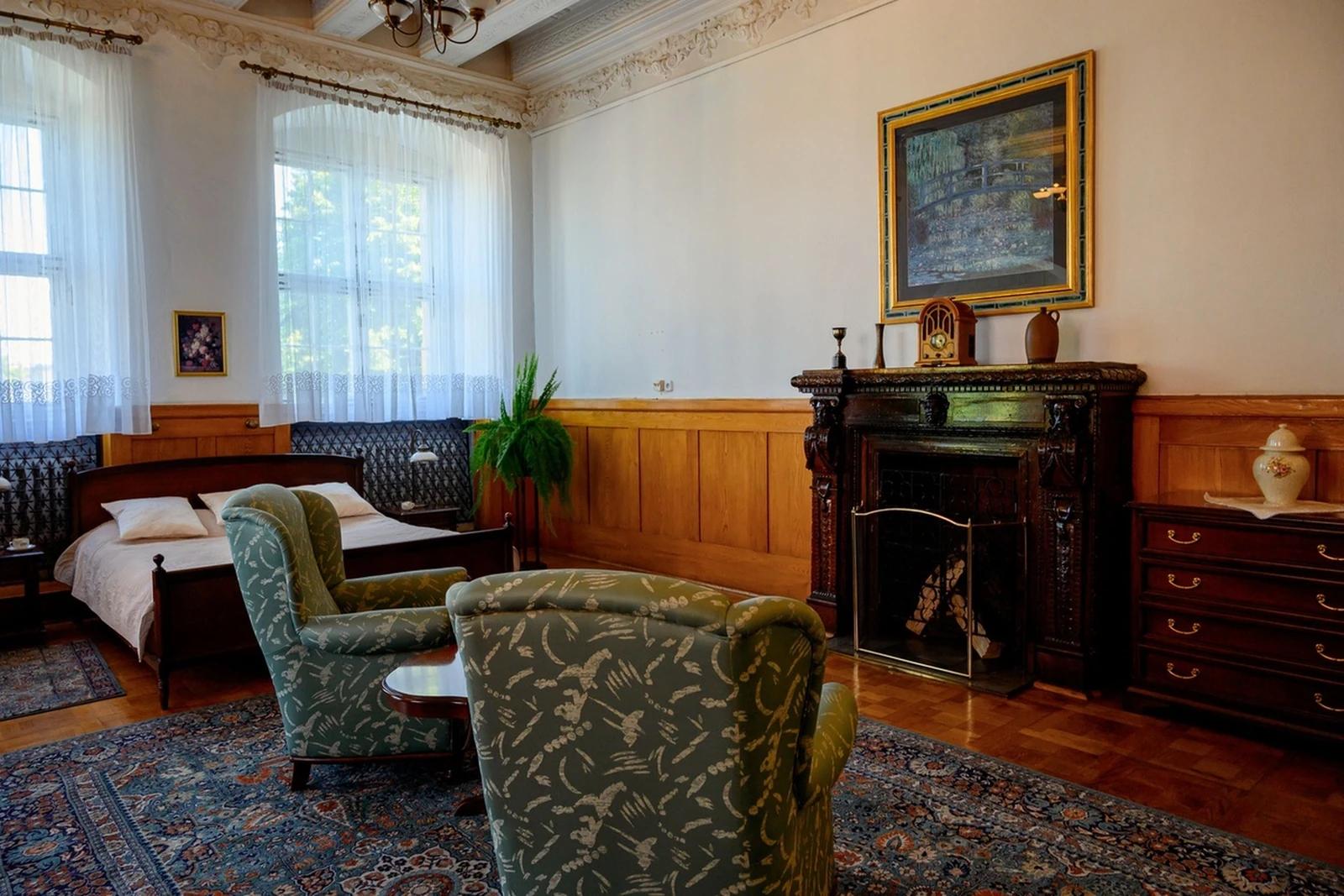
FLUX AI Image Generator per il fotogramma iniziale del tuo prossimo video
Crea un'immagine fissa con una direzione visiva chiara
Usa i modelli di immagini FLUX su flux3 video per esplorare un soggetto, una scena di prodotto o un fotogramma di storyboard. Inizia con un prompt testuale o un riferimento immagine supportato, rivedi le impostazioni e il costo in crediti, ed esamina il risultato prima di usarlo in un video.
Crea la tua prima immagineCrea un'immagine fissa prima di pianificarne il movimento
FLUX AI Image Generator ti aiuta a sviluppare una direzione visiva per un video. Questi sono modelli di immagini: crea o perfeziona qui la tua immagine fissa, poi usa il generatore video separato per animare un fotogramma iniziale adatto.
Descrivi il tuo soggetto e la composizione
Indica il soggetto, la sua posizione, l'ambientazione, l'illuminazione e lo stile desiderato. Aggiungi i colori o i materiali che contano, poi scegli i controlli di output disponibili per il modello di immagini selezionato.
Sviluppa uno stile visivo coerente
Descrivi la palette, lo stile di rendering e l'atmosfera che desideri per uno storyboard o una campagna. Confronta le immagini con lo stesso brief e perfeziona dettagli specifici invece di presumere che ogni risultato sarà uguale.
Perfeziona i riferimenti immagine supportati
Quando il modello FLUX selezionato supporta la modifica delle immagini, carica un riferimento che hai il permesso di usare. Spiega una modifica e i dettagli da preservare. Gli input di riferimento disponibili dipendono dal modello.
Prepara un fotogramma iniziale per image to video
Crea un'immagine statica con spazio per l'azione prevista e il movimento di camera. Scarica un risultato che vuoi usare, apri il generatore video e caricalo in modalità immagine-a-video. Il video viene generato in quel flusso di lavoro separato.
Rivedi i dettagli prima di condividere
Esamina volti, forme dei prodotti, testo e qualsiasi oggetto indesiderato. Rivedi i termini applicabili del modello e della piattaforma, e verifica i tuoi diritti sui riferimenti prima di pubblicare o usare un'immagine in un progetto.
Mantieni il tuo brief creativo in un unico spazio di lavoro
Scrivi un prompt, scegli un modello di immagini FLUX, rivedi il suo costo in crediti e trova il lavoro completato nella Cronologia. Conserva la versione che vuoi usare come punto di partenza per il tuo video.
Cinque modi per dare forma a un brief per un'immagine FLUX
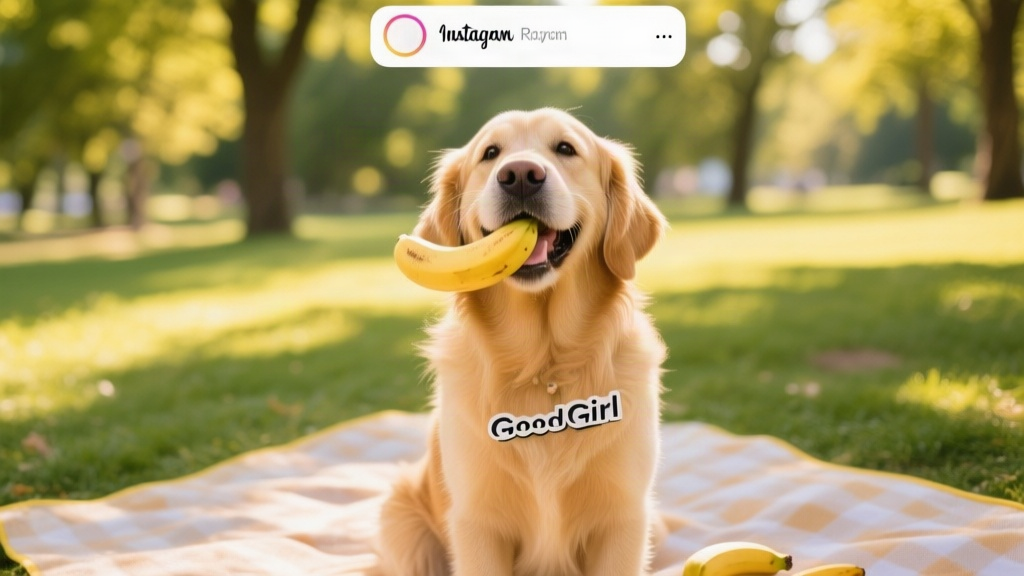
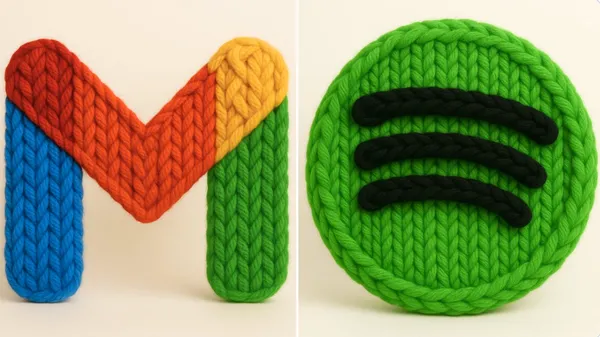
Dai all'immagine una direzione di stile specifica
Scegli parole per il trattamento visivo, come fotografico, illustrato o animato. Descrivi la luce, i colori e i materiali che supportano quella direzione.
Mantieni chiaro il soggetto principale prima di aggiungere dettagli decorativi.
Idee per il fotogramma iniziale per i creatori di video
Esplora studi di composizione e illuminazione per una scena, una storia di prodotto, una clip social o un concept illustrato. Le immagini di riferimento pubblicate illustrano direzioni visive, non trasformazioni garantite.
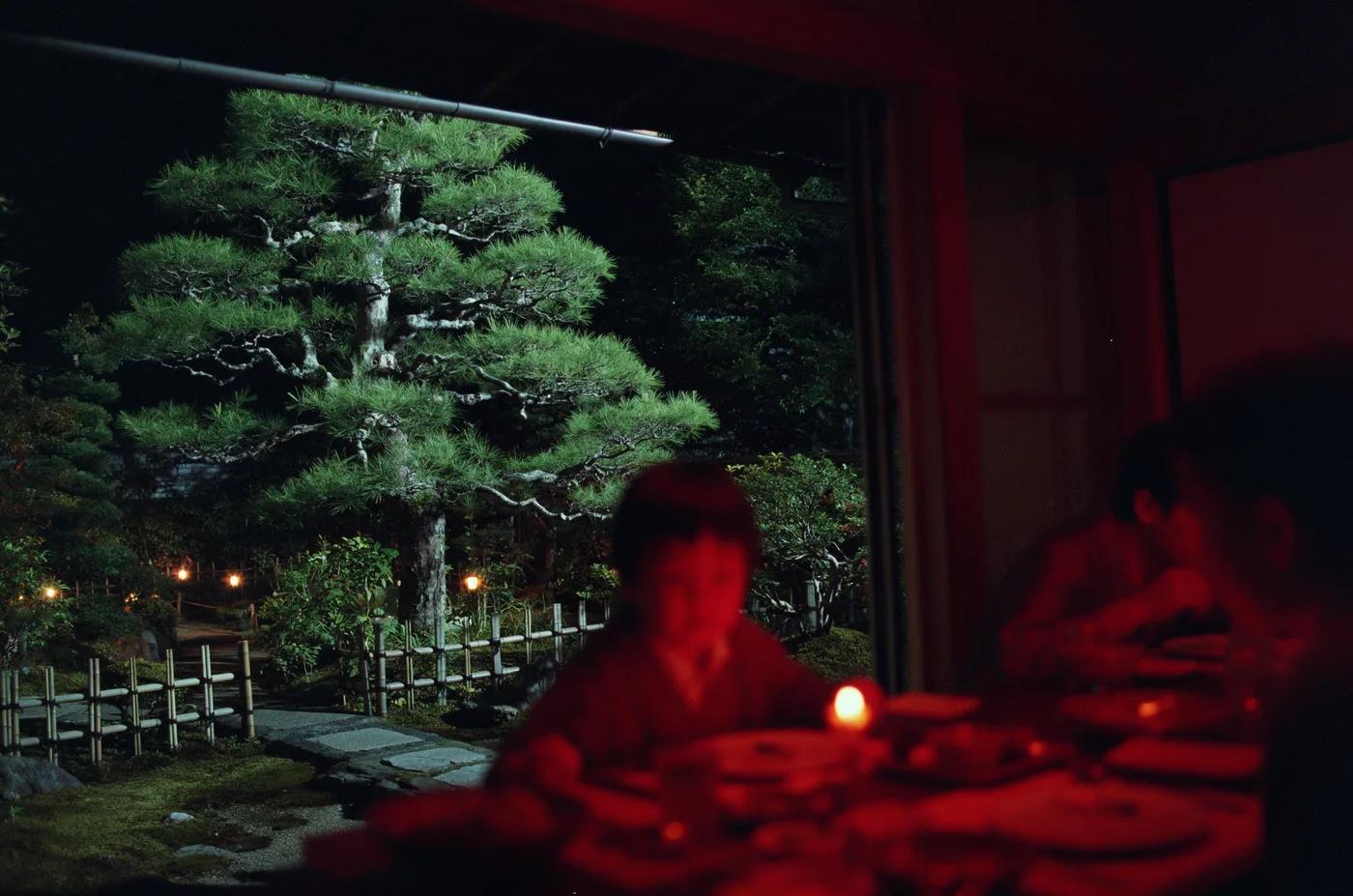
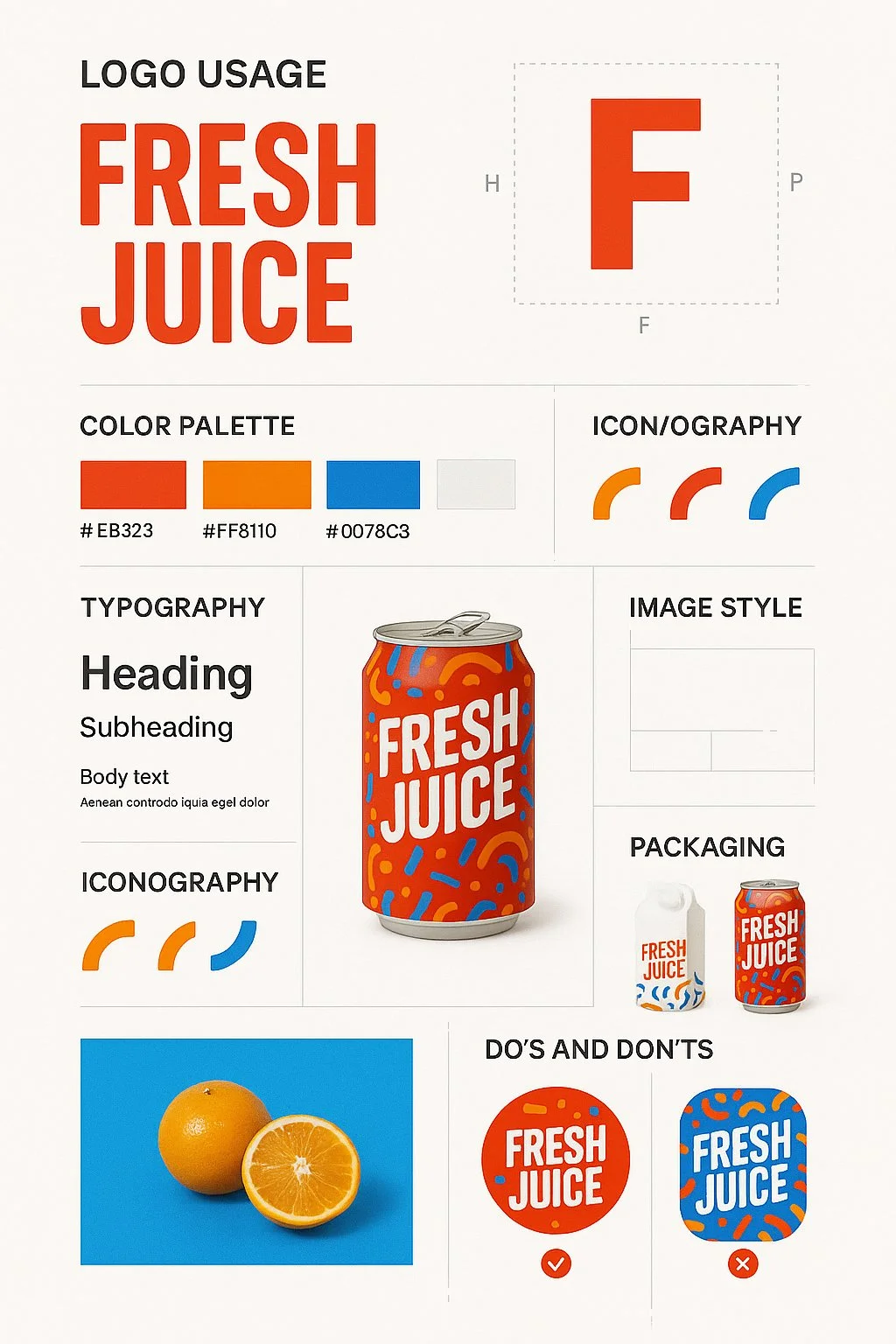
Scene e fotogrammi dello storyboard
Descrivi l'ambiente, la posizione del soggetto, la dimensione dell'inquadratura e la luce. Usa l'immagine per discutere una direzione di scena e pianificare il movimento che desideri in un video successivo.
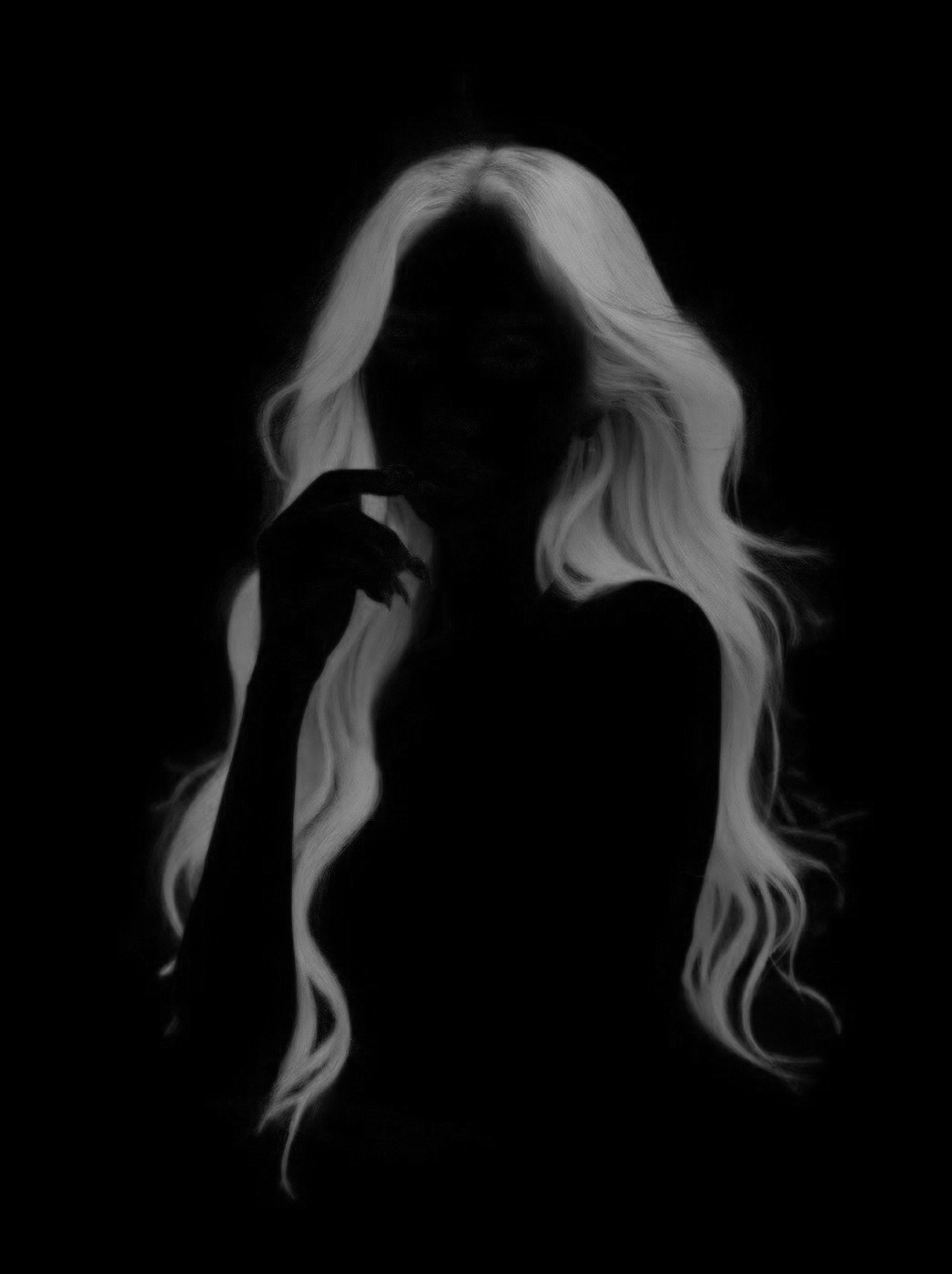
Storie di prodotto
Costruisci un'ambientazione attorno a un prodotto e a un'idea visiva chiara. Verifica forma, colore, materiali e qualsiasi elemento di branding rispetto al prodotto reale prima di utilizzare il risultato in una pubblicità.
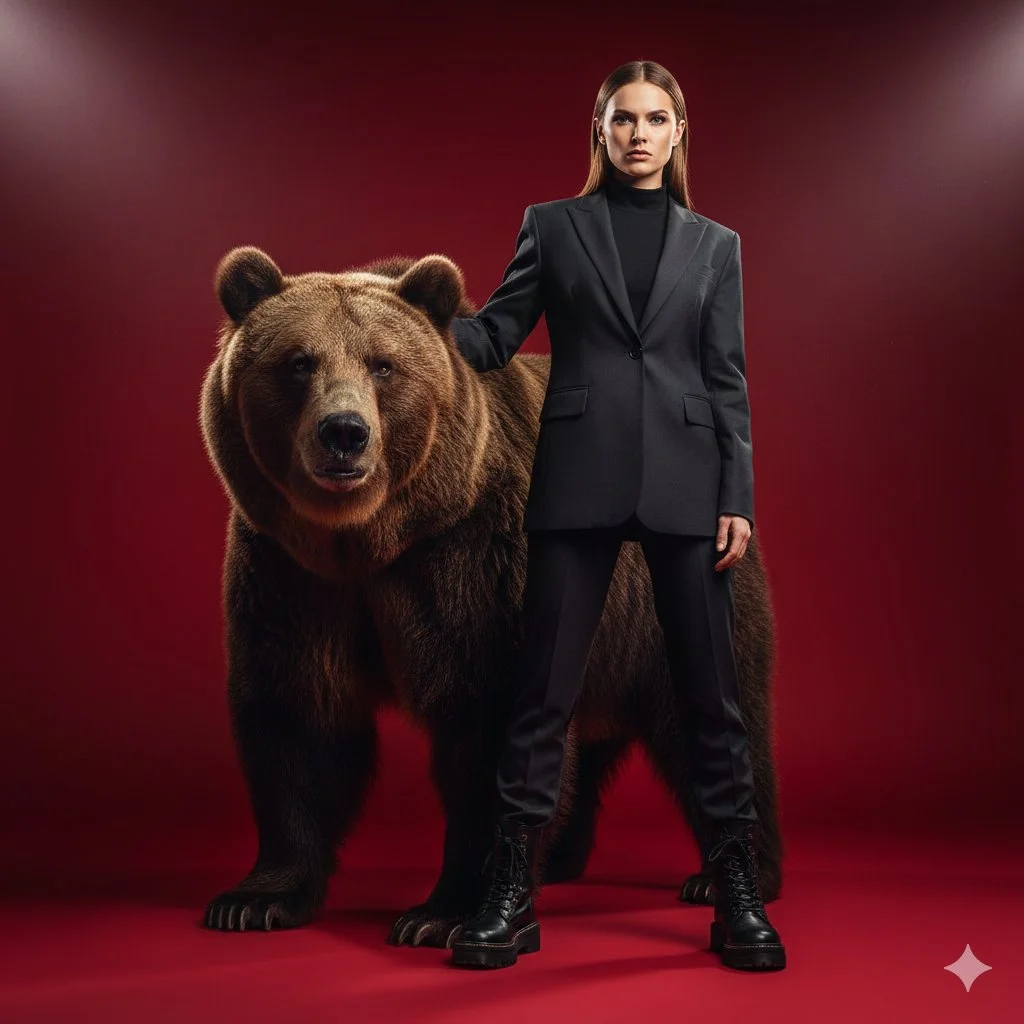
Contenuti social
Crea un'immagine fissa per un post o l'apertura di un video breve. Scegli una composizione supportata con un soggetto leggibile e aggiungi la tipografia finale nel tuo flusso di editing preferito.
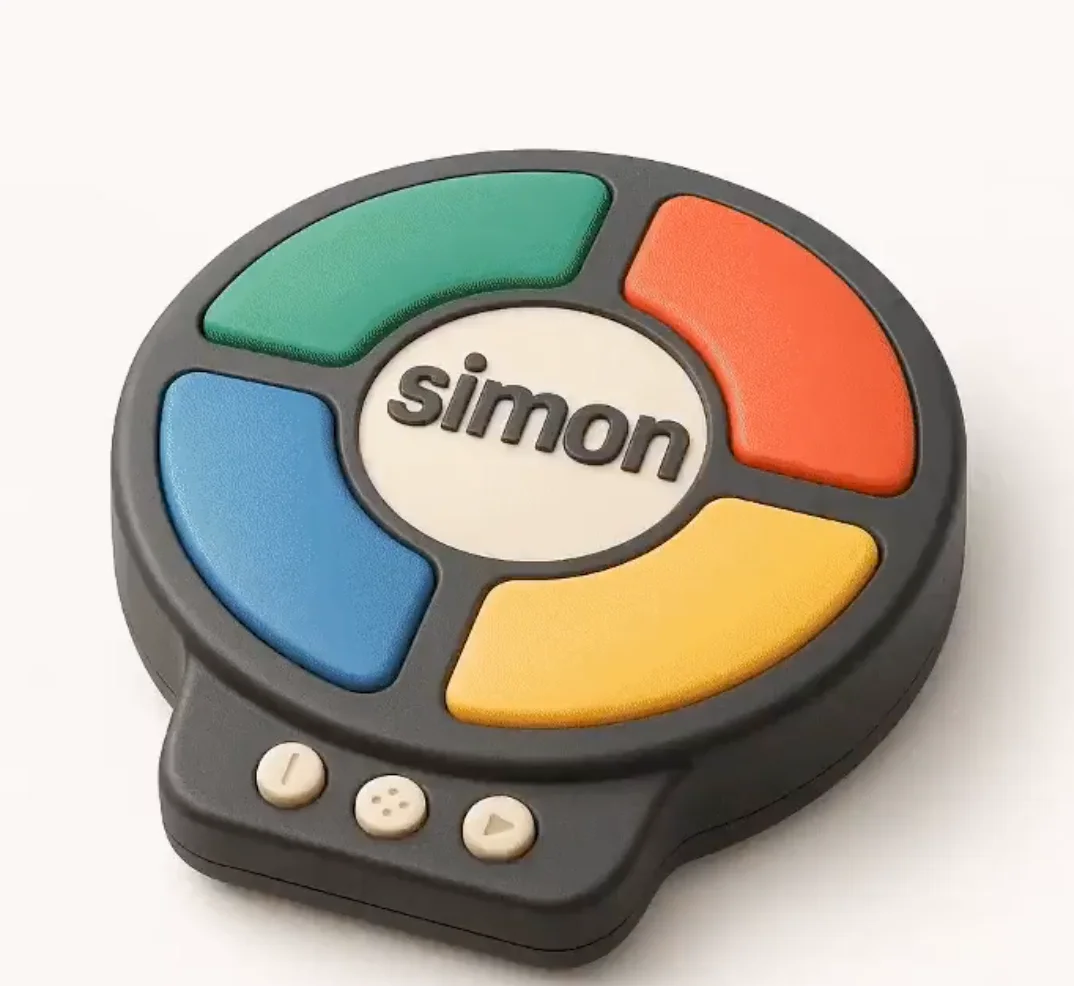
Concept animati
Esplora un personaggio, un'ambientazione e una palette di colori per una scena animata. Specifica i dettagli che vuoi preservare e rivedi ogni risultato prima di sviluppare una sequenza.
Crea un fotogramma iniziale video in quattro passaggi
Scrivi il tuo brief o aggiungi un riferimento
Descrivi il soggetto, la composizione, l'illuminazione e lo stile visivo. Se il modello selezionato supporta la modifica, carica un riferimento che hai il permesso di usare e spiega la modifica di cui hai bisogno.
Scegli un modello FLUX per immagini e le impostazioni
Seleziona un modello dal catalogo immagini disponibile e usa i controlli supportati per dimensione, qualità e riferimento. Controlla i crediti richiesti prima di inviare.
Genera e rivedi l'immagine fissa
Seleziona Genera immagine e segui la richiesta nella cronologia. Ispeziona il risultato, poi modifica il prompt o un'impostazione supportata se hai bisogno di un'altra versione.
Scaricala e usala in immagine a video
Scarica l'immagine fissa scelta, apri il generatore video e caricala come riferimento per il fotogramma iniziale. Descrivi il movimento separatamente; la creazione delle immagini e la creazione dei video utilizzano modelli e preventivi di crediti propri.
Idee visive per il tuo prossimo progetto
Usa un'immagine fissa per stabilire soggetto, stile e composizione prima di pianificare una clip social, una storia di prodotto, un video esplicativo o una scena animata.
Studi di personaggi e stile
Sviluppa il personaggio, la posa, l'illuminazione e lo sfondo di una scena. Rivedi volti, mani, abbigliamento e dettagli prima di pianificare il movimento del personaggio.
Prodotti e concept di campagna
Esplora un'ambientazione di prodotto o l'atmosfera di una campagna partendo da un brief mirato. Verifica il risultato rispetto ai dettagli reali del prodotto e lascia spazio per testo o branding finali.
Video esplicativi e presentazioni
Prepara una visuale semplice per un punto didattico o di presentazione. Verifica fatti e dettagli e aggiungi tu stesso le etichette finali quando la precisione è importante.
Ambienti e mondi narrativi
Costruisci un concept di ambiente con una palette chiara, un'illuminazione e un senso di scala. Usalo per pianificare la direzione della scena prima di generare riprese video separate.
Note creative per il tuo fotogramma iniziale
Nomina il soggetto e l'ambientazione prima di aggiungere parole di stile. Mantieni l'idea visiva principale facilmente riconoscibile.

Generatore di immagini FLUX AI: domande e risposte
Crea immagini fisse da prompt testuali o riferimenti immagine supportati utilizzando i modelli FLUX per immagini. Su flux3 video, usalo per sviluppare visual e fotogrammi iniziali. La generazione video avviene separatamente nel generatore video.
Descrivi il soggetto, l'ambientazione, la composizione, l'illuminazione e lo stile desiderato. Includi colori o materiali quando sono importanti. Per un fotogramma iniziale video, considera anche lo spazio di cui il soggetto ha bisogno per la sua azione successiva.
Il menu dei modelli per immagini mostra i modelli FLUX attualmente disponibili su questo sito. Ogni modello ha i propri requisiti di input, impostazioni e costi in crediti. Usa quel menu per rivedere le opzioni prima di generare.
Usa la modalità immagine-a-immagine o modifica quando il modello selezionato la offre. Carica un riferimento supportato che hai il permesso di usare, descrivi una modifica e indica i dettagli da preservare. Il conteggio degli input e i controlli di modifica dipendono dal modello selezionato.
Sì. Scarica l'immagine scelta e caricala in modalità immagine-a-video nel generatore video separato. Descrivi lì l'azione prevista e il movimento della camera. Un modello FLUX per immagini produce l'immagine fissa; un modello video produce la clip.
Rivedi i termini applicabili della piattaforma e del modello e i tuoi diritti sui riferimenti caricati, sulle persone identificabili, sui loghi e su altro materiale di origine. Ispeziona l'immagine per individuare dettagli indesiderati prima di usarla in un progetto commerciale.
La generazione usa crediti. Controlla il tuo saldo, seleziona un modello di immagini FLUX e le impostazioni, ed esamina il costo preventivato prima di inviare. Visita Prezzi per i piani disponibili e i pacchetti di crediti.
Le immagini completate sono disponibili nella cronologia. Apri il risultato per ispezionarlo e scarica la versione che vuoi conservare per il tuo progetto o per il flusso di lavoro immagine-a-video.
Puoi richiedere un rimborso entro 10 giorni dall'acquisto se hai crediti non utilizzati da quell'acquisto e fornisci un motivo chiaro, in base alla nostra Politica di rimborso. Se idoneo, un acquisto non utilizzato può essere rimborsato integralmente; un acquisto parzialmente utilizzato viene rimborsato in proporzione ai crediti non utilizzati rimanenti. Gli acquisti completamente utilizzati e i crediti gratuiti o promozionali non sono rimborsabili.
La validità dei crediti dipende dal pacchetto, dall'abbonamento o dalla promozione che li ha emessi. Consulta i termini di acquisto e le date di scadenza in Impostazioni > Crediti. Un rinnovo o un nuovo acquisto non prolunga i crediti più vecchi. Usa i crediti prima della scadenza indicata; non dare per scontato che i crediti dell'abbonamento non utilizzati si riportino indefinitamente.
I crediti addebitati per un'attività confermata come non riuscita a causa di un errore di sistema vengono restituiti automaticamente. Un'attività ancora in elaborazione non è stata ancora confermata come non riuscita. Controlla il suo stato e la cronologia dei crediti prima di inviare di nuovo. Se un'attività confermata come non riuscita mostra ancora un addebito irrisolto, scrivi a support@flux3video.dev indicando l'ID dell'attività.
I risultati dell'IA possono variare, quindi un risultato completato che differisce dalle tue aspettative non viene automaticamente trattato come un errore tecnico. Le attività di immagini completate idonee possono essere inviate per la revisione del rimborso in crediti utilizzando l'opzione di rimborso, ove disponibile; è richiesta l'approvazione. Per un video o un altro problema, contatta support@flux3video.dev indicando l'ID dell'attività e i dettagli. Un rimborso in crediti restituisce crediti, non denaro sul tuo metodo di pagamento.
Scrivi a support@flux3video.dev. Per la fatturazione, includi l'email del tuo account e l'ID dell'ordine; per la generazione, includi l'ID dell'attività, la descrizione del problema e le schermate pertinenti. Se hai acquistato come ospite, conserva i dati del browser originale e la ricevuta di pagamento, così possiamo aiutarti a individuare l'acquisto.
Crea il tuo prossimo fotogramma iniziale video con FLUX
Parti da testo o da un riferimento immagine supportato, scegli un modello FLUX per immagini e controlla le sue impostazioni e il costo in crediti. Scarica un risultato completato, poi portalo nel flusso di lavoro immagine-a-video separato.
flux3video.dev · Aggiornato
Consulta la cronologia degli aggiornamenti
- — Aggiunti prompt di esempio modificabili, bozze separate per le modalità testo e riferimento e un comando per ripristinare l’esempio.
- — Testi e contenuto della pagina aggiornati.
- — Contenuto della pagina pubblicato.