
MiniMax H3 Image
Create or edit an interior still with MiniMax H3 Image
History
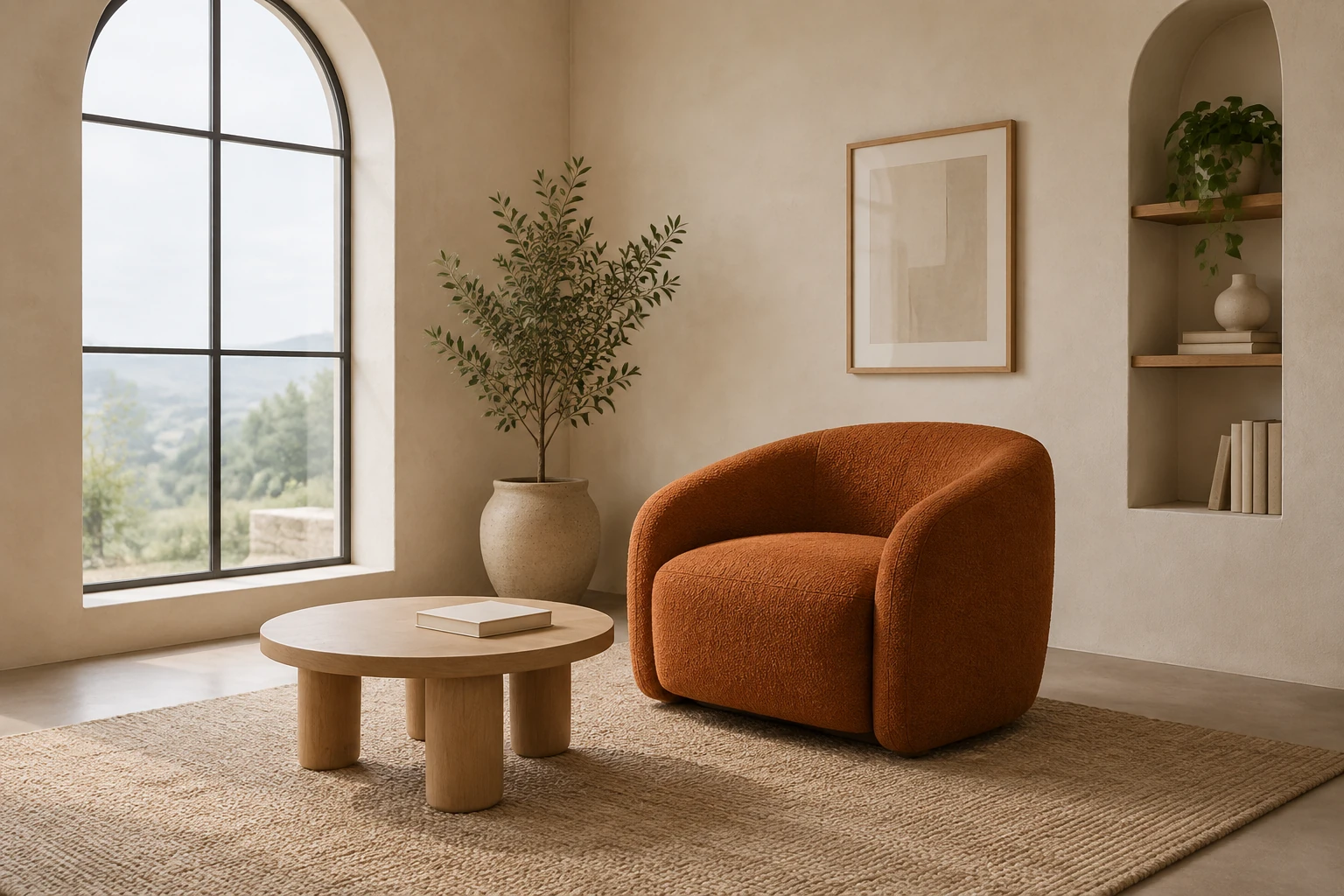
MiniMax H3 Image can turn a room brief into a still image or refine one supplied room reference. Plan the furniture scale, window position and light before a separate video project. The reading-corner example gives you a complete starting prompt, while the reference prompt changes only the visible wall paint.
Plan and refine your H3 image
1. Choose the image mode
Text to Image has an editable prompt and accepts zero uploads. Use it for a new composition such as the reading corner described here. Image to Image uses one supplied reference and an editable prompt. Choose it when the job depends on a real room's existing layout and contents.
2. Describe the room and its framing
Name the main furnishings, their relative scale, the window position, and the desired light. Specify a viewpoint and say whether all major furniture should fit in frame. For a planning still, useful details include soft overcast window light and a visible floor contact shadow.
3. Make one focused edit request
Prepare one clear, relevant actual reference. Identify the single change—here, wall paint—and explicitly preserve the reference's own subject, layout, contents, and other visible colors or materials. The example edit prompt is for your supplied room; it does not swap in the original reading-corner design.
4. Check the quote, generate, and review
Choose the model and image settings, then check the live Required Credits before selecting Generate. Review the ready image for edges, proportions, materials, lighting, and unwanted text. Use a ready still for planning or further work; it does not itself provide video or a walkable 3D room.
What this generator is for
Use MiniMax H3 Image for a new interior composition or one focused edit to a room reference. Start by deciding which chair,table and window should establish the room’s scale. The reading-corner brief uses a quiet eye-level view so you can judge furniture placement before choosing a separate video workflow.
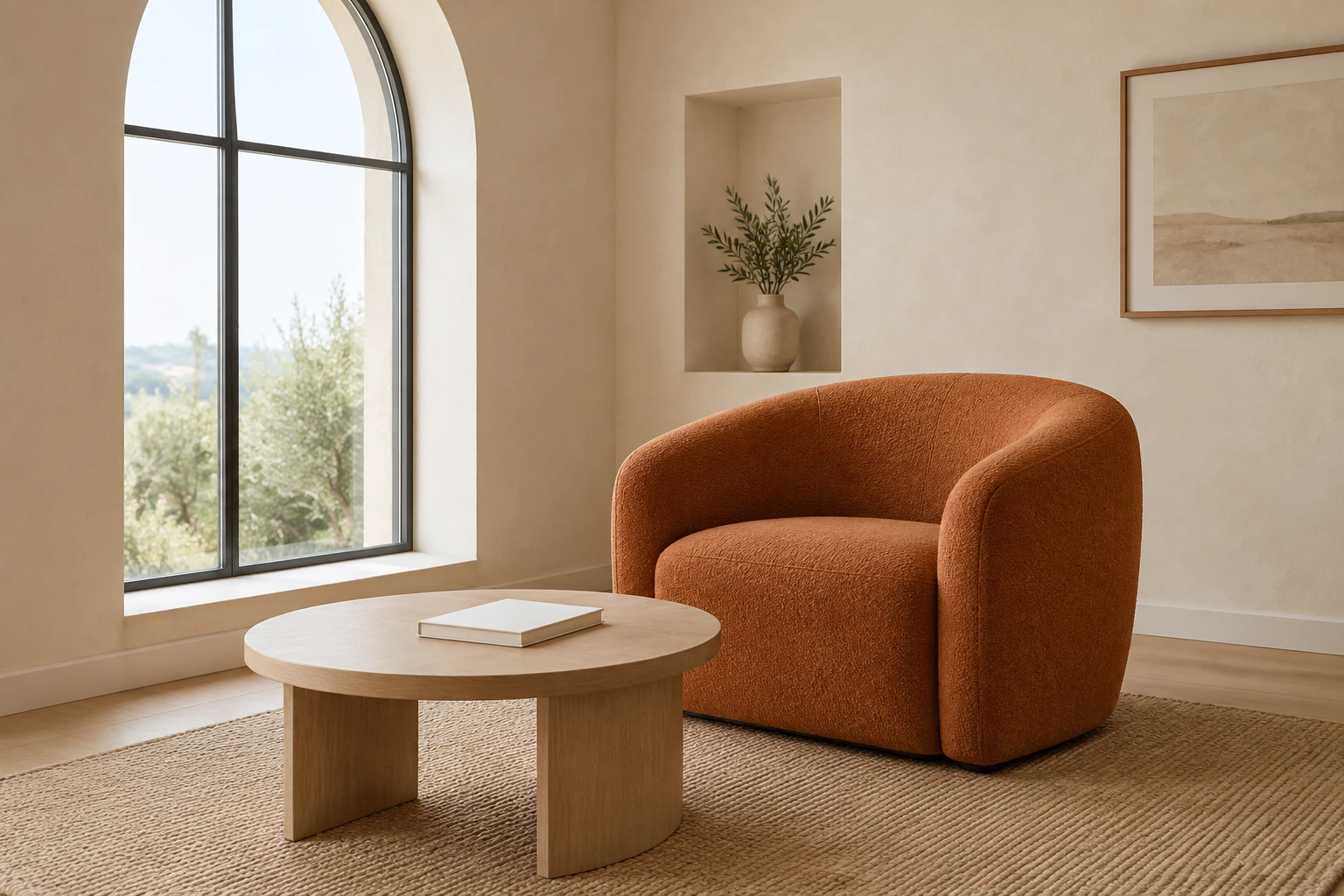
Give the image a useful interior brief
Start with the room's purpose and the objects that establish scale. In the original scene, the curved chair, low round table, and tall arched window provide clear spatial relationships. Ask for an eye-level, spacious composition and fully visible major furniture if those details matter to planning. State the light source and the kind of floor shadow you need to judge placement. A dusk direction can use dusty-blue walls and a warm lamp pool; choose one clear lighting plan for each new image.
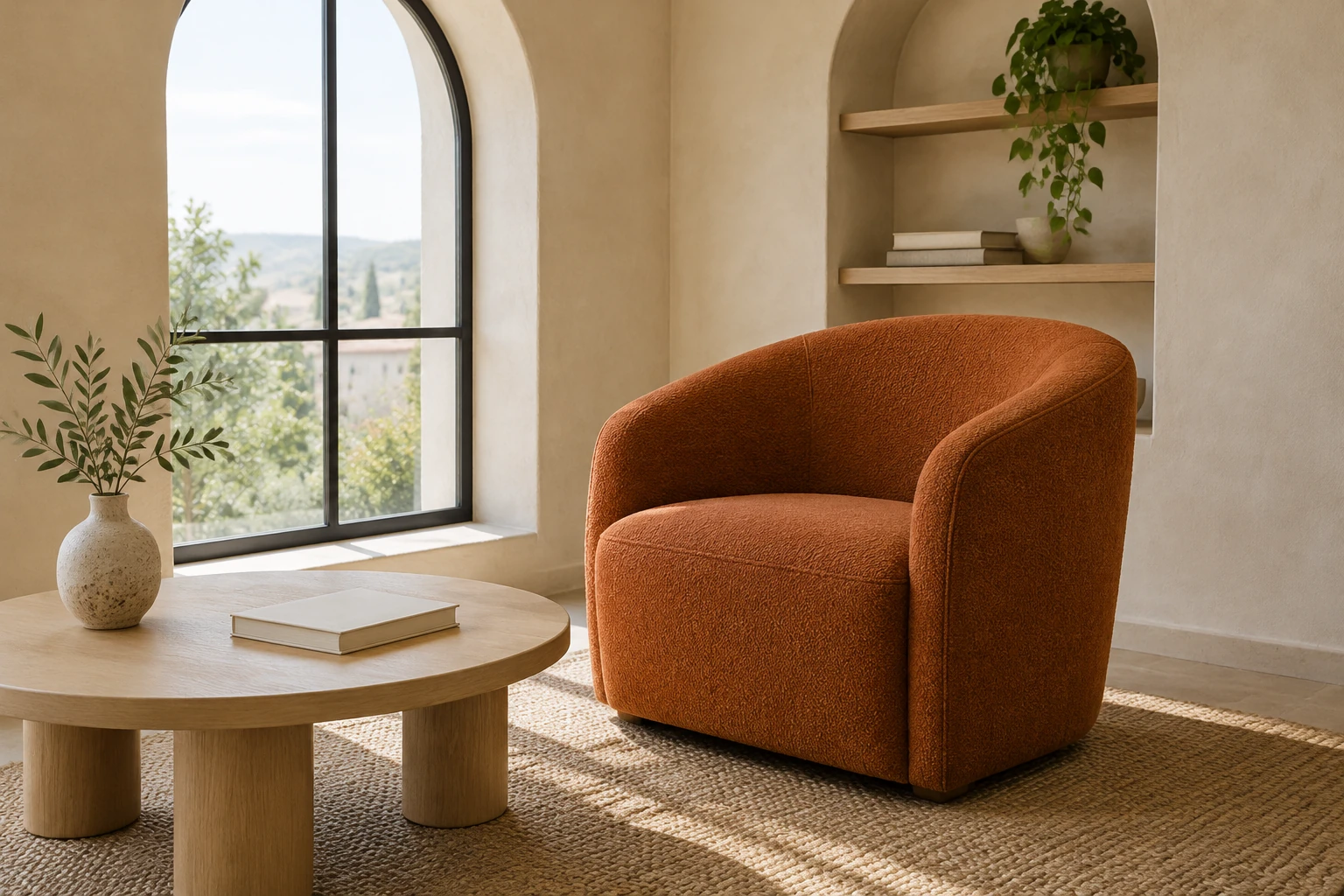
Edit the reference, not a replacement room
For a room-specific paint study, use Image to Image with one real supplied reference. Describe the wall-color change precisely, then name what must stay: the reference's own visible layout, furnishings, subject, and materials. Avoid relying on the reading-corner example if it is not your supplied room. A focused request makes it easier to spot whether the paint direction is useful while checking that the room still reads as the same space.
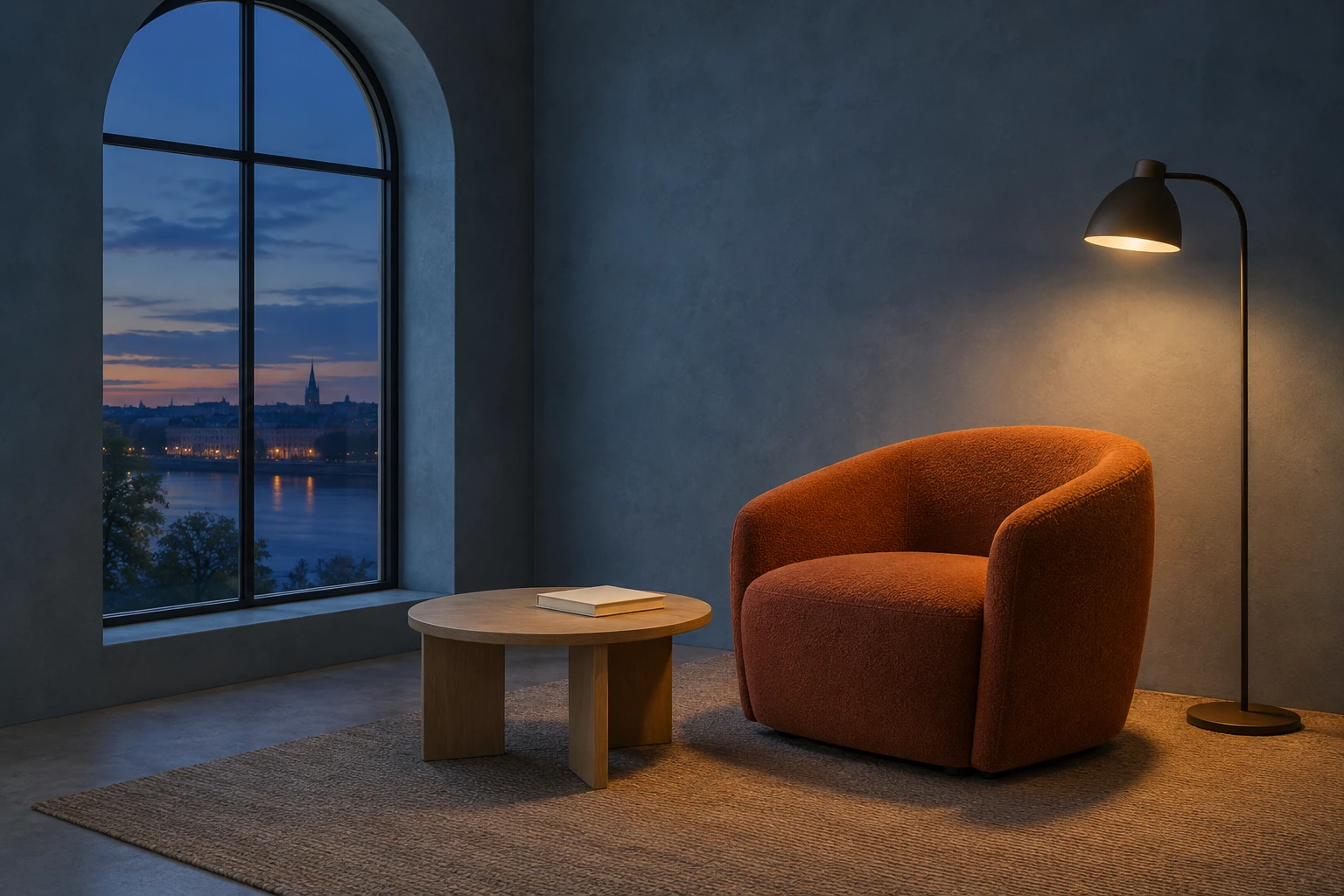
Settings, credits, and review
Model, aspect, and resolution settings determine the live Required Credits shown by the interface. This model has no free-eligible account access here, so check paid eligibility and the current quote before Generate; no fixed cost or free allowance is promised. Waiting time is not guaranteed. History shows generation status and ready images. Once an image is ready, inspect edges, proportions, material appearance, light, and any unwanted text before using it as a planning image.
MiniMax H3 Image questions
What does MiniMax H3 Image do on this site?
It is an enabled still-image model for creating an image from a prompt or editing one supplied reference with a prompt. It does not generate a video or a walkable 3D room in the interface described here.
Can I use zero or one reference image?
Yes. Text to Image uses an editable prompt and zero uploads. Image to Image uses one supplied reference and an editable prompt.
Is the model free, and what will a generation cost?
This model has no free-eligible account access here. Check paid eligibility and the live Required Credits quote after choosing model, aspect, and resolution settings; the quote can vary, and no fixed price or free allowance is promised.
How long does generation take, and where do I check it?
No exact wait is guaranteed. History shows status and ready images, so check there for the progress and result of your generation.
How should I prompt a room-reference edit?
Supply one clear actual room reference, request one specific change, and say what must remain from that image. For a wall-paint study, preserve the reference's own layout and contents rather than substituting a different example room.
What should I inspect before using the still?
Check edges, proportions, materials, light, and unwanted text. For an interior planning image, also confirm that the furniture scale, window position, and floor contact are readable enough for your purpose.
More ideas to explore
flux3video.dev · Updated
See update history
- — Added an original interior-still brief,a wall-paint-only single-reference prompt,and guidance for model access,live credit quotes and image review.