
Art direction for short costume reveals
AI Halloween Costume Transformation: A Camera and Composition Guide
Direct a Halloween costume reveal
History
Loading history…
Your questions, answered
What is AI Halloween Costume Transformation?
It creates a short video around a costume direction, an adult subject and a described reveal. Use the text to set garment shape, fabric, light and movement, with a portrait reference when you want a particular person to guide the scene.
How do I start?
Choose Image to Video for a portrait-led reveal and add one adult photo. Use Text to Video for a new fictional subject without uploaded media. Describe one costume change, review the quote and submit the matching request.
Can I try it for free?
Check your current account credits and the selected model’s access conditions. When the available balance covers the quoted job, you can generate without buying more credits.
What do I upload?
For the image-guided mode, use one clear adult portrait with an unobstructed face and some visible shoulders. Leave room around the head for a hat or collar. Text to Video uses only the written scene direction.
How much does it cost?
Read the live credit quote for the selected model and settings before submitting your costume clip. Preparing inputs or editing a description does not start a generation.
When is the result ready?
Follow the submitted job’s estimate and progress. The model, settings and queue affect waiting; History keeps the completed clip available for review and download.
Give a costume reveal a clear beginning, a visible transformation and a final pose worth holding. The AI Halloween Costume Transformation workspace on flux3video.dev lets you direct those choices from an adult portrait and a focused description. Choose the garment silhouette first, then the light and one small movement. Keep the face visible through the reveal so the costume feels connected to the person you started with.
Create a costume reveal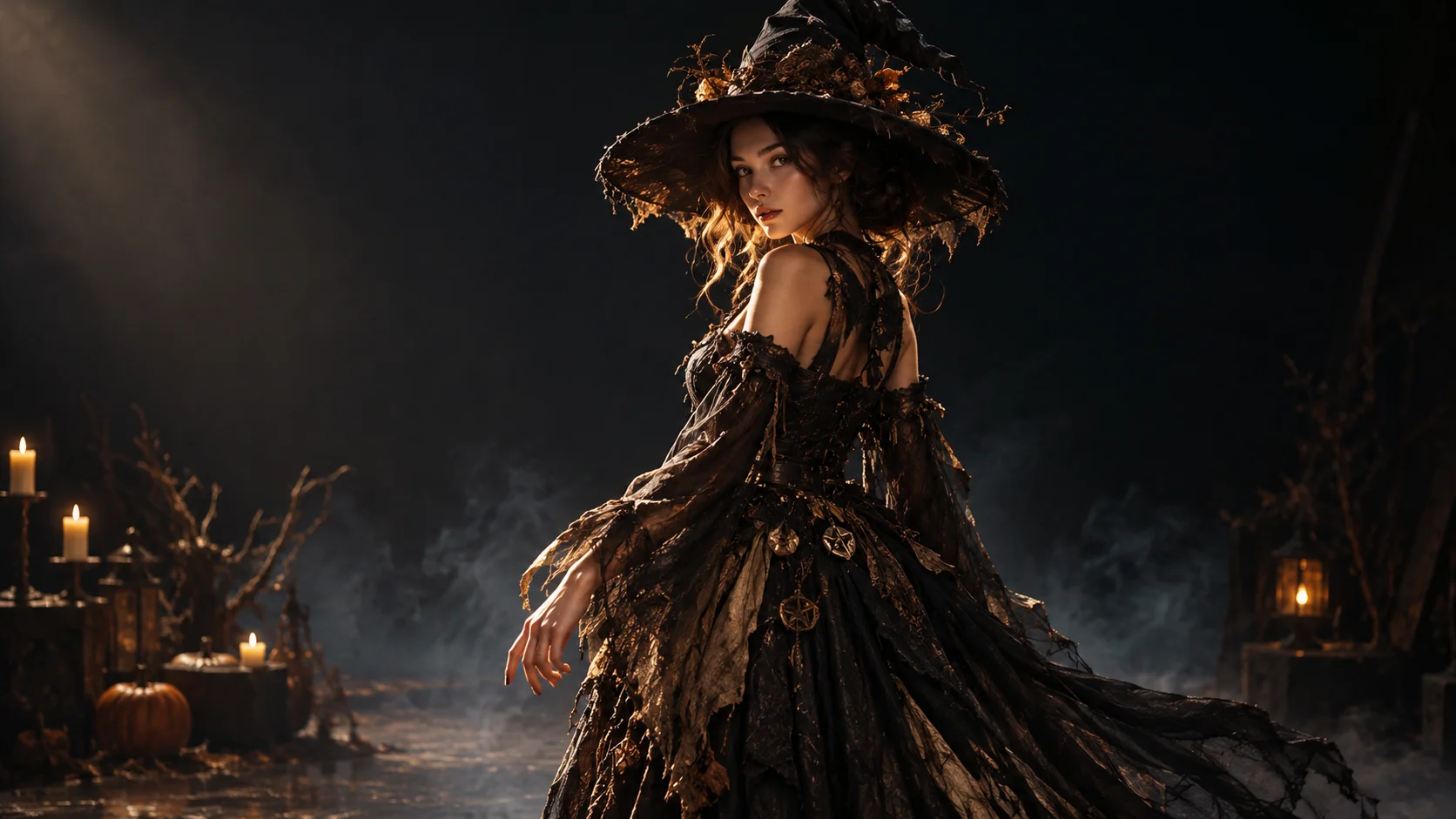
How a costume reveal gets built
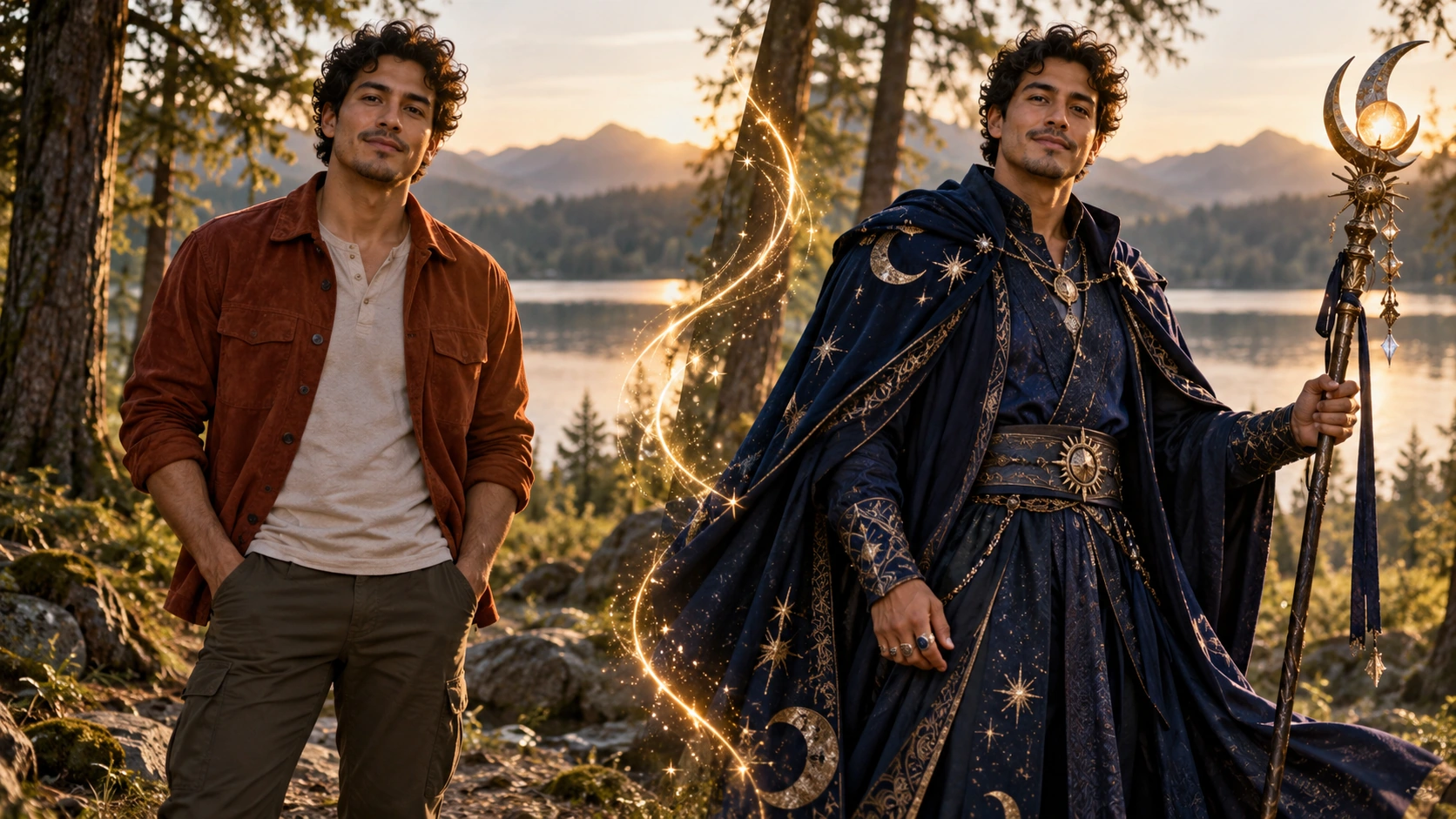
Start with one adult reference portrait
Upload a single clear portrait of an adult. Face the camera or turn slightly; keep the head unobstructed and the lighting even so the model has clean information to work from. Then write the costume description in the editable prompt field, naming garment shapes, materials and accessories rather than vague themes.
Set the camera and the turn
Decide where the camera sits before anything else. A three-quarter view with a slow turn reads costume detail; a lower angle adds weight. Choose the available model controls, then write atmosphere into the prompt: light source, haze level, floor reflection, background depth. Keep the action short and single-purpose.
Generate, then review in History
The interface shows a live credit quote before you commit, so you know the cost of the job. Sign in, run the generation, then open History to compare takes. Review face likeness, how the costume reads at each point of the turn, and whether the atmosphere supports the reveal or competes with it.
What the output gives you
A short cinematic reveal
The clip is built for a brief moment, not a long scene. That suits a costume: one turn, one light change, one held frame. Write the description so the strongest silhouette detail faces the camera at the midpoint of the turn, where viewers look longest.
Editable costume description
Costume language is the main lever you control. Swap a fabric, add a shoulder piece, remove a prop, and the phrasing changes the read. Keep the description concrete and ordered from largest shapes to smallest trim so the prompt stays legible and the silhouette holds.
Account, quote and job history
Generation runs against your signed-in account. A live credit quote appears before you generate, and every job lands in History for side-by-side review.
Where this direction works
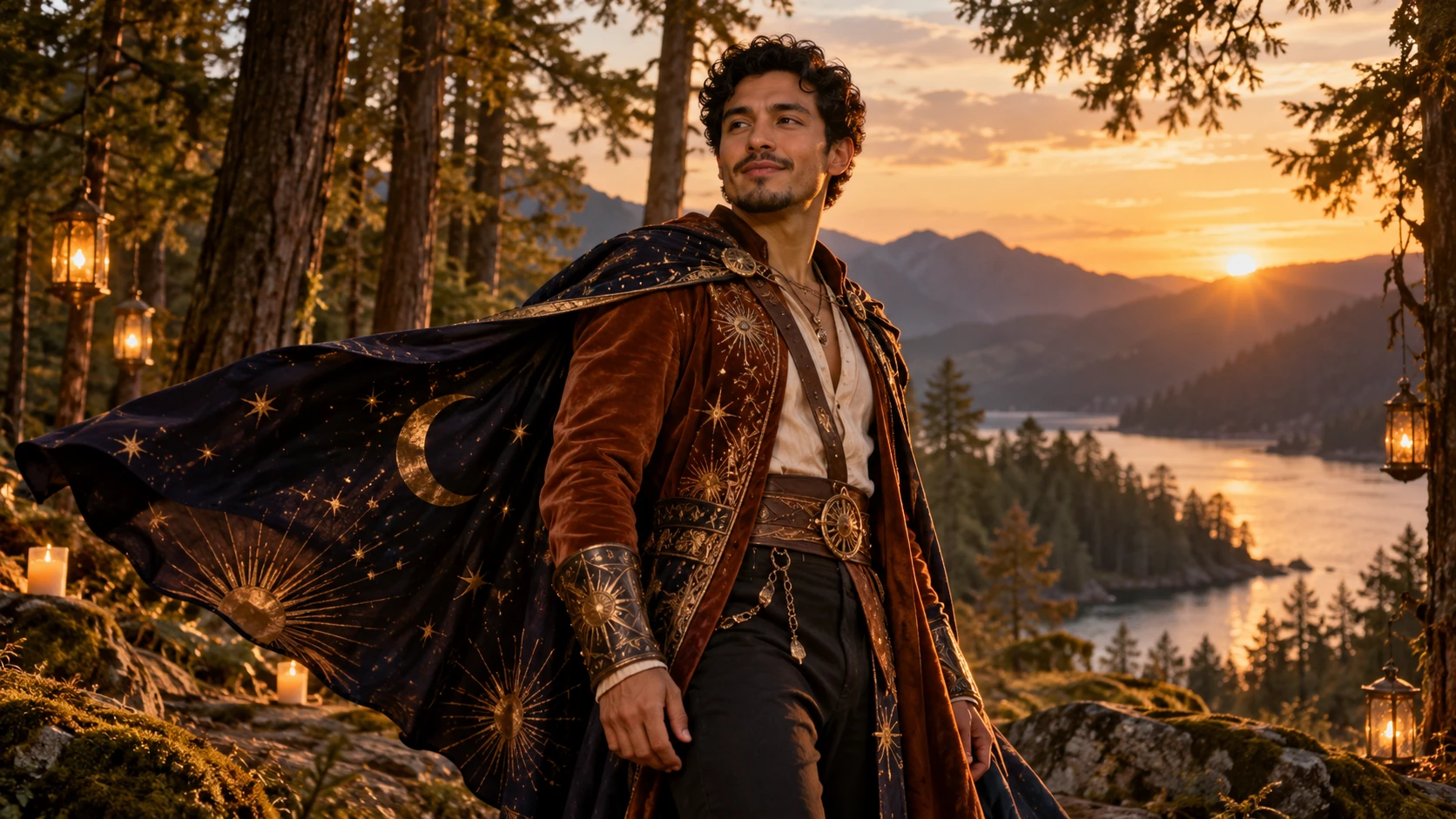
A masquerade portrait reveal
Frame from chest height with a shallow background. Describe an ornate half-mask, heavy brocade and a slow turn that lets the mask catch one hard side light. The face stays visible on the turn, so likeness matters.
A fog-lit woodland figure
Place the camera low, describe a layered cloak and a lantern, and keep the turn slow enough for the fabric to trail. Low ground fog and a warm practical light separate the figure from the dark background.
A rooftop masquerade entrance
Use a wider composition with the figure entering frame, then turning toward the lens. Describe a tailored coat, gloves and a single dramatic accessory. City haze behind gives depth without stealing the silhouette.
Before you generate

- Write the costume from biggest shape to smallest detail so the description stays readable.
- Name one light source and one background element; more than that flattens the reveal.
- Check the live credit quote before running a job, and compare takes in History rather than judging a single pass.
Give the reveal a simple sequence the viewer can follow
Begin by describing the starting pose, then the main costume change and the moment where the subject settles. Keep those three decisions connected by one simple action. A slow turn can show the back of a cloak; a gentle step forward can bring a collar or mask into the light. Choose the movement because it reveals a detail, not merely because it sounds dramatic. Keep the camera steady enough to see the face and the larger garment shapes. A short sequence with a clear end point is easier to judge than several unrelated transformations packed into the same clip.
Review the complete moving result before choosing the version for a post. Look at the face during the turn, the way hands meet a prop and whether the costume keeps its shape between frames. If the outfit becomes hard to read, simplify the background or reduce competing effects. Keep the same portrait for the next comparison and change one detail in the direction. You might retain the cloak and light while removing a large prop, or keep the pose while trying a simpler trim. Add the post's message after selecting the clip so the generation brief stays focused on the visual reveal.
Costume transformation questions
What does the AI Halloween Costume Transformation produce?
A short cinematic clip in which an adult from your reference portrait appears in a described costume, built around a slow turn and a chosen atmosphere. It is a reveal clip, not a full scene or a multi-shot sequence.
What should the uploaded portrait look like?
One adult face, clearly lit, with the head and shoulders unobstructed. Avoid heavy filters, extreme angles or group photos. A clean, evenly lit portrait gives the model the best chance of carrying likeness into the costume frames.
How much camera control do I actually get?
You direct through the written prompt and the available model controls. Camera height, framing, light direction and atmosphere are described in text. There are no separate framing or lens pickers beyond what the prompt and model settings expose.
Will the face stay exactly the same?
Keep the face visible in the source and describe which features and expression should remain. Review the face through the entire turn, not only the opening frame. If likeness is the main goal, use a simpler costume, calmer light and a smaller movement in the next direction.
Is there a free allowance?
Check the credits available to your account and the selected option's access conditions. Compare that balance with the live quote before submitting. Current Pricing explains the available purchase options when more credits are needed.
Direct the turn
Upload one adult portrait, describe the costume and camera in the prompt field, then check the live credit quote before you generate.
Create a costume revealContinue with a related creative guide
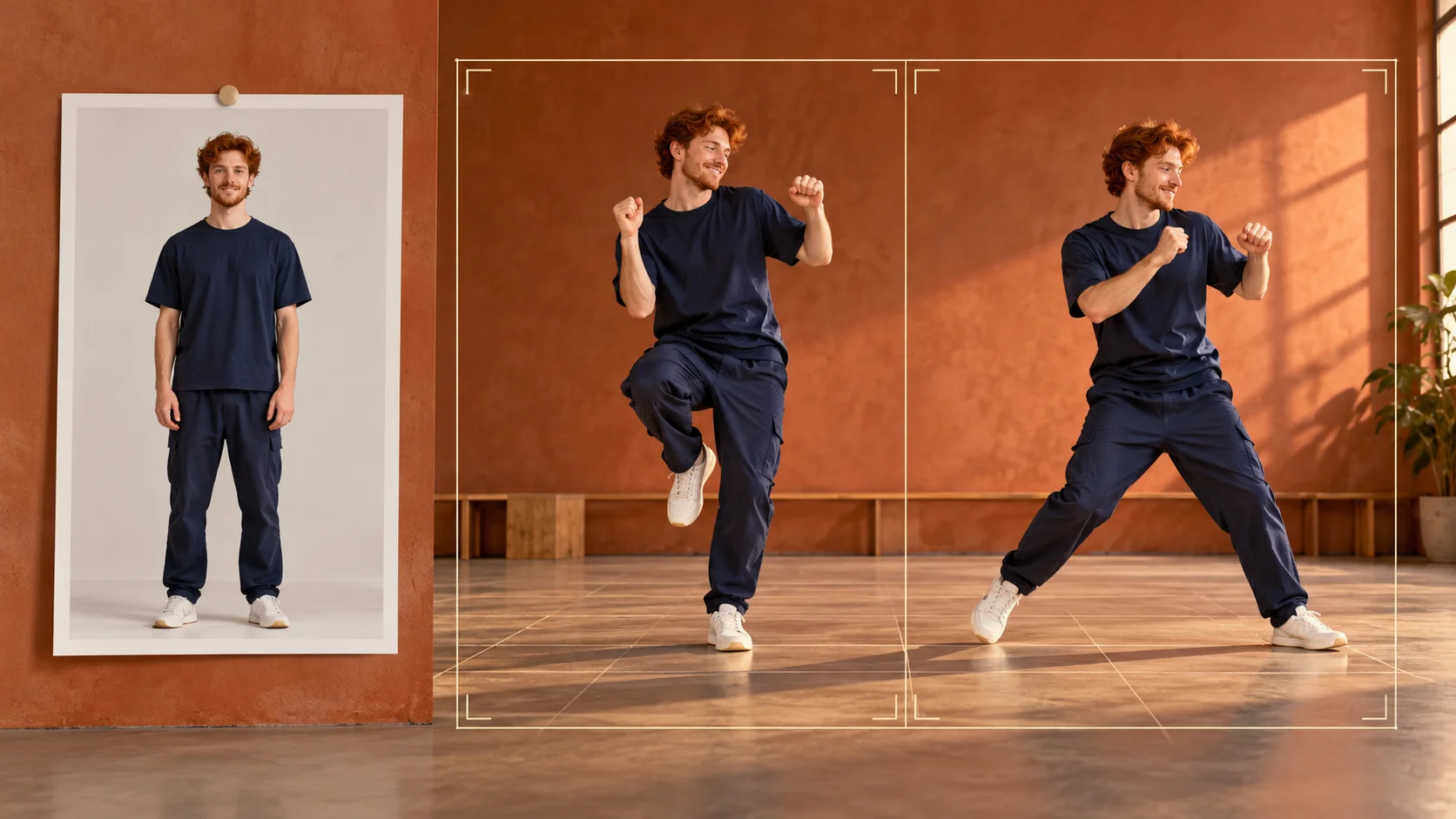
Explore a full-body movement idea
Use a separate dance brief when the main goal is clear rhythmic footwork.
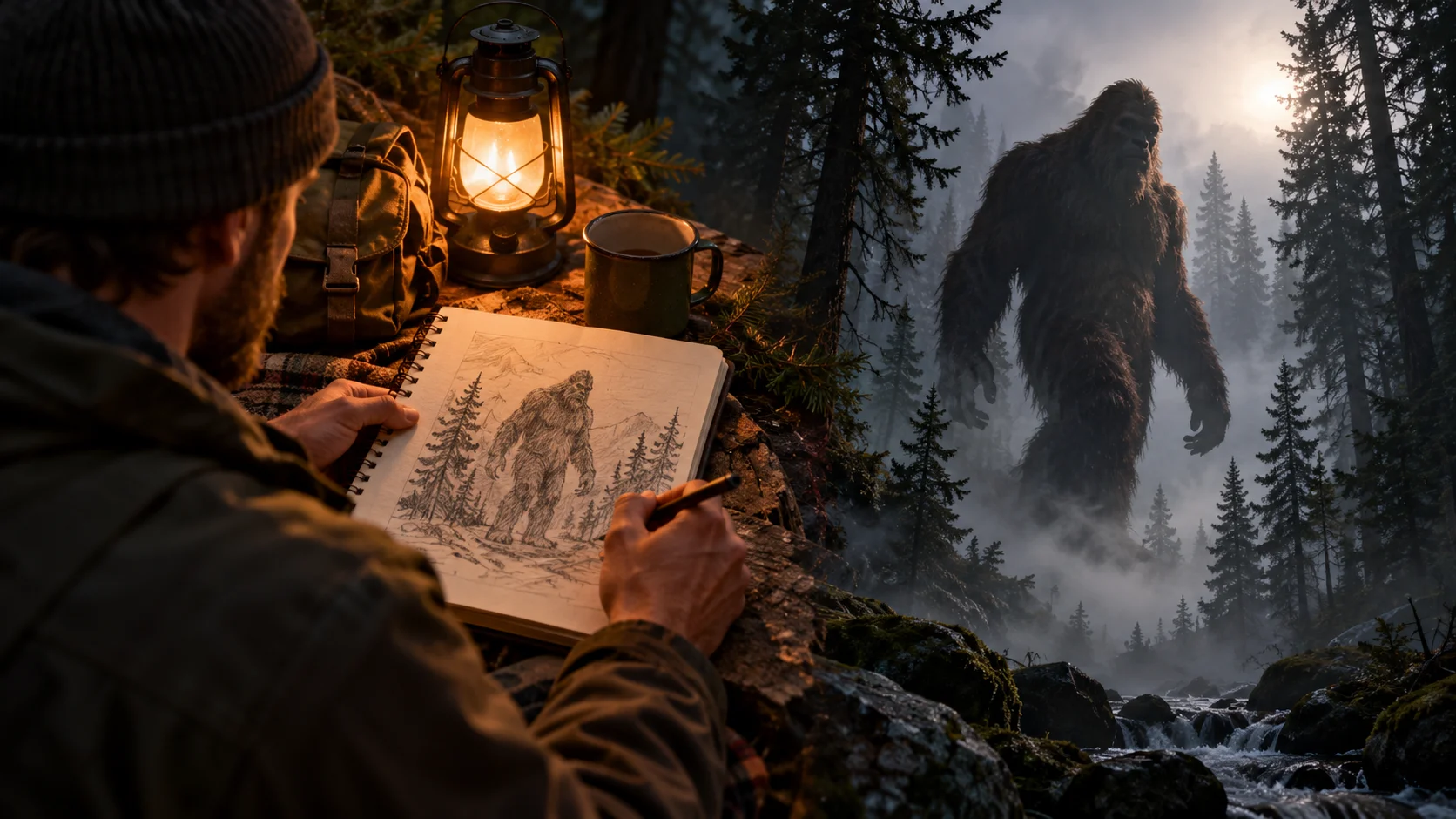
Build a fictional woodland encounter
Develop setting, reaction and camera movement in an outdoor scene.
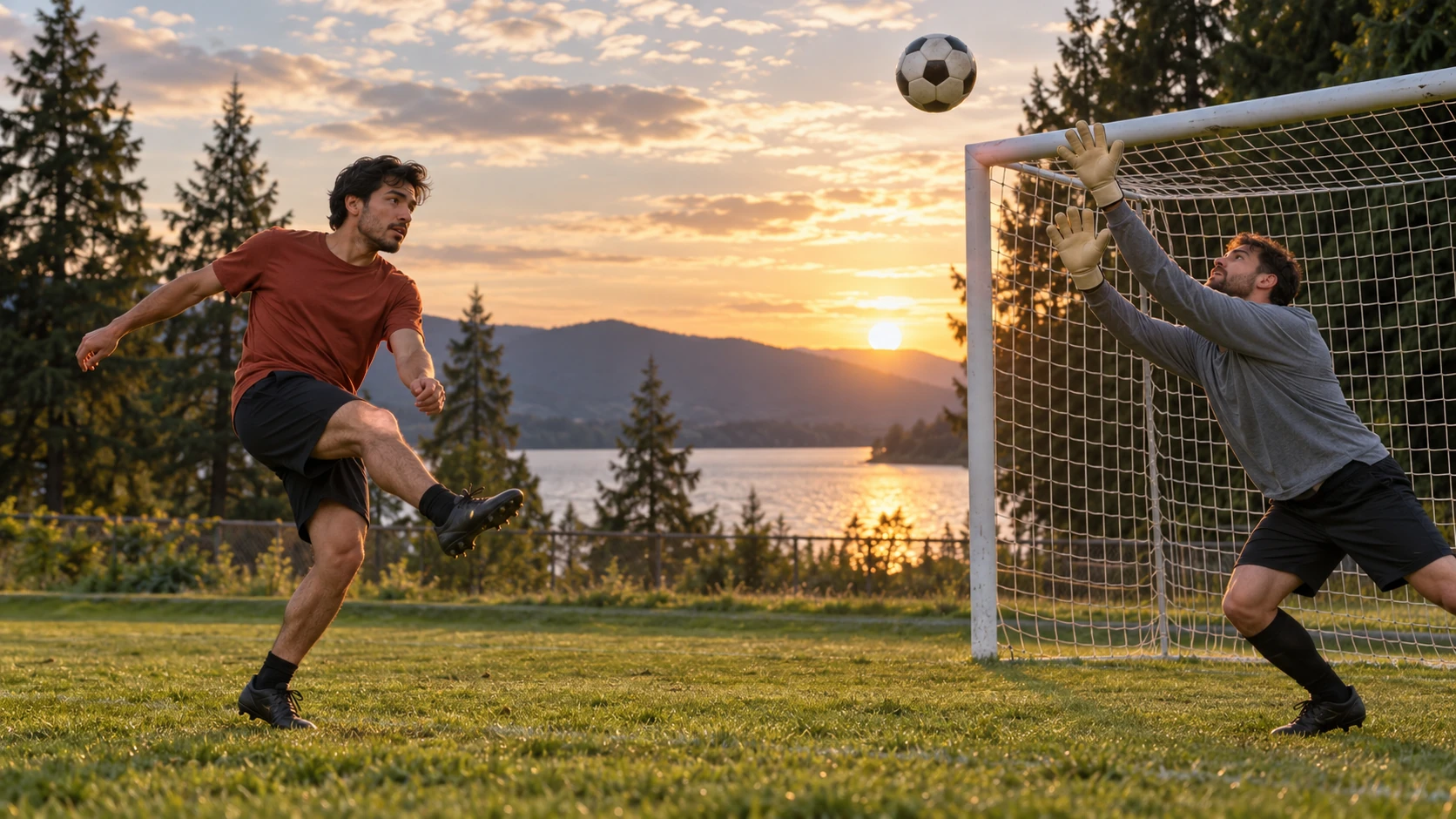
Plan a goal-scoring sequence
Compare a brief with a clear approach, action and finishing moment.
flux3video.dev · Updated
See update history
- — Added editable example prompts and separate drafts for text and reference modes, with an action to restore the example.
- — Page content published. Updated page copy and content. Updated page images or videos. Updated page generator or navigation settings.