
Flamingo Floatie AI for a Steady, Calm Poolside Scene
Create your Flamingo Floatie scene
Study pool-float movement and framing
History
Loading history…
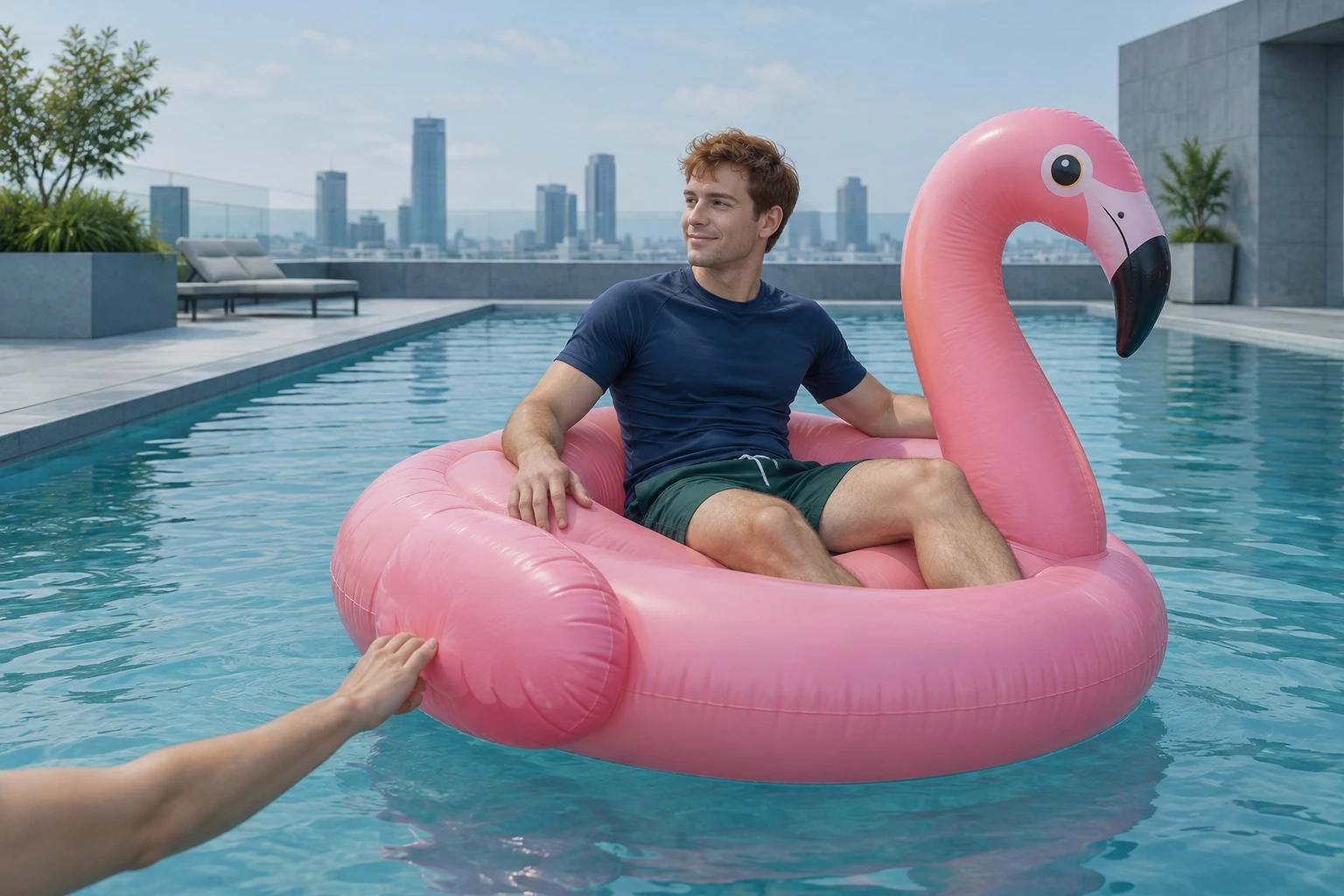
Flamingo Floatie AI helps you plan a steady 8-second view of a geometric rooftop pool. Use one clear adult portrait as the rider reference while the prepared direction adds a pink float, one small guiding touch, a calm inward drift and a thankful wave. Keep the float outline and surrounding water easy to read. Visual notes are optional; follow the ready clip in History.
Create your Flamingo Floatie video
Choose one adult portrait
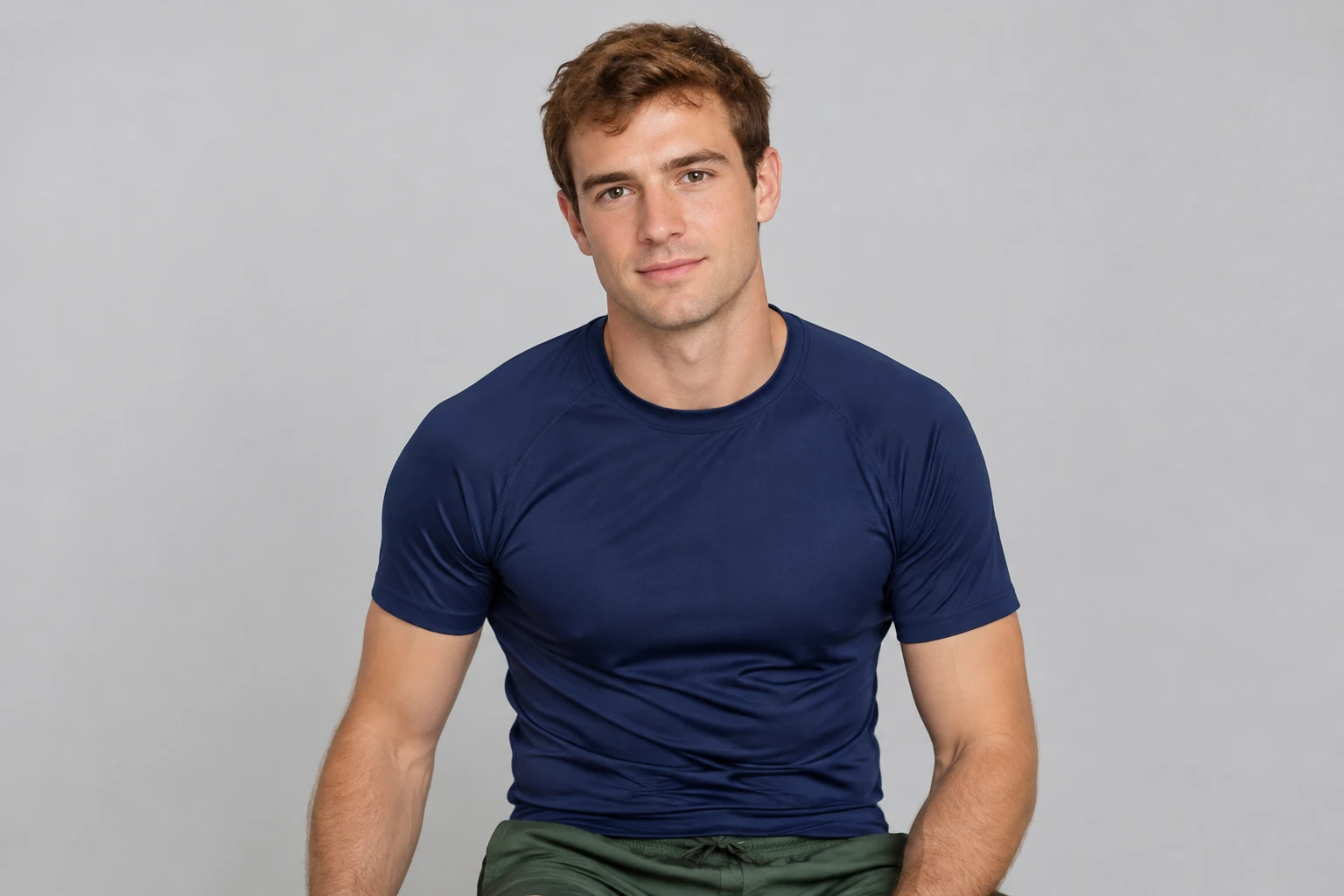
Upload one clear portrait of the adult whose face, hair, and outfit should remain recognizable. A simple, unobstructed image makes it easier to specify those details. You do not need to add another person’s portrait.
Keep the prepared direction
The prepared direction describes the rooftop pool, float, gentle rim contact, inward drift, wave and calm finish. Optional visual notes may remain empty; add a short note if you want to refine the lighting or mood.
Set the output controls
Choose the aspect ratio and resolution available in the interface, and check the duration and audio controls. The requested scene is 8 seconds. Review the live quote and account eligibility shown for your selection before you submit.
Review the result
Waiting time can vary. When the result is ready, open History and inspect the face, hair, clothing, hand count, point of contact, float direction, and ending. Look for a gentle inward drift and settled water rather than a sudden movement.
A portrait-led scene with a clear visual plan
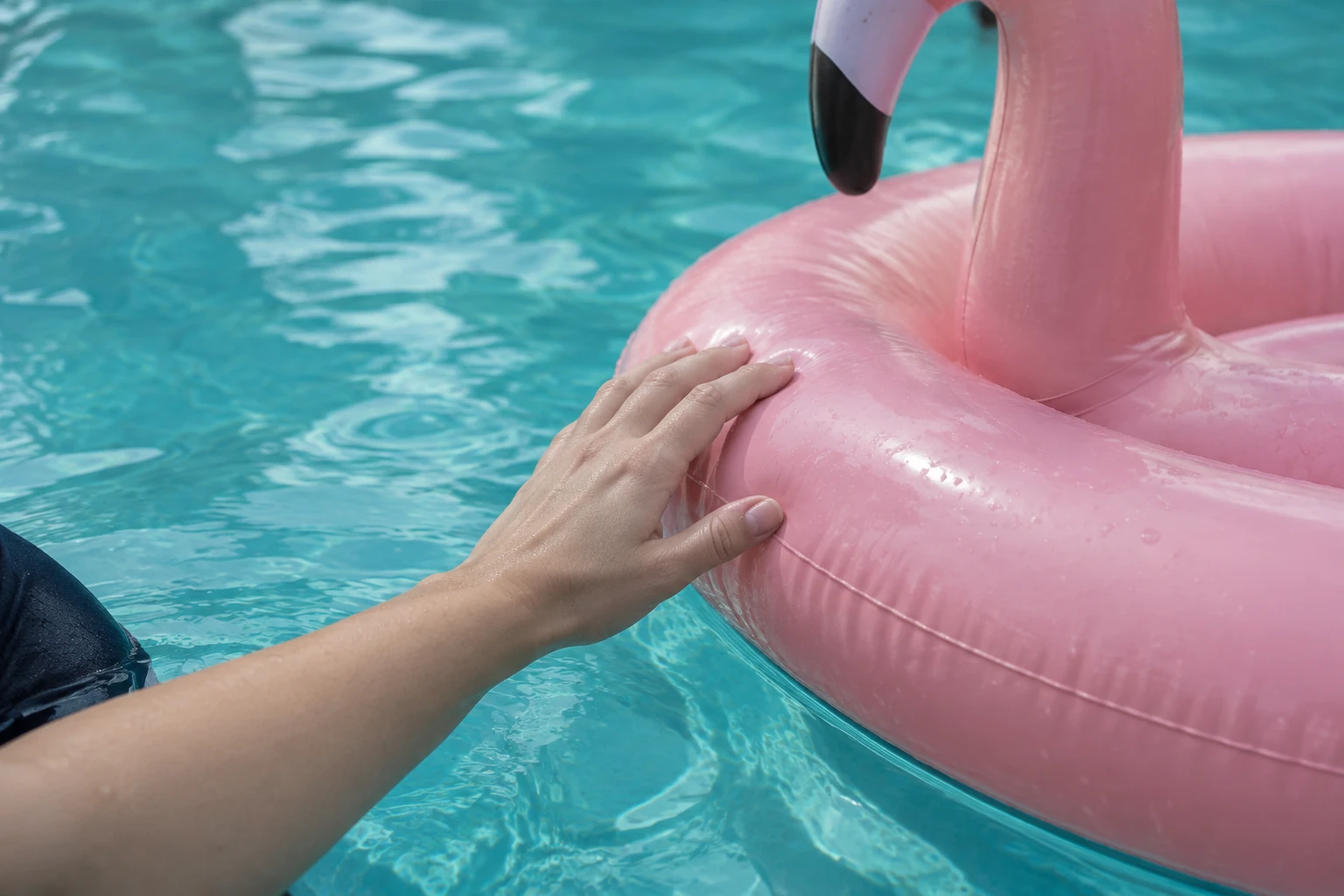
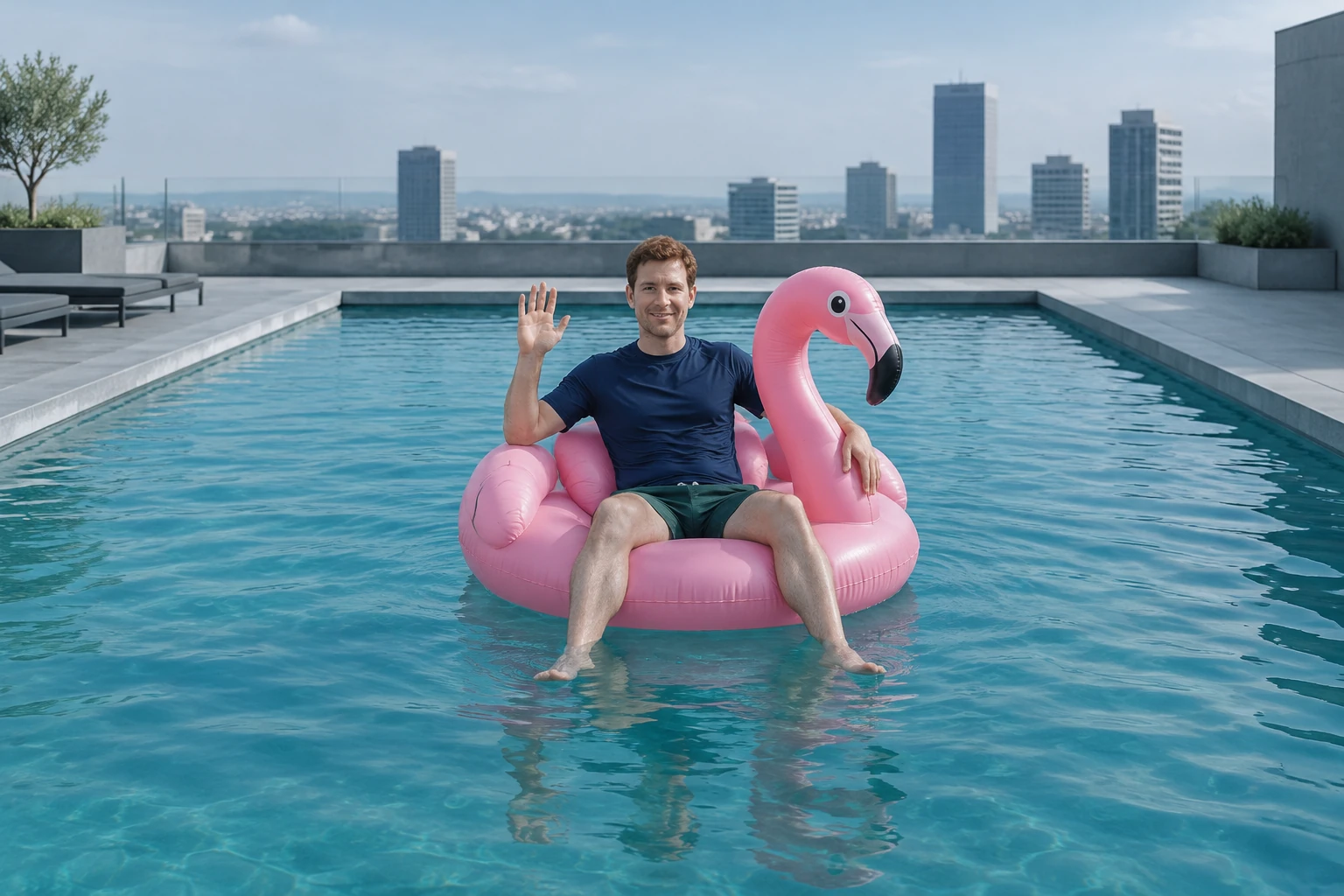
The portrait supplies the adult identity and clothing reference; the prepared direction supplies the new setting and action. The background is described as an original geometric rooftop pool with blue-green water, a cool-gray deck, and a few distant abstract buildings, not a recognizable real-world landmark. This keeps the requested image distinct from the portrait’s original setting. The four accompanying pictures have separate roles: a cinematic hero concept, a plain-background portrait input example, a close hand-and-rim detail, and a wide inward-drift finish. They are independent visual references, not a before-and-after sequence.
Keep the movement small and legible
The action is deliberately modest: one partial helper hand enters from near the camera, touches only the float rim, and gently guides the inflatable away from the pool edge and inward. The adult remains comfortably aboard and gives a small thankful wave as the water settles. A steady wide camera lets the viewer read the float outline, contact, direction, and ending without turning the moment into a stunt. The scene calls for exactly one full adult plus one partial helper forearm and hand; it does not call for another full person.
Check controls, quote, and account access
Set the available aspect ratio to match your intended framing, then review resolution and audio options before generation. The requested duration is 8 seconds; confirm how that duration appears in the active controls. The live quote and account eligibility depend on what the interface presents for your selection, so check them there rather than relying on a fixed price or assumed allowance. Waiting may vary, and History is the place to review the completed result.
Review the final frame and motion
Check that the adult’s recognizable face, short copper-brown hair, and clothing match the supplied portrait. Confirm that the helper remains partial, contacts only the rim, and does not obscure the rider. Watch the float move inward calmly, then verify that the rider’s wave is small and the ending feels settled. The separate filmed study can help you observe close framing and a small water-level drift, but it does not demonstrate the requested whole-body view or hand nudge.
Flamingo Floatie AI questions
What should I prepare for the adult portrait?
Use one clear portrait of the adult, ideally with the face and hair visible and clothing easy to identify. A plain background is useful for this direction. The portrait is the sole identity and outfit reference; there is no need to upload a second portrait.
Who supplies the adult, outfit, and replacement background?
You supply the adult portrait. The prepared direction asks to preserve that adult’s recognizable face, hair, and clothing, while replacing the original background with an original geometric rooftop pool setting. The example outfit is a navy swim shirt and dark-green swim shorts; keep the reference person’s actual clothing if it differs.
How is the helper-hand nudge and wave described?
The prepared prompt already gives the routine: one partial helper forearm and hand enters from near-camera foreground, gently contacts only the float rim, and guides it away from the pool edge and inward. The float drifts calmly, the rider gives a small thankful wave, and the scene settles.
Can I leave optional visual notes empty?
Yes. The complete direction is already prepared, so optional visual notes can remain empty. You do not need to add a second photo or upload a video to complete the scene description.
How do I check the 8-second settings, quote, and result?
Use the available duration, aspect-ratio, resolution, and audio controls to review the output setup; the requested duration is 8 seconds. Check the live quote and account eligibility shown for your selection before submitting. Waiting time varies, and you can review a completed result in History.
What details should I review in History?
Check the adult’s face, hair, and clothing, then count one full adult and one partial helper forearm and hand. Confirm the hand touches only the rim, the float moves inward gently, and the water and scene settle. Also verify the wide framing and the rider’s small wave.
More ideas to explore
flux3video.dev · Updated
See update history
- — Added a one-portrait Flamingo Floatie guide with an original 8-second poolside direction, optional notes, four independent pictures and a filmed water-movement study.