
Elf On The Shelf AI Video: Make a Toy Photo Move
Create a Toy-Photo Video with Seedance 2.0
Study holiday lighting and background spacing
History
Loading history…
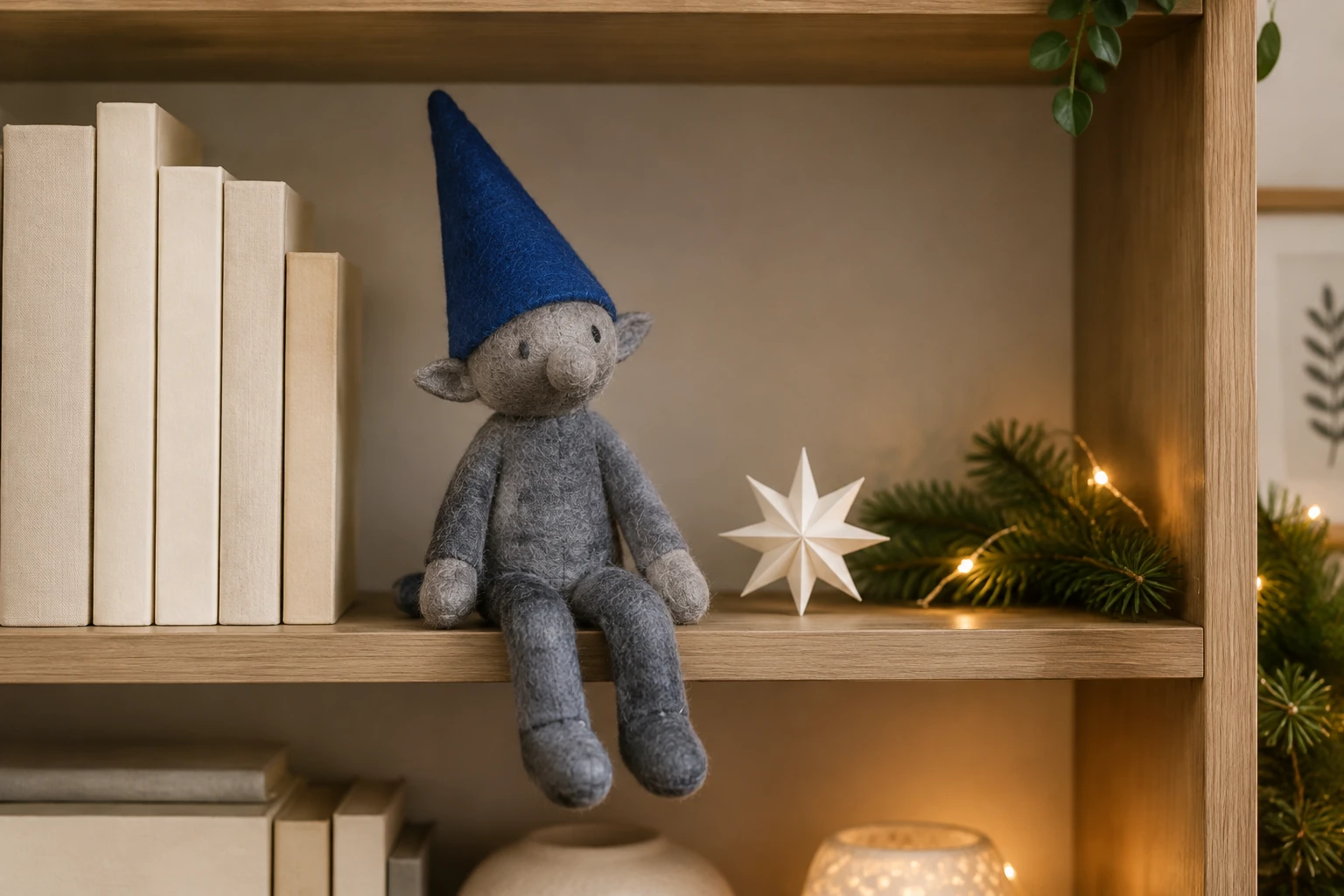
This Elf On The Shelf AI Video guide shows how to turn one photo of a physical toy in its own setting into an eight-second clip with Seedance 2.0. The sample is an original slate-gray felt toy with a cobalt-blue pointed cloth cap, two stitched eyes, a rounded nose, and short cloth hands, arranged on a modern geometric bookshelf with plain cream books, a small white paper star, and restrained warm holiday lighting. Use your actual toy and background; these sample colors and design are not required or selected characters. The aim is a minimal composition that makes the toy’s outline and motion easy to inspect.
Create your toy greeting video
Choose one toy photo
Use exactly one required photo of your physical toy in its own setting. A clean, uncluttered composition helps make the toy’s silhouette, face, hands, and surrounding background easier to inspect. Do not add an adult portrait, a second image, or a video upload.
Review the routine and controls
The built-in written routine is a complete eight-second sequence: a small head turn, one friendly hand wave, a calm rest, and a steady camera. Optional visual notes start empty. Duration is eight seconds; choose aspect ratio and resolution using the controls actually shown.
Review the controls and live quote
The prepared routine lasts 8 seconds. Choose from the aspect-ratio, resolution and audio options actually available on the page, then review the current credit quote and paid-account eligibility before Generate. Leave visual notes empty for the starting routine or add one short visual preference.
Check the quote and review the greeting
Review the current credit quote and paid-account eligibility before Generate. Follow the task in History; processing time varies. When ready, watch the entire clip and inspect the toy face, cloth hands, cap, seams and background before downloading.
Build a readable shelf composition
Keep the frame simple enough that the toy is the clear subject. The sample uses one slate-gray felt elf-like toy, a cobalt-blue pointed cloth cap, two simple stitched eyes, a rounded nose, and short cloth hands. Its geometric bookshelf, plain cream books, small white paper star, and restrained warm holiday lighting provide context without crowding the figure. These are sample details, not required design choices. Photograph your actual physical toy where it is; the workflow is intended to preserve that subject and setting, not replace them with the sample.

What the eight-second routine does
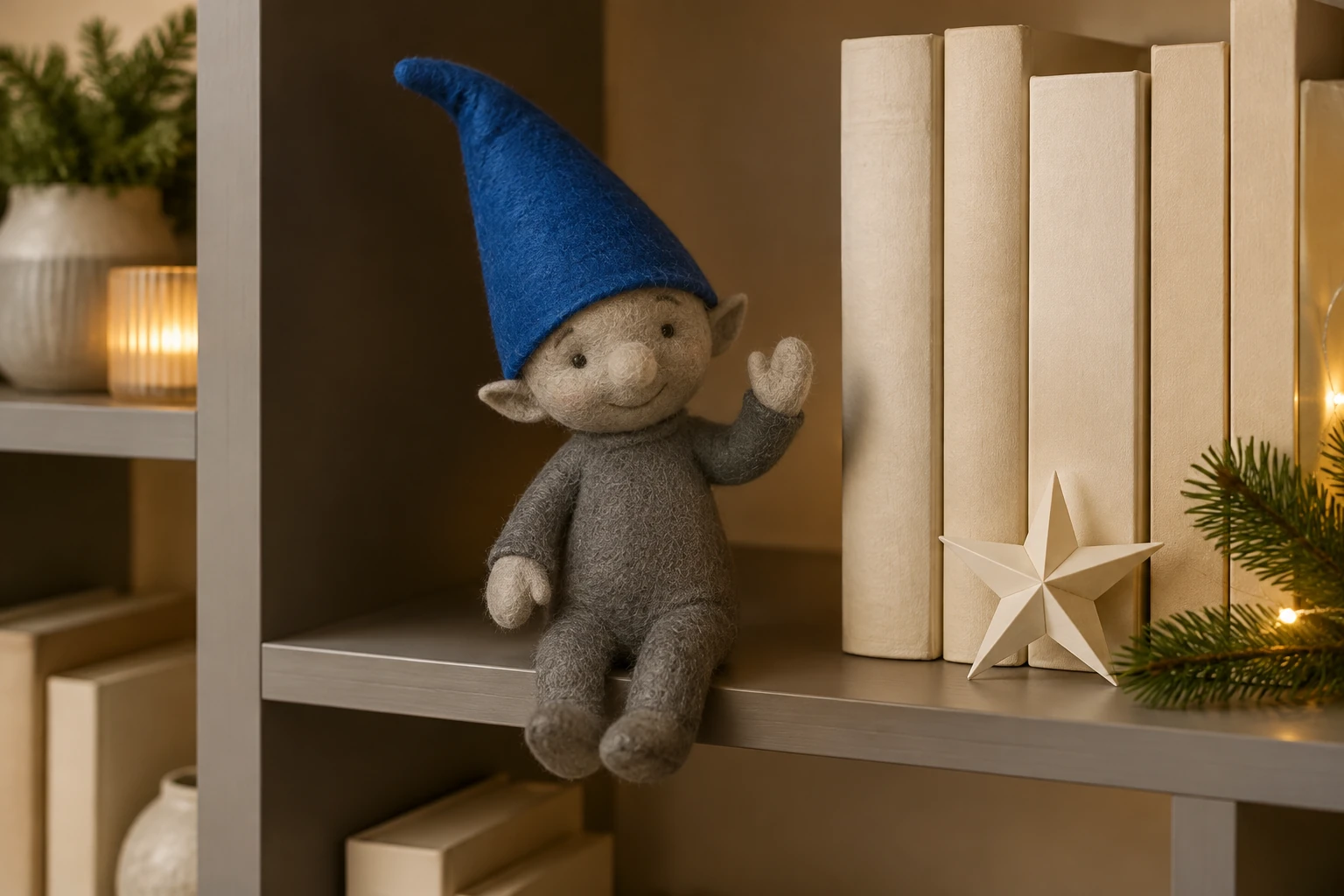
Seedance 2.0 uses a written routine that is already complete: small head turn, one friendly hand wave, calm rest, steady camera. You do not need to write visual notes; the optional notes field begins empty. The routine describes the requested sequence, not a promise of exact motion or a particular viral result. Use the available aspect-ratio and resolution controls rather than assuming a vertical default or a specific resolution.
Keep the greeting small and readable
The prepared 8-second direction gives the toy a small head turn, one friendly wave and a calm return to rest. Keep the camera steady so the gesture is easy to follow. Leave Optional visual notes empty for this starting routine, or add one short preference for light or mood. Review the actual aspect-ratio, resolution and audio controls and the live quote before generating. Your photo supplies the toy and setting; choose a clear composition with room around the cap and raised hand.
Review the toy from head to shelf
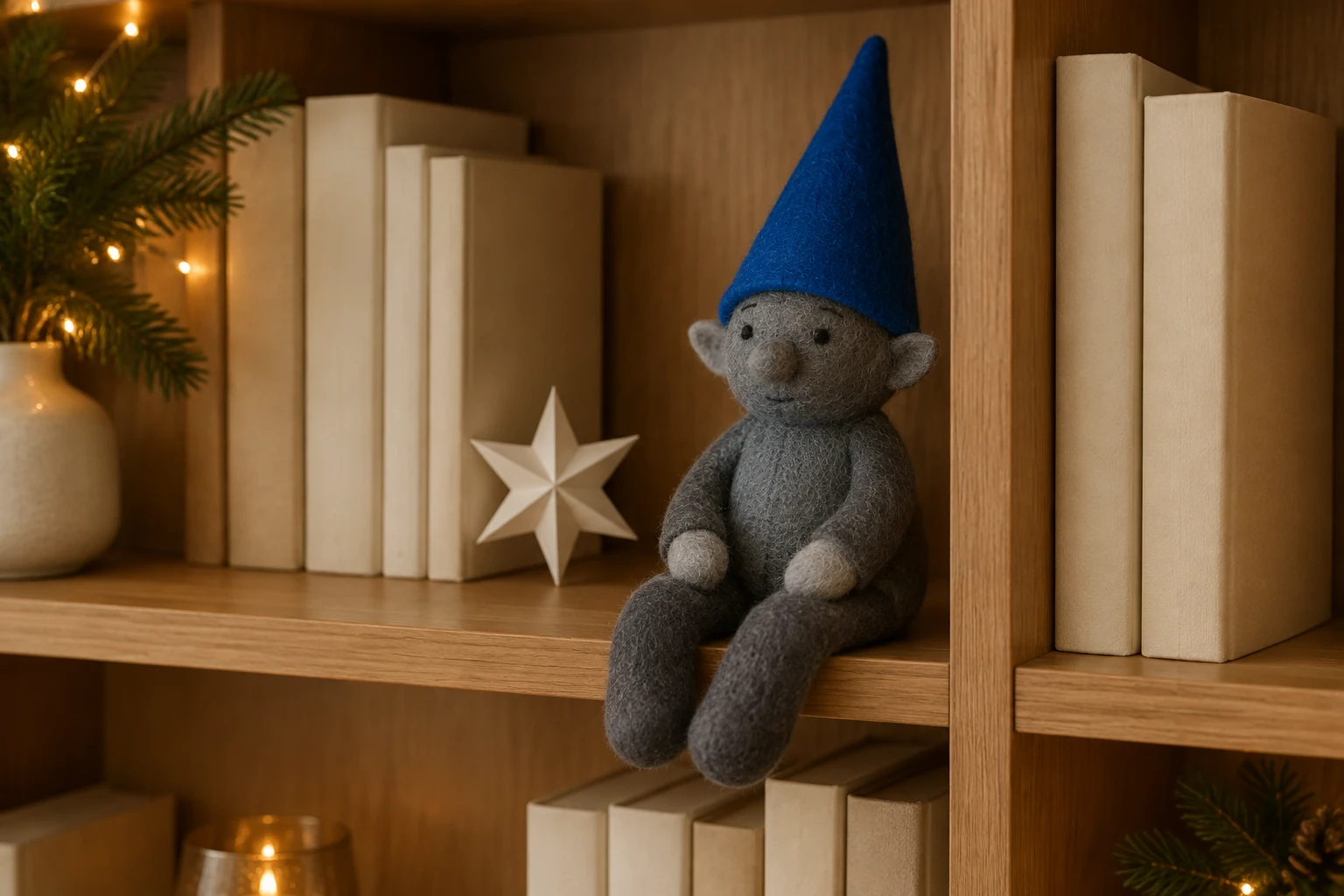
Watch the head turn first: the cap should stay attached and the stitched face should keep a clear shape. Follow the raised cloth hand through the wave, then check both hands and legs at rest. Look along the shelf edge and book spines for unwanted bending or sudden changes. Compare the clip with your own input photo. If too many details shift, choose a clearer photo with fewer objects touching the toy and keep the optional notes short and focused on one visual change.
Elf On The Shelf AI Video questions
How should I prepare the toy photo?
Use one clear photo of your physical toy in its own setting. A simple composition that shows the outline, face, hands, and relevant background makes the result easier to inspect.
Will the workflow use my actual toy and setting?
The native workflow starts from your photo and is intended to preserve the subject and background you provide. Sample colors and design are examples, not requirements; no preservation result is guaranteed.
Do I need to write visual notes?
No. Optional visual notes start empty, and the built-in written routine is complete: a small head turn, one friendly hand wave, a calm rest, and a steady camera.
How long is the clip, and which format controls apply?
The routine is eight seconds long. Use the aspect-ratio and resolution controls actually available to you; there is no promised vertical default or 4K output.
How do credits and History work?
Check the live credit quote and paid-account eligibility before generating. The required credits depend on the available settings. Processing time varies; use History to follow the task and open the ready clip.
What should I inspect before sharing the greeting?
Watch the toy face and cap during the head turn, follow the raised hand through the wave, and check the resting pose. Compare the toy silhouette, cloth seams and shelf objects with your own input photo. Use a clearer, less cluttered photo if the small details are hard to follow.
More ideas to explore
Earth Zoom Video Guide
Explore another AI video workflow and compare its creative setup with a single-photo toy routine.
Hotel Lobby AI Video Guide
See a separate scene-focused video guide for a different kind of composition.
Pricing
Review current pricing information and account details before generating.
flux3video.dev · Updated
See update history
- — Added a one-toy-photo video guide with a prepared 8-second head turn and wave, optional notes, four original compositions and a filmed lighting study.