
Direction before generation
Toc Toc AI Dance Generator: A Camera and Composition Guide
Direct a Toc Toc-inspired dance
History
Loading history…
Your questions, answered
What is Toc Toc AI Dance Generator?
It creates a short solo dance video from a performer reference and a written movement direction. Describe the knocking hand gestures, bouncy hops and sideways steps, with a steady full-body view that lets the action read clearly.
How do I start?
Choose Image to Video and add one full-body adult photo, then describe the camera and movement. Use Text to Video for a new fictional adult without uploaded media. Check the settings and quote before submitting the clip.
Can I try it for free?
Check your current account credits and the selected model’s access conditions. When the available balance covers the quoted job, you can generate without buying more credits.
What do I upload?
Use one sharp full-body adult image with both feet, hands and the full hair outline visible. Leave room above the head and beside the body for movement. A quiet background and even light make the performer easier to follow.
How much does it cost?
Read the live credit quote for the selected model and settings before submitting your dance clip. Preparing inputs or editing a description does not start a generation.
When is the result ready?
Follow the submitted job’s estimate and progress. The model, settings and queue affect waiting; History keeps the completed clip available for review and download.
Give the hands, hops and sideways steps enough room to make the rhythm visible. The Toc Toc AI Dance Generator on flux3video.dev starts with a clear performer and a steady camera direction. Prepare a full-body adult photo, describe the movement in a short sequence and keep both feet inside the frame. A simple setting lets you compare the gesture timing and body balance before choosing the clip for a post.
Create a Toc Toc dance video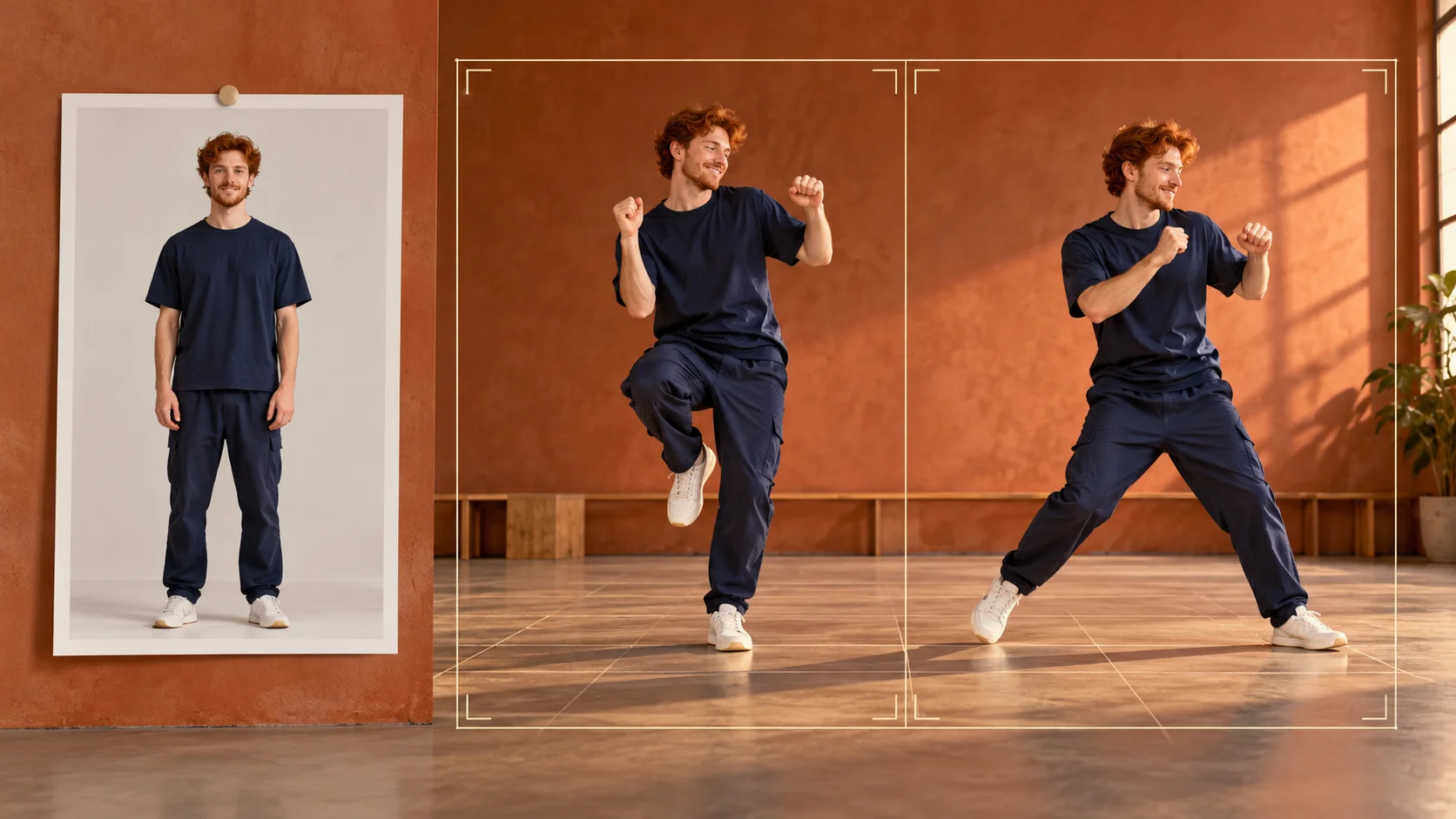
From photo to directed clip
Choose and prepare the photo
Pick one clear full-body adult photo with the whole body inside the frame, feet included. Use even light and a plain background so the figure reads cleanly. Avoid cropped limbs, heavy blur or crowded scenes. A straight-on stance gives the model a readable starting pose for the knocking gestures and hops.
Write the camera and motion direction
Describe a steady full-body shot, fixed height and comfortable headroom. Then ask for the Toc Toc inspired movement: alternating knocking hands, bouncy one-leg hops, sideways steps. Adjust the available model controls for the look you want. Keep one performer in frame, since the routine is a solo interpretation rather than a group sequence.
Check the quote and review the job
The live credit quote appears before you commit. Start the generation job from your logged-in account, then open History to watch and review the result. Compare framing, foot placement and gesture clarity against your prompt. Regenerate with tighter camera language if the figure drifts or the hops lose their bounce.
What the output gives you
A solo routine built from your photo
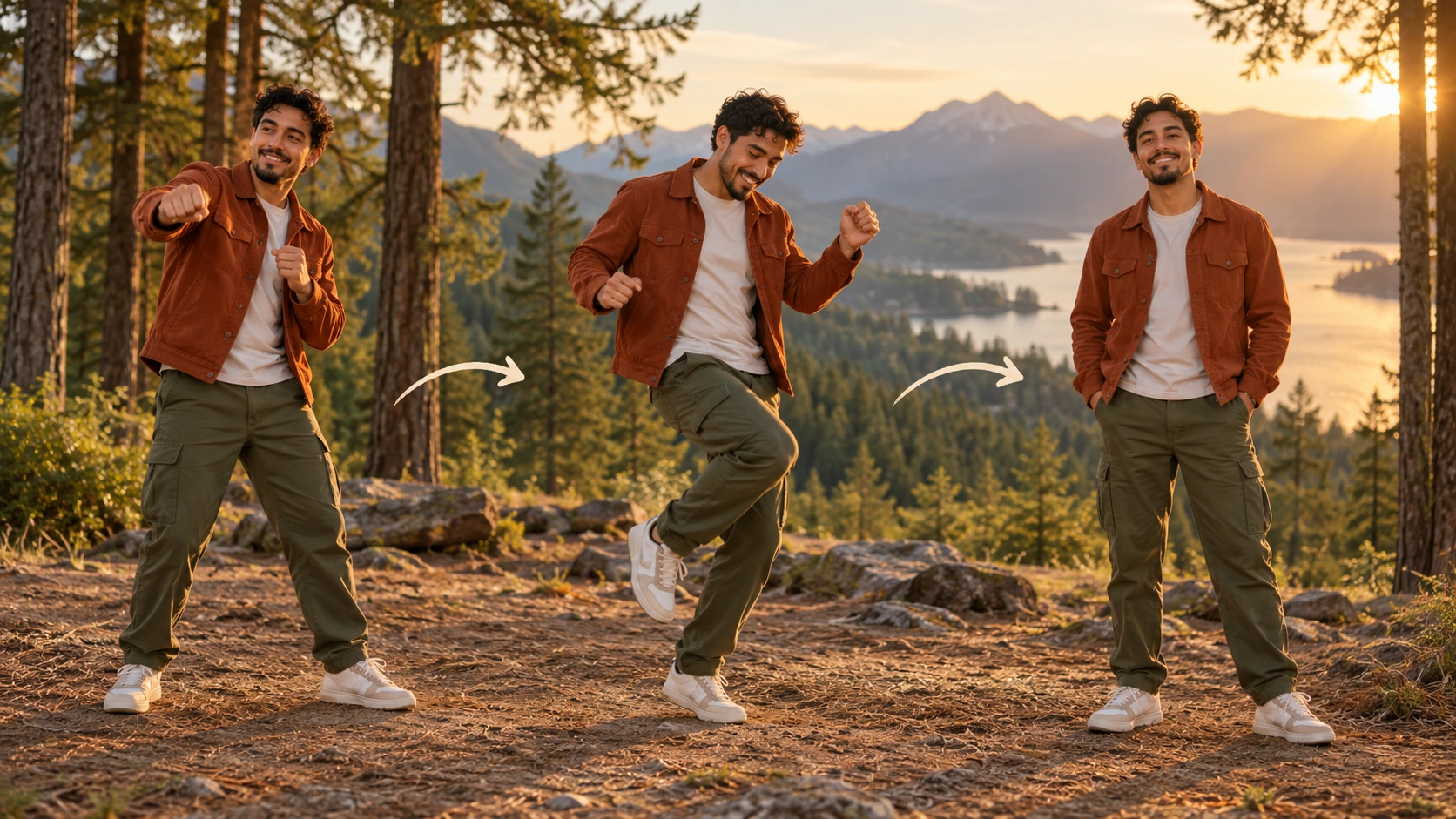
The result is an original short dance inspired by Toc Toc rather than a copy of a specific performance. Expect alternating knocking hand gestures, springy one-leg hops and sideways steps, interpreted through the prompt from your uploaded adult photo. The performer stays a single figure throughout the clip.
Camera choices that keep the body readable
Full-body framing matters here. A steady camera at a consistent height keeps the feet, hops and hand gestures visible at once. Write the shot into your prompt and keep the background simple, so the sideways steps and knocking motions stay clear instead of being cut off at the edges.
Editable prompts and model controls
The generator takes your uploaded photo, an editable prompt and the model controls the page provides. You can refine wording about framing, spacing, lighting and movement emphasis between runs. Change one element at a time so you can tell whether the camera note or the motion note shifted the output.
Directions worth trying
Bare studio, frontal camera
Place the performer against a plain wall with soft overhead light. Ask for a locked-off frontal full-body shot with generous floor space. The knocking hands and one-leg hops read clearly, and the sideways steps stay inside the frame.
Bright room, low camera
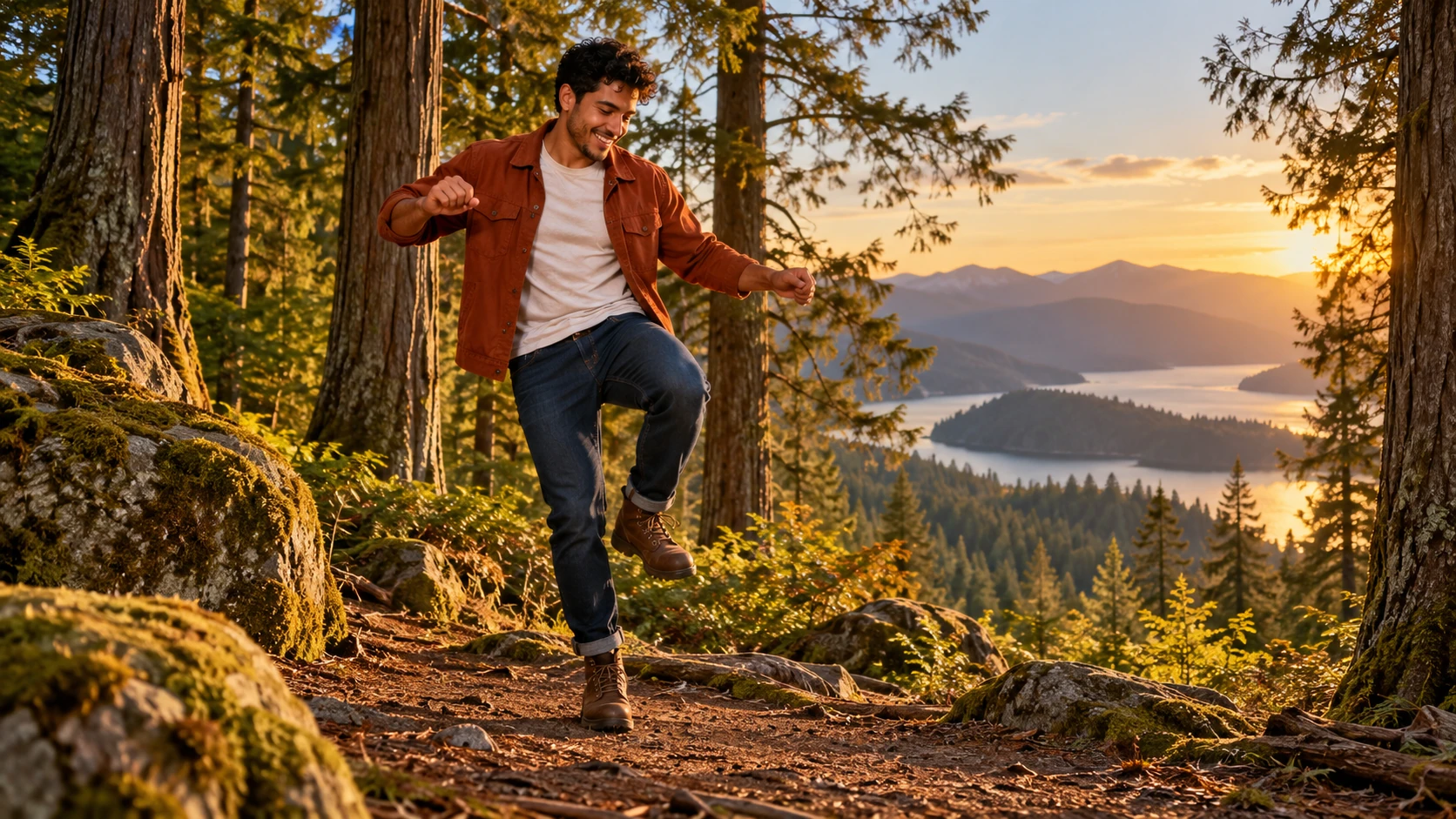
Use a photo taken in a light-filled room. Describe a camera near knee height angled slightly up, keeping the full body in view. The bouncy hops gain energy while the steady framing still shows both feet leaving and landing.
Evening interior, warm light
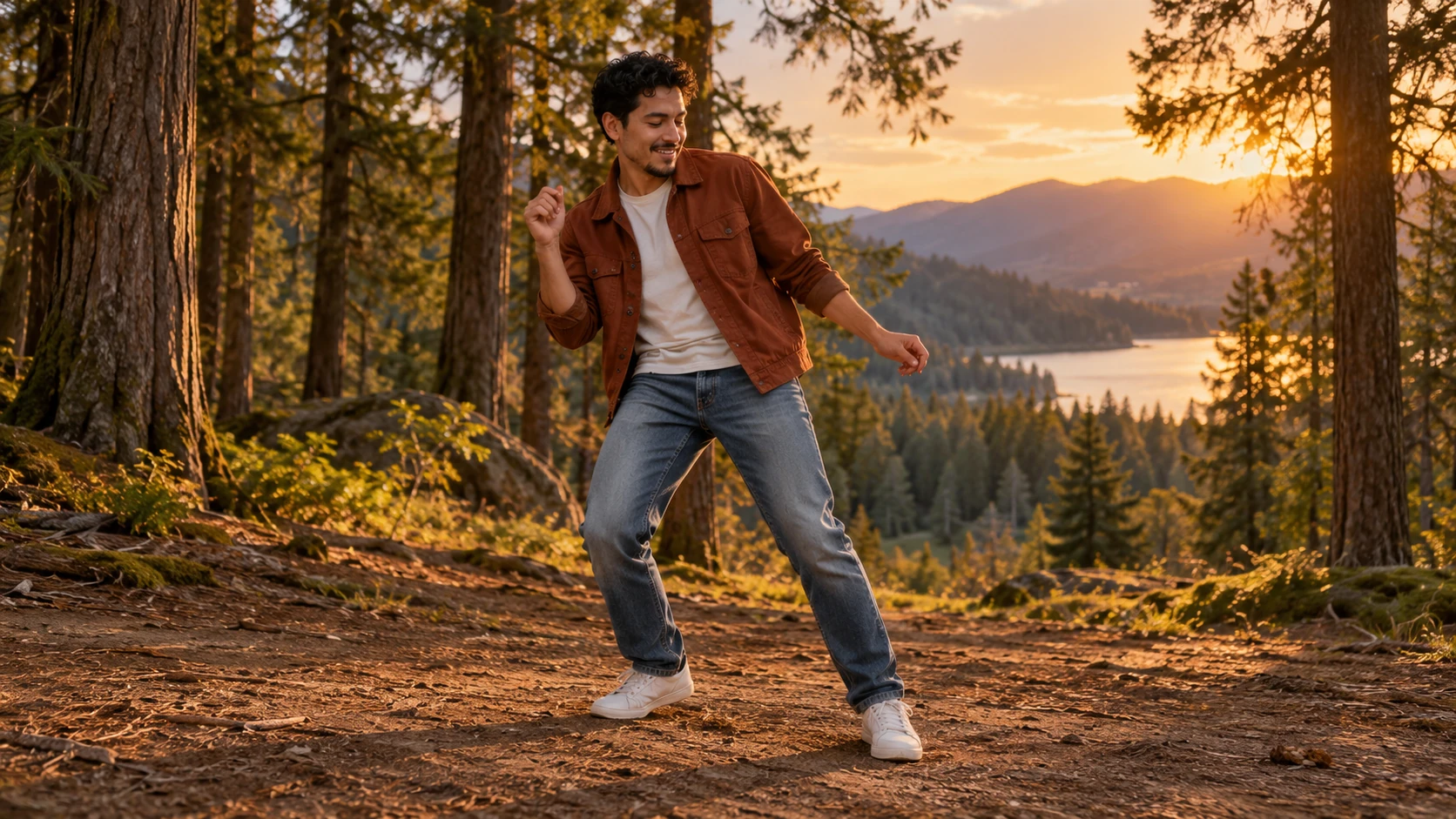
Try a photo lit by warm indoor lamps. Ask for a fixed full-body camera and calm pacing, letting the knocking gestures carry the rhythm. Keep the background uncluttered so the solo performer stays the focus of every sideways step.
Before you generate
- Write the camera line first, then the movement line, so the shot stays steady and full-body.
- Keep one performer in the prompt; group instructions tend to muddy a solo routine.
- Check the displayed credit quote before starting, and review each job in History before the next run.
Make the movement fit inside the frame
Begin with the space the dancer needs. A tight portrait cannot show a sideways step clearly, and a very wide shot may make the hands too small to read. Choose a full-body composition with a little floor below the feet and breathing room on both sides. Ask for the camera to hold that framing through the whole sequence. Then describe the gesture, hop and side step in an order you can recognize. Keep one performer as the focus and leave elaborate scenery for a later idea. The first comparison should tell you whether the movement and framing work together.
Review the clip from the first pose through the final landing. Check that the hands remain distinct, the legs do not merge and the feet stay inside the image during the hop. Notice whether the camera drifts closer as the action develops. If it does, strengthen the full-body framing direction while leaving the movement brief unchanged. If the rhythm feels crowded, reduce the number of actions rather than adding more camera effects. Keep the same source for the next version so you can identify what changed. Choose the clip whose gestures are easy to understand before planning the final caption or edit.
Toc Toc AI Dance Generator questions
What kind of dance does the generator produce?
It produces an original short clip inspired by Toc Toc, with alternating knocking hand gestures, bouncy one-leg hops and sideways steps. The model interprets your prompt rather than transferring an exact routine from a source video.
What photo should I upload?
Use one clear full-body adult photo with the entire body visible, including feet and hands. Even lighting and a simple background help. Cropped or blurry photos make full-body framing and gesture clarity harder to achieve.
Can I control the camera and composition?
Yes, through the editable prompt and the model controls on the page. Describe a steady full-body camera, the height and the spacing you want. Keep the direction specific and change one element per run so you can judge what helped.
What should I check in the moving result?
Watch the hand gestures, the hop and the landing through the whole clip. Keep both feet in view and compare the performer's face with the source. If one part needs refinement, change that movement or framing instruction while keeping the rest of the direction steady.
How do credits and accounts work?
You log in to your account, and the page displays a live credit quote before a generation job starts. Completed jobs appear in History for review.
Set the frame, then the dance
Upload a clear full-body adult photo, describe a steady full-body camera and the knocking, hopping routine, then review the clip in History.
Create a Toc Toc dance videoContinue with a related creative guide
flux3video.dev · Updated
See update history
- — Added editable example prompts and separate drafts for text and reference modes, with an action to restore the example.
- — Page content published. Updated page copy and content. Updated page images or videos. Updated page generator or navigation settings.