
AI Halloween Dance Video Generator
Make a Halloween dance video
History
Loading history…
Use the AI Halloween Dance Video Generator to plan a short, readable Halloween dance clip with one performer, a full-body view and restrained camera movement. Choose Text to Video to describe a fictional adult, or Image to Video to animate one prepared adult costume photo while preserving the uploaded person and scene. Set the options in the live panel, check the credit quote beside Generate, then follow progress in History.
Storyboard preview
Study Reflected Light in a Dark Party Scene
Create your Halloween dance video
Choose a mode
Select Text to Video to create one fictional adult from an editable prompt; no photo is needed. Select Image to Video to animate one prepared adult costume photo. That mode preserves the uploaded person's actual identity, face, hair, clothes, body proportions and background. It does not swap in the example character or offer an outfit-changing preset.
Describe one simple performance
Specify one performer, a readable full-body composition, two small side steps, a gentle shoulder sway and a friendly final wave. Ask for one continuous shot and a steady camera with restrained movement. In Image to Video, keep the requested movement modest and suited to the uploaded photograph.
Set options and check the quote
The model is Seedance 2.5. Use the live panel to configure the available short duration, aspect ratio, resolution and audio options. Check the credit quote beside Generate before starting, since the quoted cost depends on the selected settings.
Follow the job and review the clip
After starting generation, follow its status in History. Review the result for face and hand consistency and believable foot contact; these details can vary. The original soundtrack is not bundled, and any chosen audio follows the settings you selected.
Pick the mode that matches your starting point
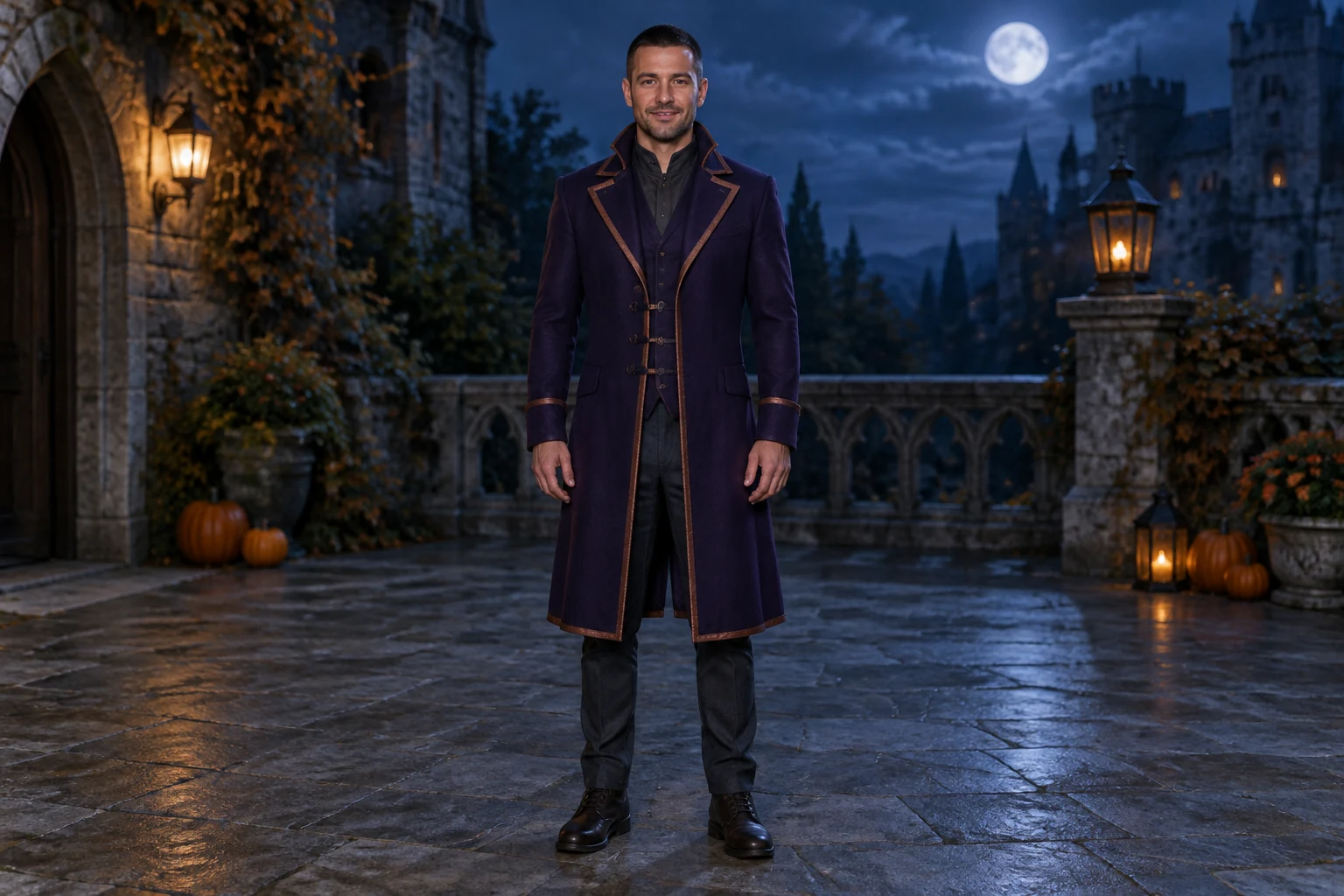
Text to Video is the prompt-led route: describe a fictional adult, costume, setting and movement without providing a photo. For a concrete Halloween concept, try an original midnight-violet long coat with copper trim, charcoal trousers and sturdy boots in a moonlit stone courtyard. Image to Video starts with one prepared adult costume photo and animates that actual person in that image's existing clothes and background. If you want a new outfit before making the video, use a separate image tool first; Image to Video is not an outfit-changing preset.
Keep the shot readable
A full-body view gives the dance room to read, while simple movement helps keep attention on the performer. Ask for two small side steps, a gentle shoulder sway and a friendly final wave rather than a complex routine. Keep small pumpkins well away from the feet and describe the camera as steady, with restrained movement. There is no dedicated style selector: the editable prompt is where you describe the costume, scene and movement.
Treat the storyboard as a planning aid
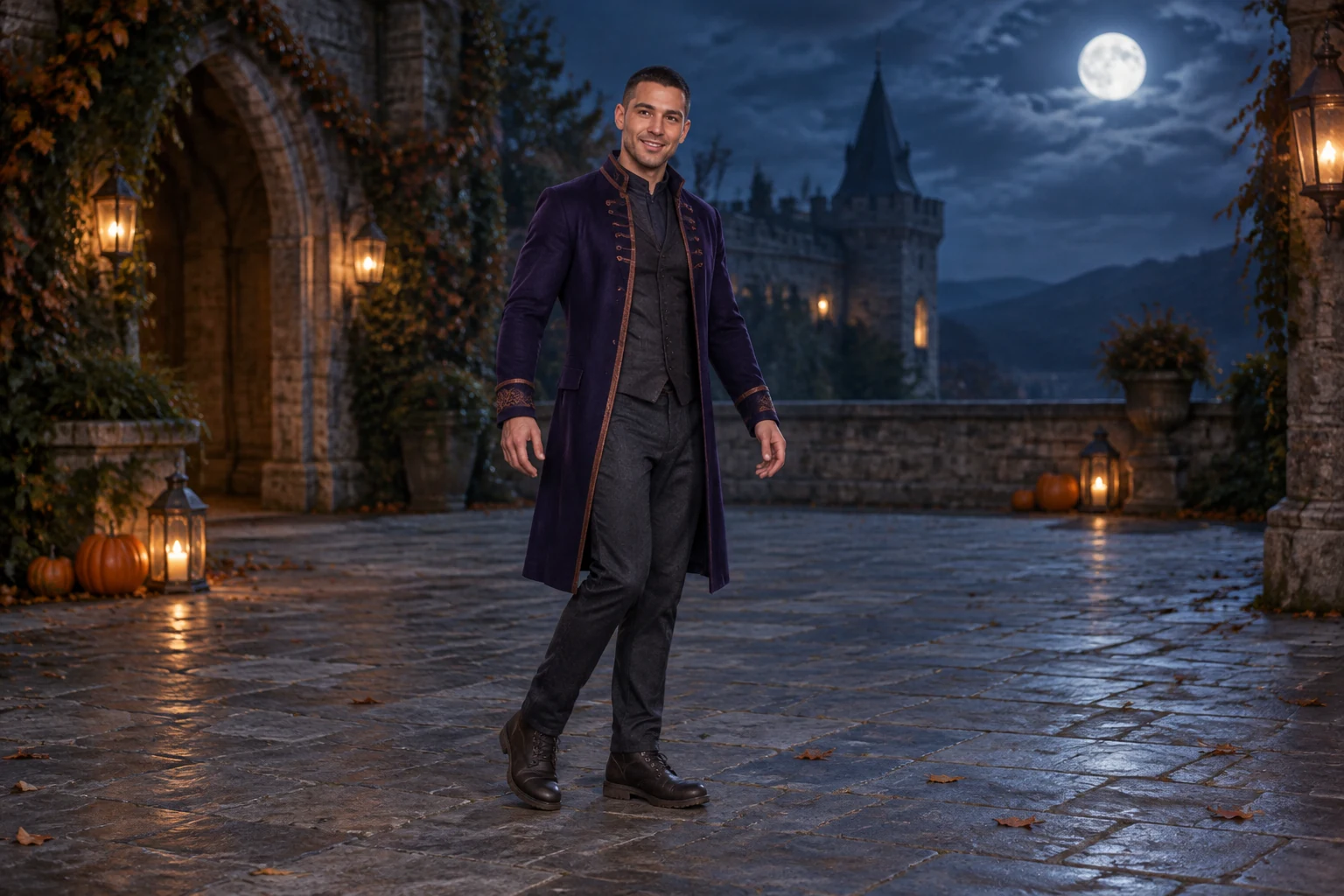
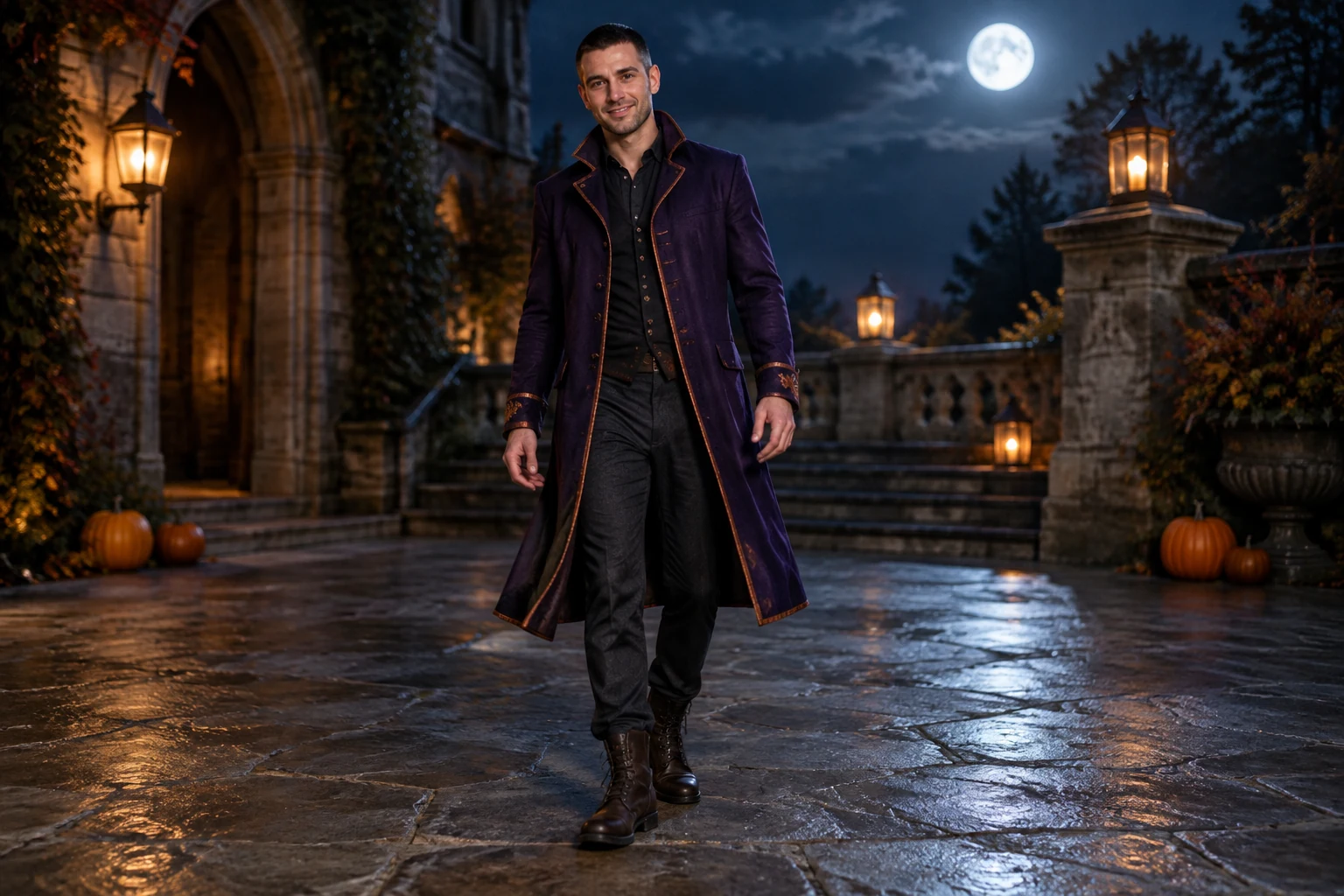
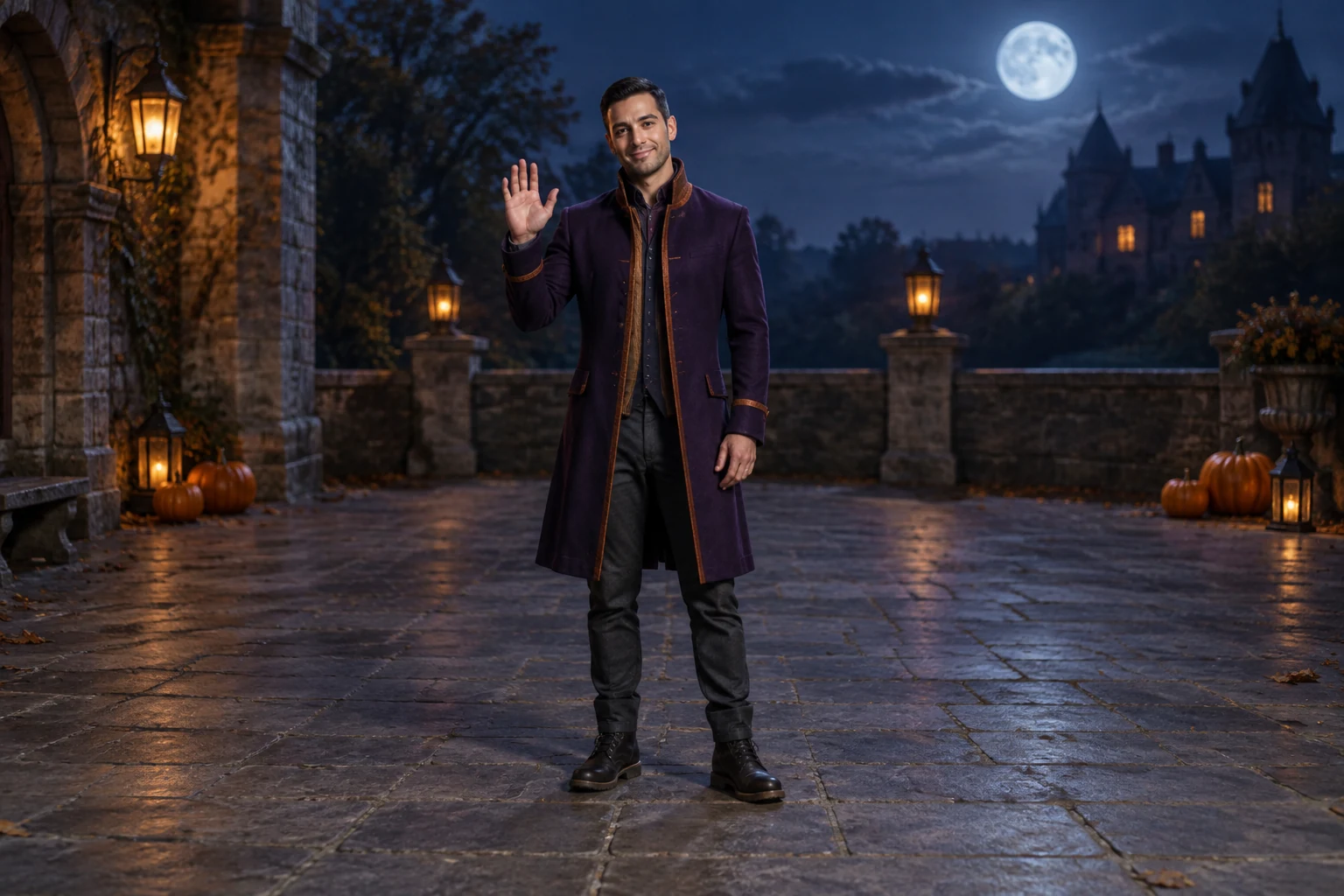
The nine-second silent storyboard preview is a three-frame planning slideshow, not the finished dance video. Use it to review the intended opening pose, gentle movement and closing wave before considering the full prompt. The four guide images show distinct roles: an opening side step, a neutral standing costume reference, a small shoulder sway and a closing wave. Together, they make the sequence easier to picture without implying that these are tested outputs.
Check settings before starting
Duration, aspect ratio, resolution and audio options are configurable in the live Seedance 2.5 panel. Read the current credit quote beside Generate before you begin, then use History to follow the job status. The guide does not promise a free allowance or a completion time. If you select audio, its inclusion follows your chosen settings; an original soundtrack is not bundled.
Halloween dance questions
Does Text to Video need a photo?
No. Text to Video creates one fictional adult from your editable prompt.
What does Image to Video preserve?
It preserves the uploaded adult's actual identity, face, hair, clothes, body proportions and background while animating that one photo.
Can Image to Video change the costume?
No outfit-changing preset is described here. Use a separate image tool first if you want a new outfit.
Where can I see the credit cost and status?
Check the live credit quote beside Generate, then follow the job in History.
Is music included automatically?
An original soundtrack is not bundled. Any chosen audio follows the settings you select.
What should I check when reviewing the result?
Check the face, hands and foot contact; those details can vary.
More ideas to explore
Halloween Costume Transformation
Explore a separate video workflow for a costume transformation concept.
AI Video Tools
Browse video creation workflows and find a format suited to your idea.
AI Image Tools
Use an image workflow first if you want to prepare a new costume look.
Earth Zoom Generator
See a different video concept built around a zooming scene.
flux3video.dev · Updated
See update history
- — This guide describes the current Text to Video and Image to Video workflows, live-panel settings and History status tracking. Added a filmed movement or framing reference with its matching cover and practical observation notes.