
FLUX3 VIDEO MOTION GUIDE
Doja Cat Juicy AI Dance as a Movement Study
Set up your dance study
Watch the studio dance demonstration
History
Loading history…
Develop a Doja Cat Juicy AI dance concept as a controlled movement study. One image establishes the lead person; an optional video can guide the movement, and a short note sets the scene. Use your own character and a readable routine. The theme does not provide a particular recording or guarantee the original choreography.
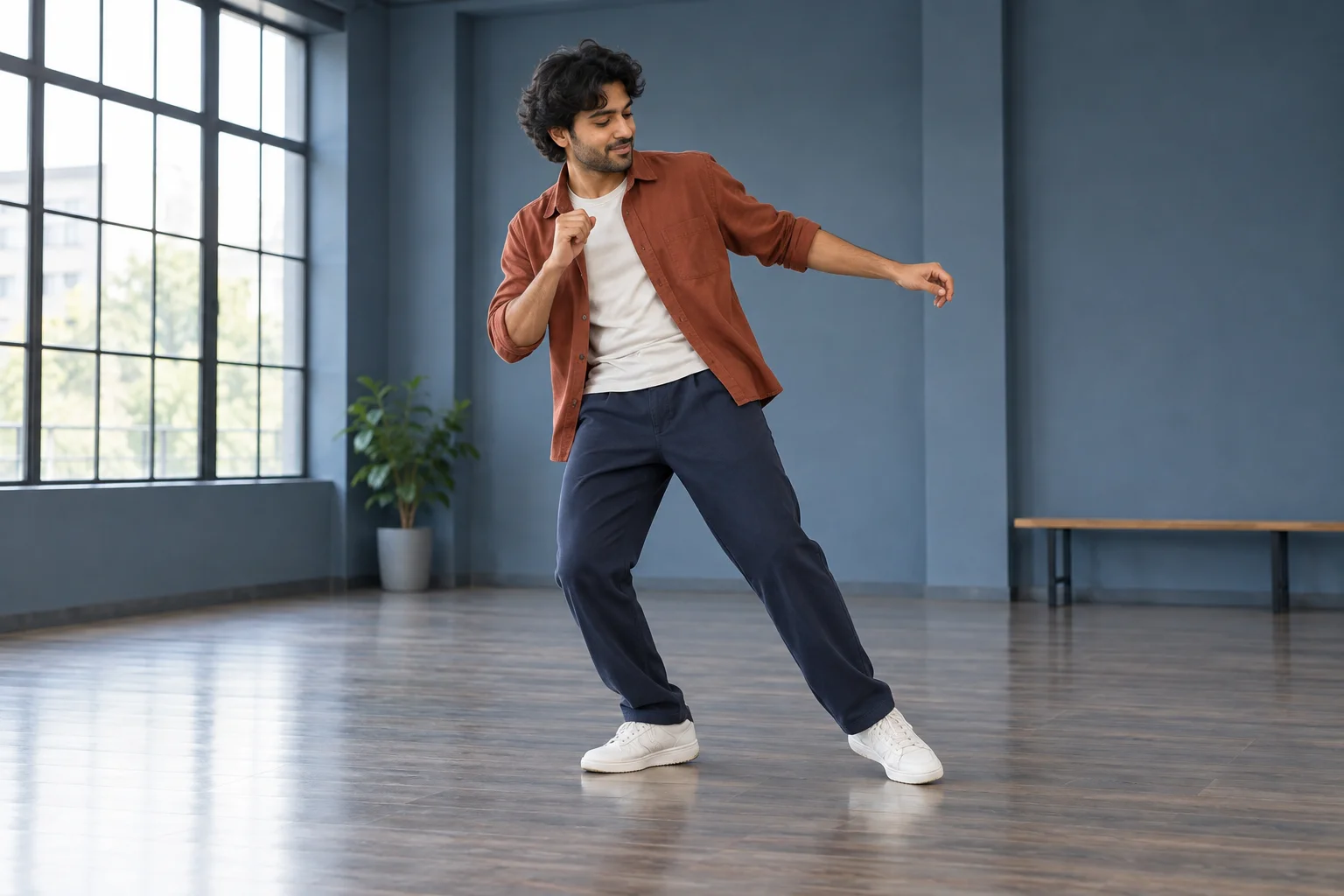
Separate the movement from the treatment
Begin with a small sequence you can describe clearly. A side step and a turn give you distinct moments to inspect without requiring elaborate choreography. Once the movement goal is clear, choose the room, light and clothing emphasis that support it.
This concept places a rust overshirt against slate-blue surroundings. The contrast helps the body stand out while the large windows establish a believable rehearsal space. Treat the setting as a visual choice rather than a technical input. The form still requires one lead photo, with optional text and video guidance.
Make your clip step by step
- Define a short sequence and the visual treatment you want to test.
- Upload one clear dancer photo, then decide whether video guidance is useful.
- Add and inspect an optional compatible clip, refine the brief and review the live quote.
- Generate once and evaluate the complete take in History before downloading.
Give identity a reliable starting point

Use a single-person image with even lighting, visible facial features and enough body information for your project. A neutral pose can be more useful than an already complicated dance photograph because it leaves the outline easy to interpret.
Avoid several people, a heavily cropped torso or objects covering the arms. If footwear matters to the scene, a wider reference communicates it more clearly. The image slot establishes the person; it does not independently control the camera path or reproduce the background of an uploaded movement clip.
Choose a reference that explains the timing
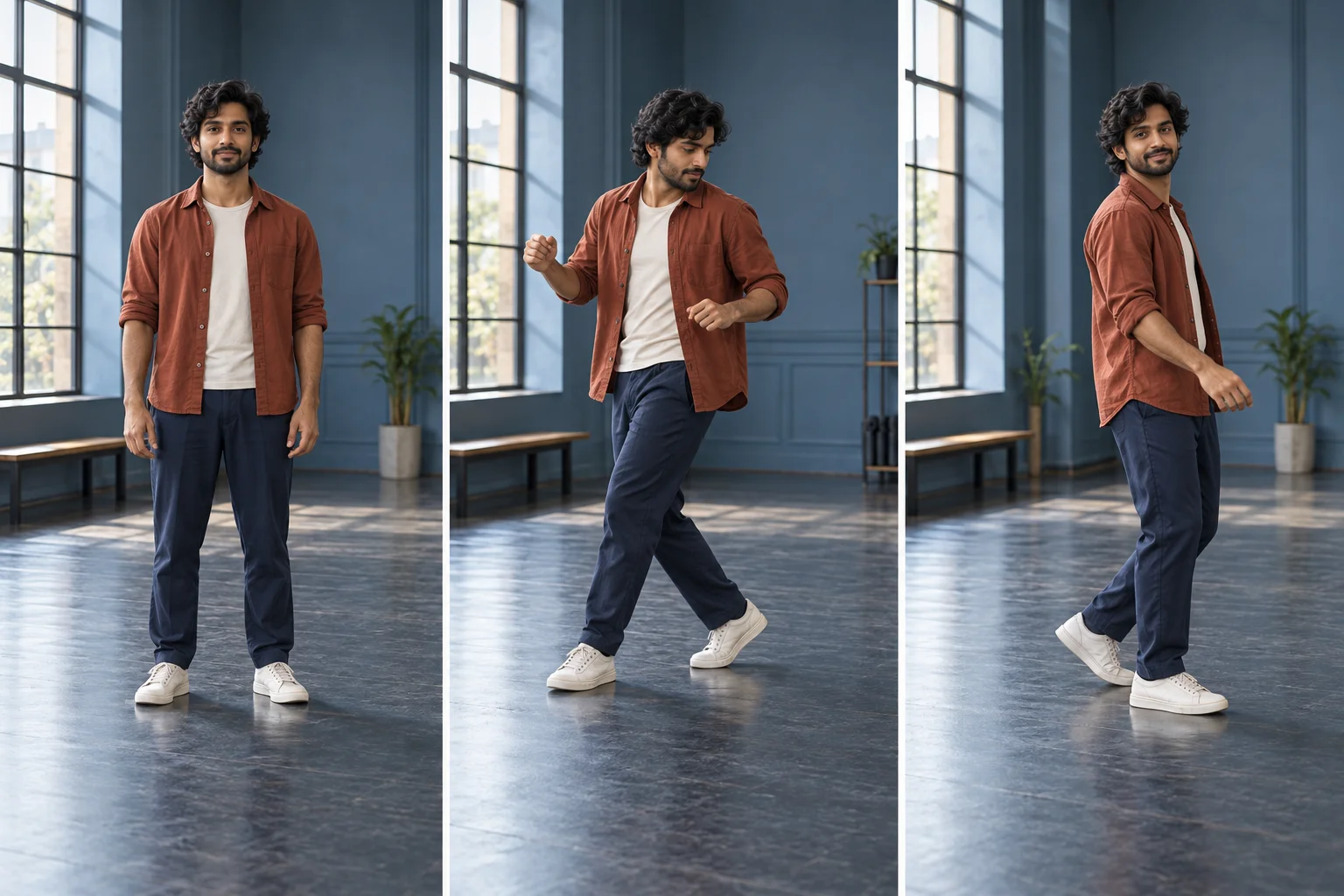
If you add video, sign in and upload a compatible MP4 or MOV with a continuous, readable view. A single dancer, visible feet and limited camera movement make the action easier to understand. Review the accepted preview and the recalculated quote before submission. Before uploading, check for 2–15 seconds of video at 24–60 fps; the file limit is 32 MB.
If the reference is unclear, remove it and use a concise written direction instead. Try: “Small side steps, a gentle turn, stable full-body camera and open floor space.” The demonstration on this page is a visual example only. It is not bound to your request, and neither an uploaded reference nor text guarantees exact timing.
Compare the take at meaningful moments
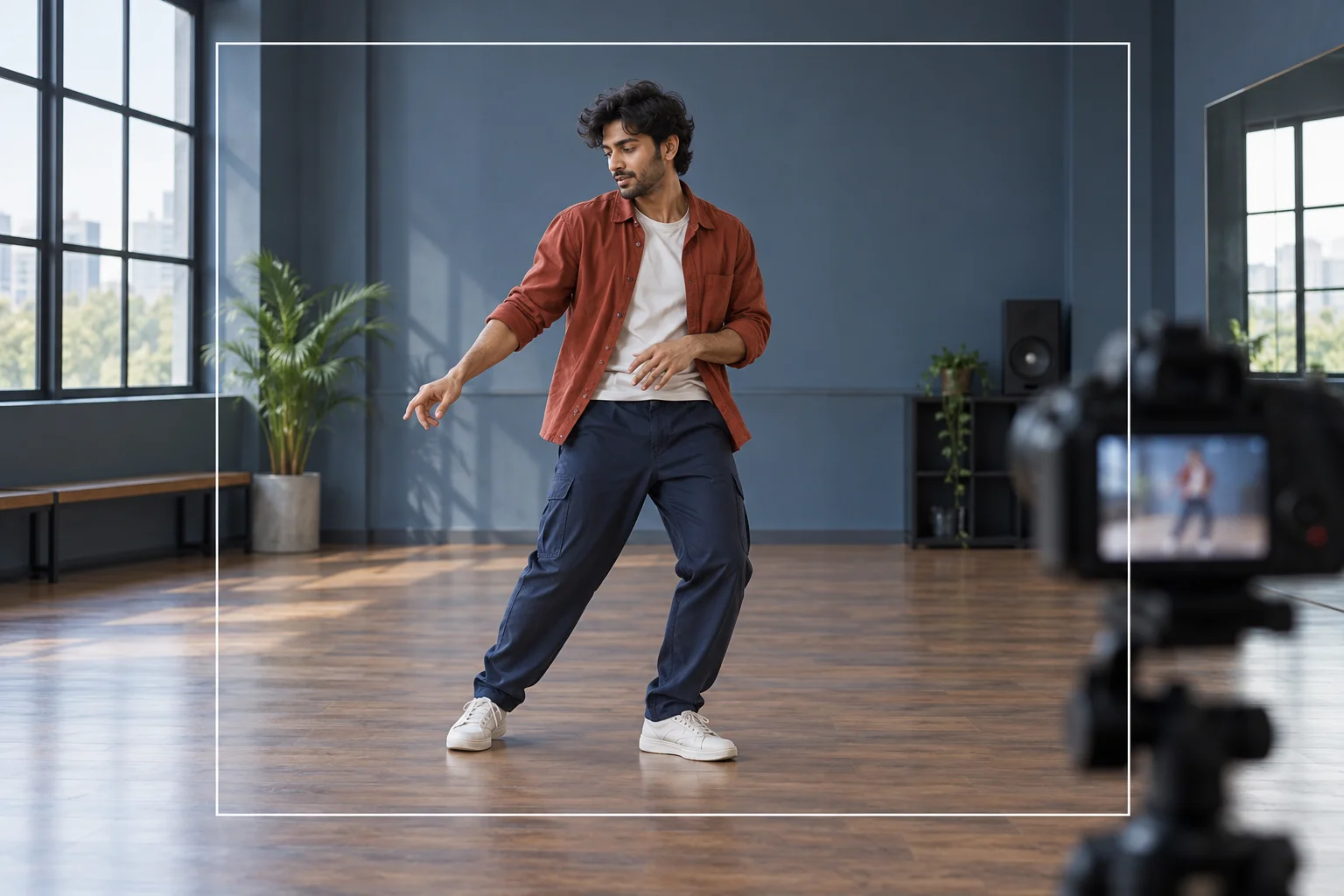
Check the start position, the weight shift and the end of the turn. Look at the connection between shoulders, hips and feet as well as the face. A consistent outfit can still conceal an implausible joint movement, so review the full body rather than only the portrait.
Then watch the take uninterrupted. Decide whether the scene reads at its actual speed and whether the camera leaves enough margin around the hands. Keep useful results in History and download them for any later edit. Exact song selection, lyric rendering and beat alignment are separate from this generation workflow.
Where the scene can fit
A motion comparison
Compare a text-directed take with a separately requested video-guided take.
A camera-framing study
Test how much space the hands and feet need during a short routine.
A rehearsal-scene concept
Develop the room and wardrobe around one consistent lead person.
Choose your next workspace
Doja Cat Juicy AI Dance questions
Is Doja Cat Juicy AI dance a fixed template?
This is an original dance-scene workflow with one lead image and optional video guidance. It does not lock the request to a supplied choreography file.
Can I change or remove the motion video?
Yes. Review the selected preview and remove it when you want written movement guidance instead. Only the current accepted reference should be used for the request.
What if my video is rejected?
Choose a compatible file and follow the validation message. An upload must pass the service checks before it can guide a generation; a filename alone is not enough.
Does the page provide the song or artist likeness?
It does not supply a particular recording or a celebrity identity. Use your own permitted character reference and make soundtrack decisions separately.
How is the price determined?
The live quote uses the selected output settings and accepted references. The present model requires purchase access and sufficient credits; adding video guidance may affect cost.
Does the 15-second setting describe wait time?
No. It is the requested clip length. Processing depends on the model and queue, and History reports progress.
flux3video.dev · Updated
See update history
- — Added photo inputs, a motion reference preview and guidance for creating this video effect.