flux3 video
PricingLog in / Sign Up
Black Friday · Up to 30% off
09Days23Hours16Min45Sec
View deals →

FLUX VideoHOTPrompt Showcase

AI Generations

AI VideoAI Image

CREATIVE TOOLS

Models

Veo AI VideoKling AI VideoBanana AI Image

Assets LibraryFavorites
Upgrade Plan
flux3 video

Make Them All Wear White Trend for a cast reference still

Edit a group photo
PNG or JPEG, up to 10 MB. Choose a recent upload or a generated image.

Description
698/2000
Required Credits—
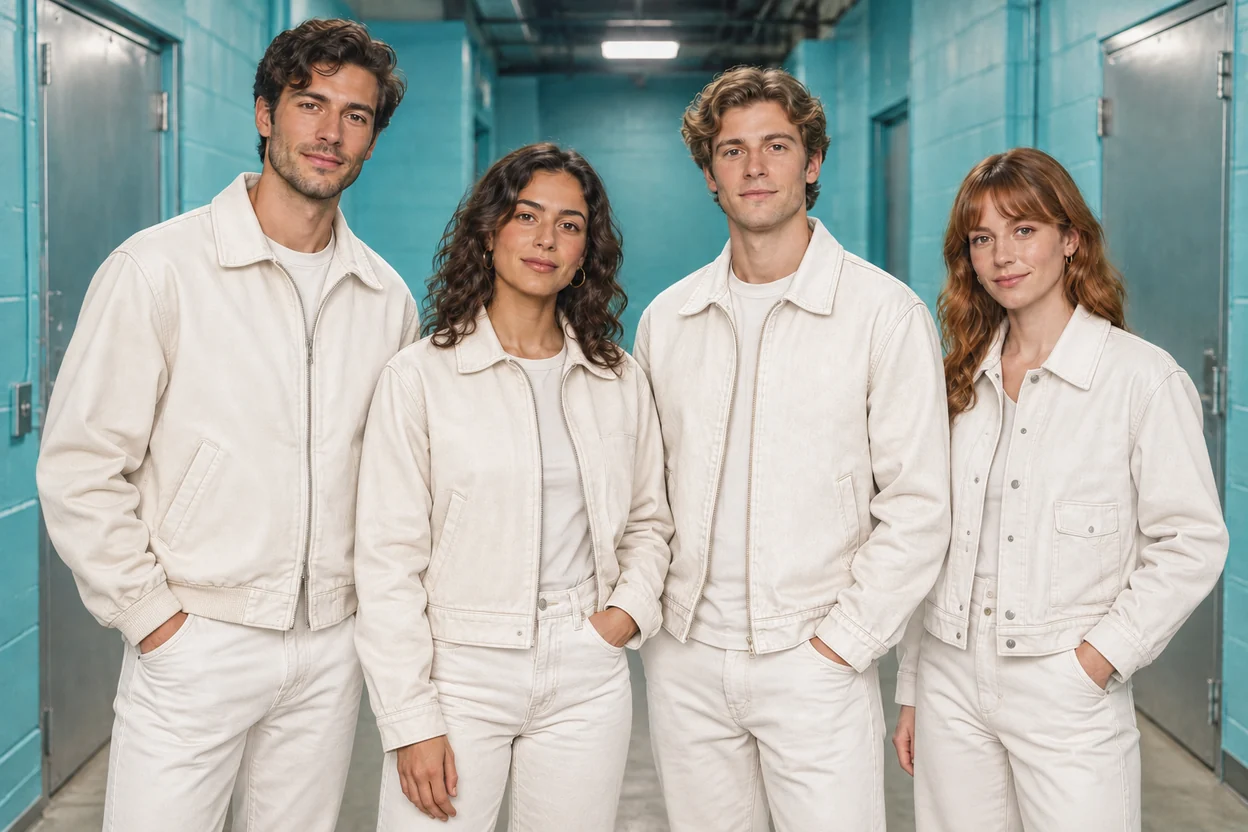
Planned all-white group portrait of four adults standing in a line in a turquoise backstage corridor
Example concept: a clean all-white group look, planned as a still reference with varied heights and fixed poses.
History

Give a group portrait a coordinated white wardrobe with the Make Them All Wear White Trend. Upload one photo and use Nano Banana 2 image editing to recolor visible clothing while asking it to preserve each person’s face, hair, pose, and the background. You can also try the text-to-image concept with an editable prompt and no upload.

How to try the trend

  1. Upload one group photo with the clothing you want to recolor, or choose the text-to-image concept to start without an upload.
  2. Review or edit the prompt so it describes the garments and clearly asks to preserve faces, hair, poses, and background.
  3. Check the displayed quote before running, then review the result for clothing boundaries, overlapping sleeves, fabric detail, and shadows.

Compare the source photo and white-outfit example
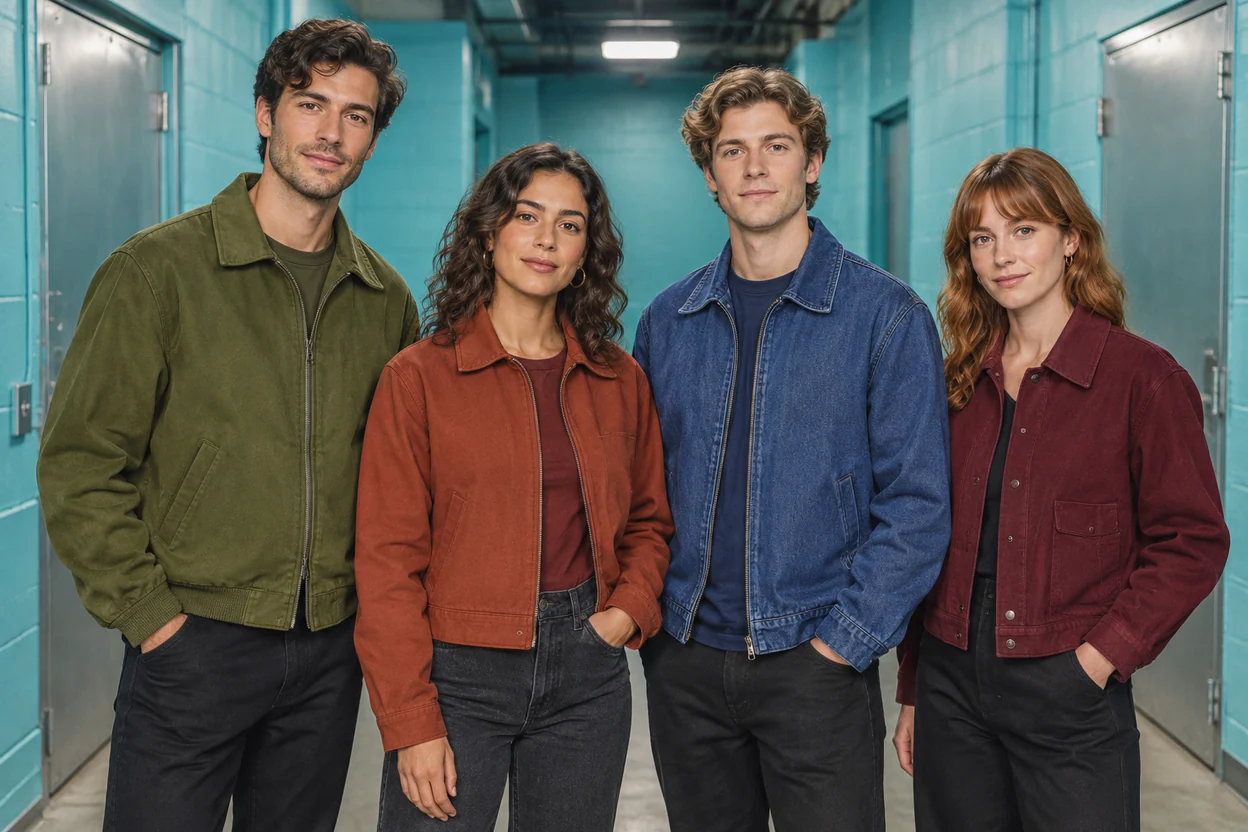
Four adults in separate colored casual outfits standing in a turquoise backstage corridor
Example source-photo setup: varied collars and hemlines help distinguish each person’s clothing before recoloring.
The same group with only their visible clothing recolored white
Example of the editing goal: recolor the clothing while keeping faces, hair, poses, and the corridor unchanged.

What to check in the result

  • Look closely at overlapping sleeves and edges to ensure each garment remains associated with the right person.
  • Check that white clothing retains natural folds and shadows and stays distinct from bright parts of the background.
  • Compare faces, hair, poses, and the corridor with the source photo; the edit request is to leave them unchanged.
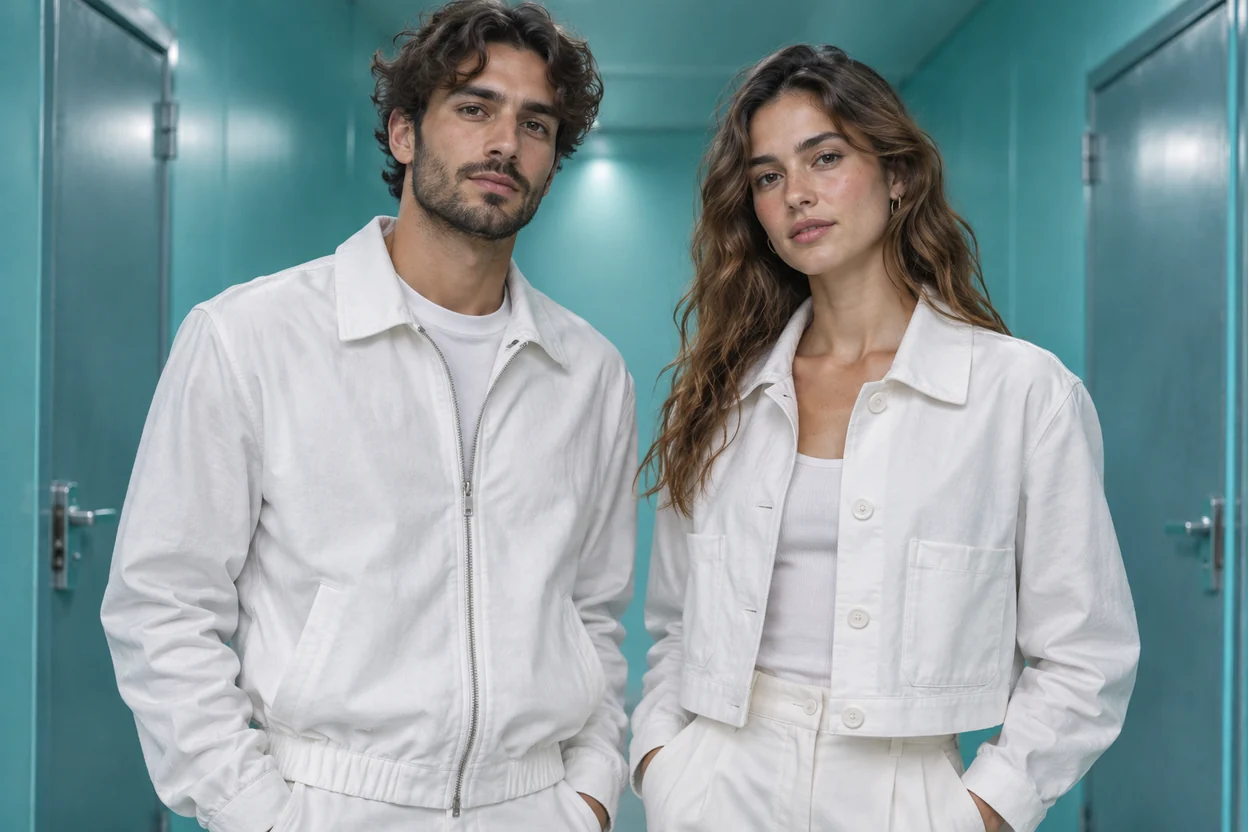
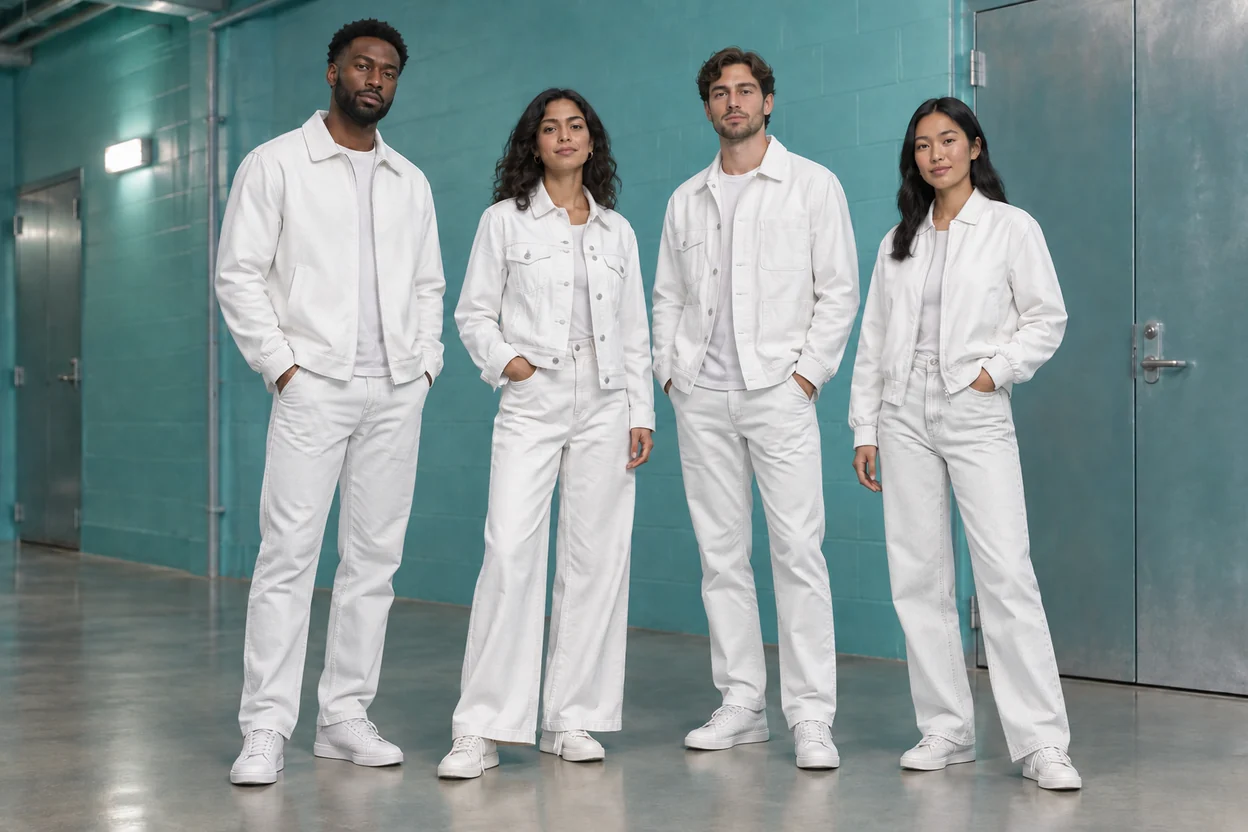
Close detail of white jacket fabric with natural folds and soft shadows
Example detail reference for white fabric that retains visible texture, folds, and natural shadow.
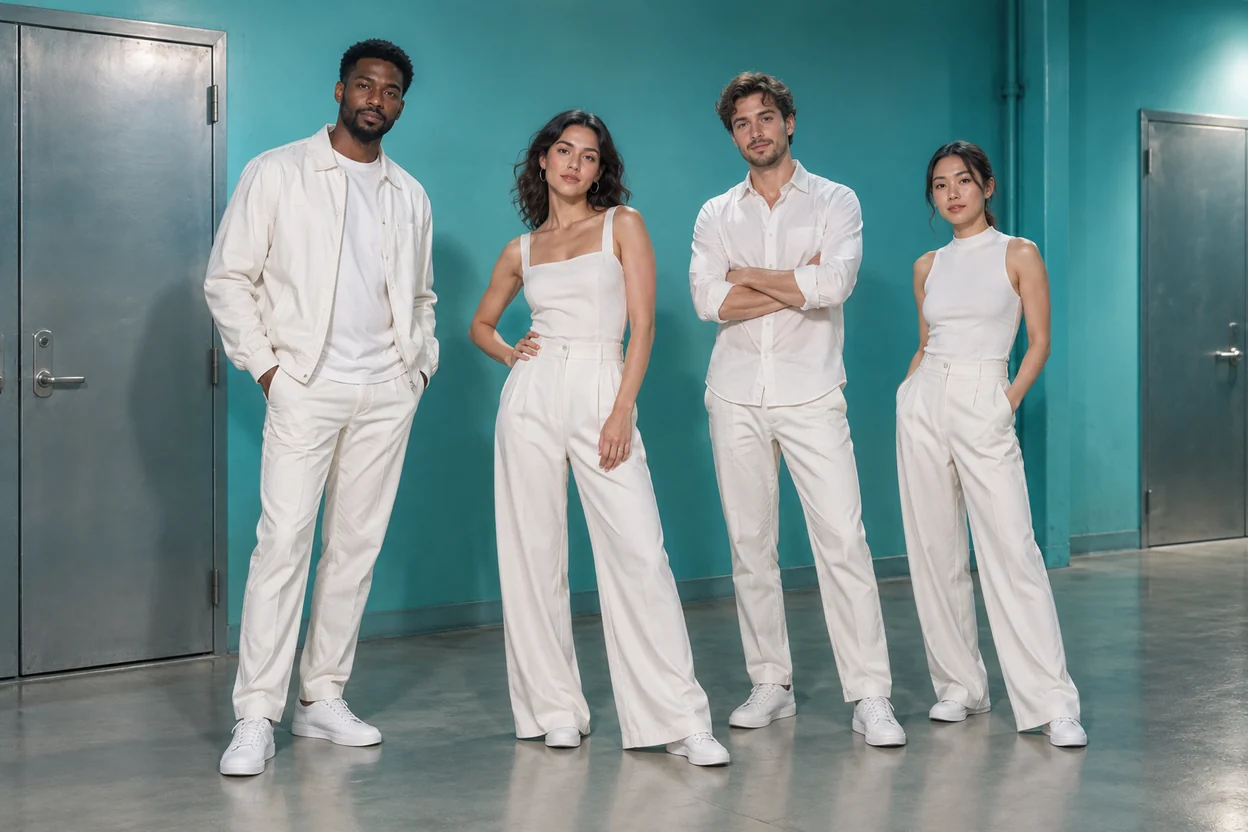
Wider group reference showing four adults and more of the turquoise corridor
Example wider framing reference for the group, clothing, and bright background.

Questions about the group photo tool

Do I need to upload a photo?

No. The editing route uses one uploaded group photo. The text-to-image concept works from an editable prompt and does not require an upload.

What should the edit change?

The prompt asks Nano Banana 2 image editing to make visible clothing white while preserving garment styles and keeping faces, hair, poses, and the background unchanged.

How should I handle overlapping sleeves or a bright background?

Use a prompt that asks to keep each sleeve attached to the correct person, retain natural contact shadows, and distinguish foreground clothing from the background. Review these areas in the result.

When can I see the quote?

The current quote is displayed before you run the task. Check it before proceeding.

How long does an edit take?

Timing depends on current demand and your settings. Open History to see whether the image is still processing and to review the result when it finishes.

Can I try this with my current credits?

Related tools

Close detail of white jacket fabric with natural folds and soft shadows

Explore still-image generation

Wider group reference showing four adults and more of the turquoise corridor

Plan a short clip from your still

Planned all-white group portrait of four adults standing in a line in a turquoise backstage corridor

Review available credit plans

flux3video.dev · Updated 2026-11-23

See update history
  • 2026-11-23 — Use one group photo to explore coordinated white clothing, or start from an editable text-to-image prompt. The examples illustrate the intended scene and visual roles; website output is generated from your chosen input and prompt.
flux3 video

A video-first creative workspace for turning prompts and images into visual stories.

support@flux3video.dev ↗
InstagramXYouTubeTikTokPinterest

Product

  • Create
  • Pricing
  • Blog
  • Developer API
  • MCP Server

AI Images

  • AI Image
  • AI Face in Hole Generator
  • South Park Character Creator
  • Nano Banana AI Image Generator
  • FLUX AI Image Generator
  • GPT Image 2.6 AI Image Generator
More (6)
  • Grok Imagine Image Generator
  • Make Them All Wear White Trend
  • MiniMax H3 Image
  • Seedream 5.5 Guide
  • Toy Car To Real Car
  • Stitch Images Online Free

AI Videos

  • AI Video
  • AI Halloween Costume Transformation Guide
  • Bigfoot Video Generator Walkthrough
  • Cat On Ultra Bee
  • Christmas Dance Trend
  • Doja Cat Juicy AI Dance
More (14)
  • Earth Zoom Generator
  • Elf On The Shelf AI Video
  • Flamingo Floatie AI
  • Genjutsu AI Video Generator
  • Goodbye 2026 Welcome 2027 Video Guide
  • AI Halloween Dance Video Generator
  • Kling AI Video Generator
  • Like Jennie AI Dance Trend
  • Ozil Goal AI Video Generator
  • Seedance 2.0 AI Video Generator
  • Toc Toc AI Dance Generator
  • Veo 3.1 AI Video Generator
  • Video to Video AI
  • Hotel Lobby AI

Help

  • Contact

AI Resources

llms.txtFull guideOverviewFeaturesPricingFAQ
Ask AI about flux3 videoChatGPT ↗Claude ↗Perplexity ↗Gemini ↗Grok ↗
© 2026 flux3 video. All rights reserved.
SitemapTerms of ServicePrivacy PolicyRefund Policy

Cookie Settings

We use cookies.