flux3 video
PricingLog in / Sign Up
Black Friday · Up to 30% off
09Days22Hours12Min26Sec
View deals →

FLUX VideoHOTPrompt Showcase

AI Generations

AI VideoAI Image

CREATIVE TOOLS

Models

Veo AI VideoKling AI VideoBanana AI Image

Assets LibraryFavorites
Upgrade Plan
flux3 video

AI Christmas Snow Globe Generator for a winter still

Place a subject inside a snow globe
PNG or JPEG, up to 10 MB. Choose a recent upload or a generated image.

Description
591/2000
Required Credits—
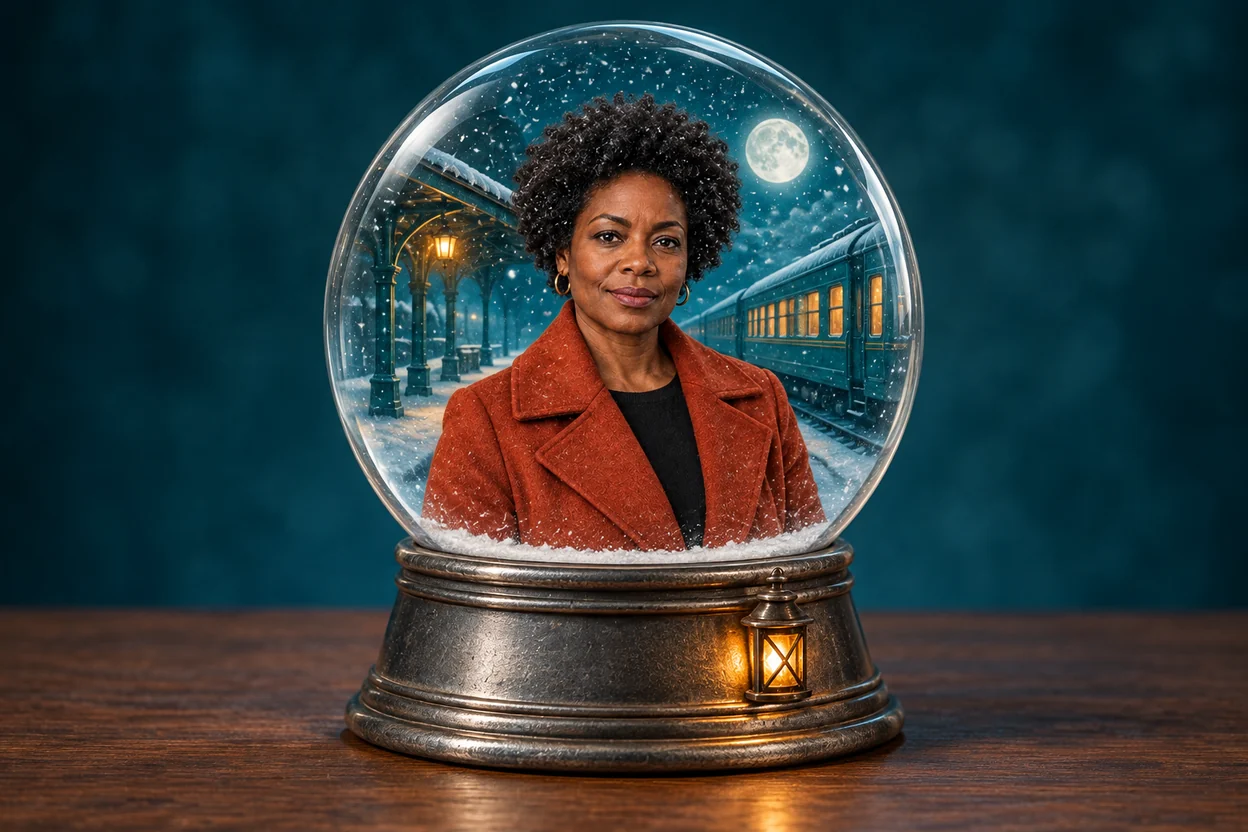
Finished holiday snow globe with a middle-aged Black woman in a rust-colored wool coat before a miniature rail station, under a moonlit teal sky with a brushed pewter base and warm platform lantern.
Notice the woman framed inside the glass, the teal moonlit sky above the miniature station, and the warm lantern against the brushed pewter base.
History

The AI Christmas Snow Globe Generator can turn one portrait or character image into a holiday globe scene using Nano Banana 2 edit mode. Start with a clear reference, keep the supplied edit text or change it, then review the result and the displayed credits before you begin. Prefer a scene imagined from scratch? Choose the separate text-to-image mode; it does not require an upload.

Create your snow globe

  1. For a portrait globe, select Nano Banana 2 edit mode and provide one clear portrait or character image. Keep the face visible and avoid references with busy foregrounds.
  2. Use the supplied edit text as is or change it to describe your scene. Keep snow and glass glare away from the face, and specify the subject's scale and placement within the globe.
  3. Review the displayed quote and credits before starting. After generation, inspect the face, framing, miniature scale, flakes, and glass highlights; use History to check the result and its associated record.

Compare the source image and snow globe scene
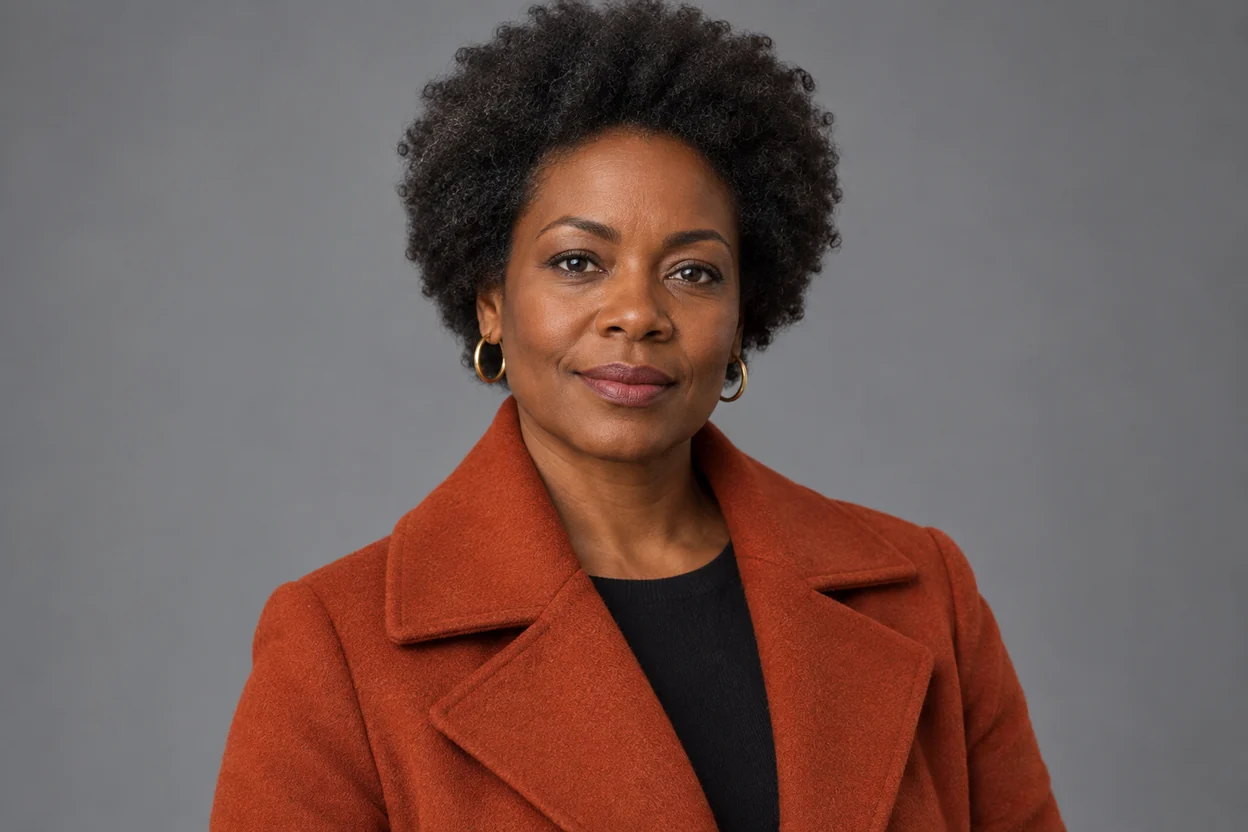
Plain portrait reference of a middle-aged Black woman with a short natural afro wearing a rust-colored wool coat.
Notice the clear, unobstructed face and simple portrait framing in this starting reference.
Edited portrait showing the same woman placed inside a glass snow globe with a miniature rail station and warm platform lantern.
Notice that the subject is placed inside the globe, with the station and lantern forming a miniature winter setting around her.

Check the result before you keep it

  • Face and identity: Confirm the subject remains recognizable and that snow or glass glare does not cover facial features.
  • Scale and framing: Check that the subject fits naturally inside the globe and that the station, lantern, and base are visible in a balanced composition.
  • Details and record: Inspect the flakes and rim highlight, then use History to review the result and its associated record.
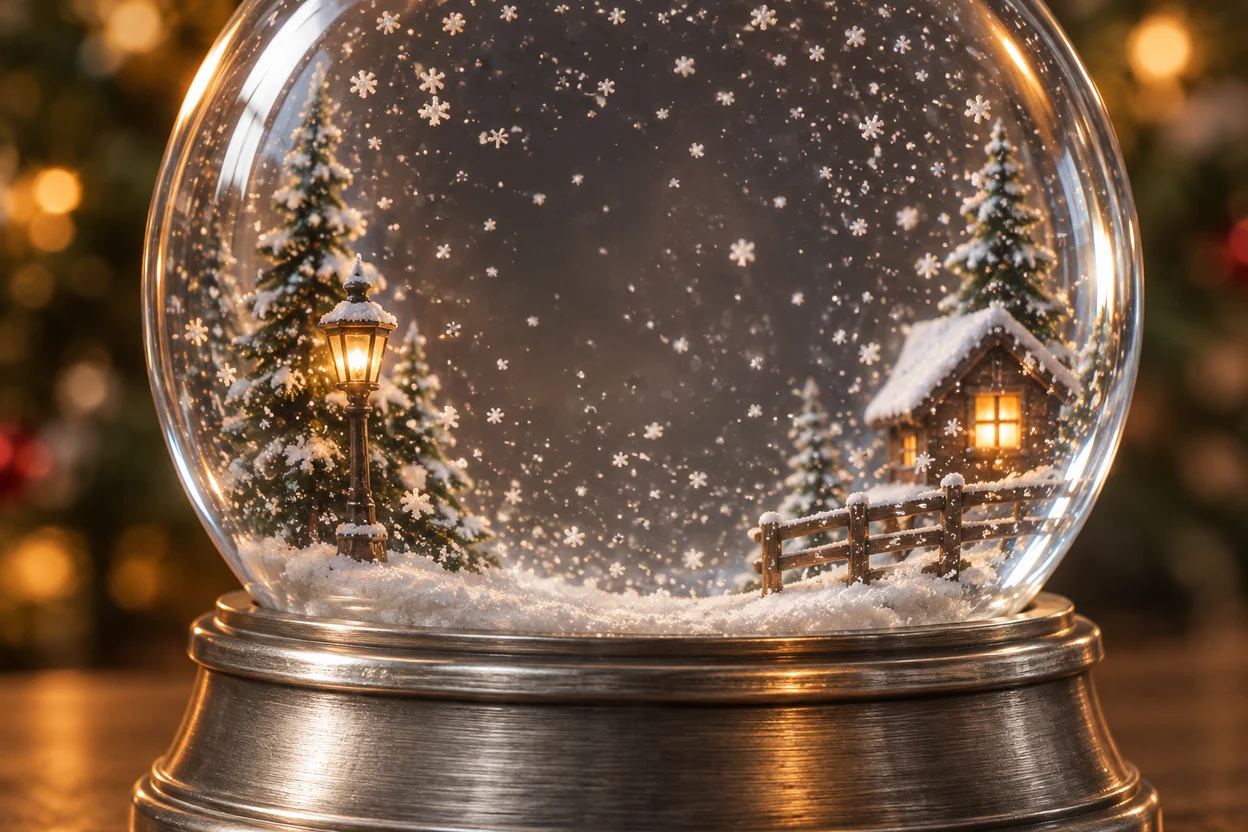
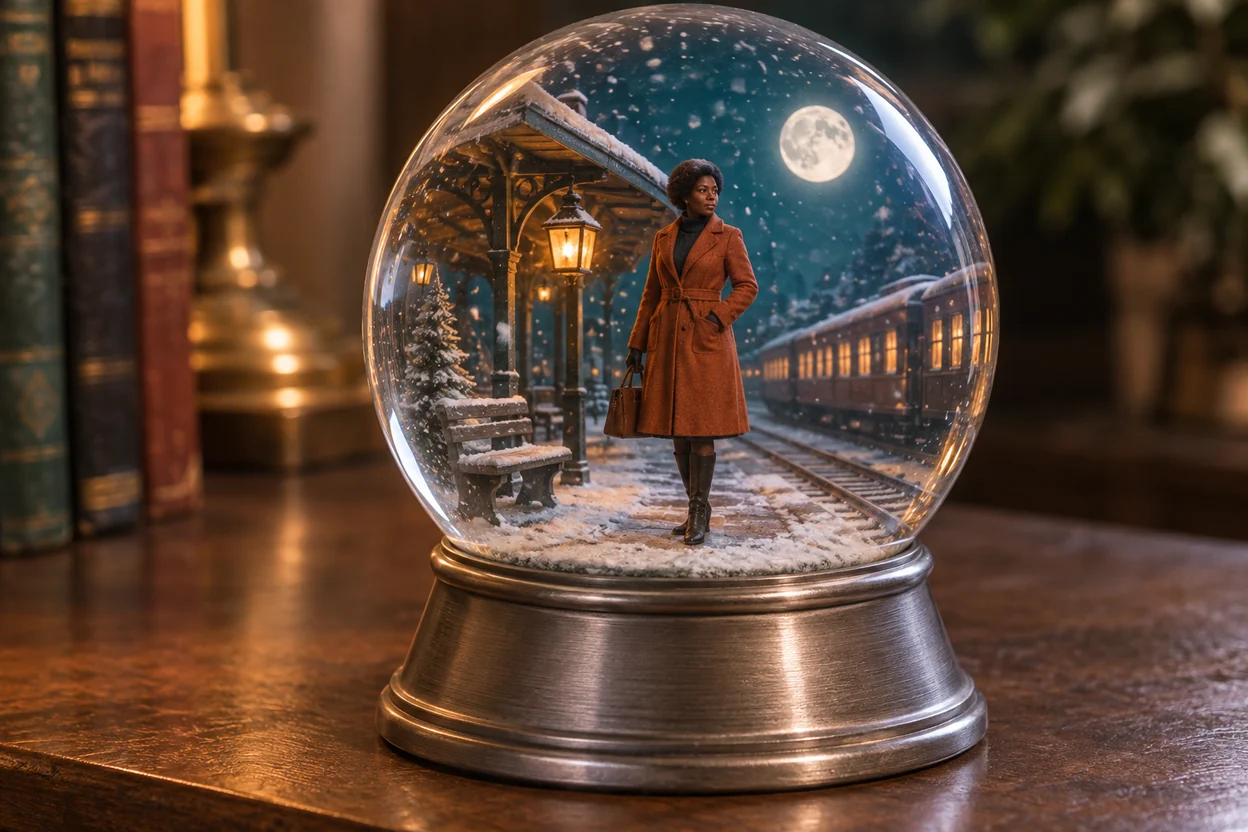
Close view of suspended flakes and the side-lit metal base of a glass snow globe
The metal base and side light make the layers of snow and glass easier to distinguish.
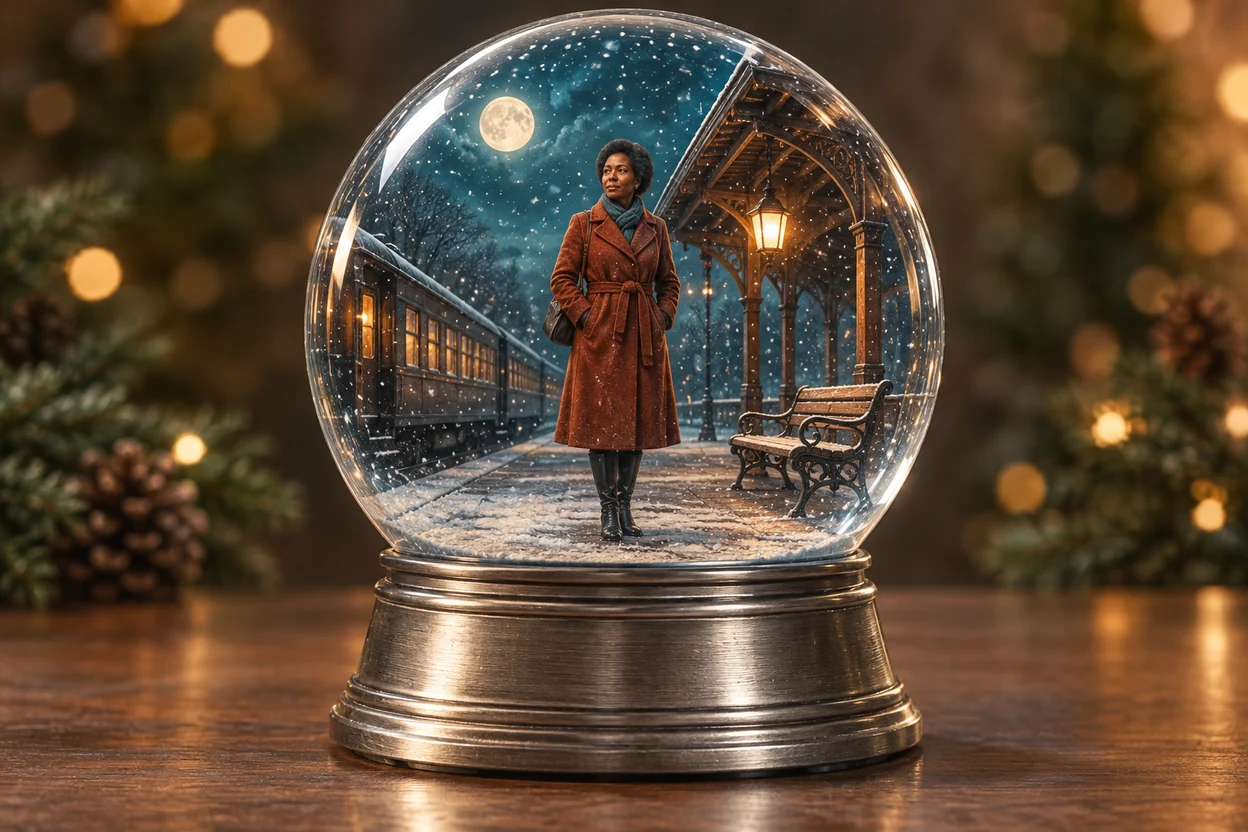
Alternate viewing angle of the holiday snow globe, showing the glass, pewter base, station, and portrait from the side.
Notice how the alternate angle changes the view of the globe and base while keeping the miniature scene readable.

Questions about the snow globe generator

Do I need to upload an image?

Only for the portrait-to-globe edit flow. Nano Banana 2 edit mode uses one portrait or character image as its reference. The separate text-to-image mode creates a freshly imagined winter miniature and needs no upload.

Can I change the supplied edit text?

Yes. The default edit text is already supplied, and you can keep it or change it to describe the scene, framing, scale, and details you want.

How much will it cost, and how long will it take?

Check the displayed quote and credits before starting; the page does not promise a fixed cost or wait time. Use History to check the record for a completed generation.

How can I keep the face clear and the globe composition balanced?

Use a clear portrait, ask for snow and glass glare to stay off the face, and describe the subject's scale and placement. After generation, inspect the face, framing, miniature details, and glass highlights.

Related tools

Close view of suspended flakes and the side-lit metal base of a glass snow globe

Explore still-image editing

Alternate viewing angle of the holiday snow globe, showing the glass, pewter base, station, and portrait from the side.

Plan a short clip from a winter still

Finished holiday snow globe with a middle-aged Black woman in a rust-colored wool coat before a miniature rail station, under a moonlit teal sky with a brushed pewter base and warm platform lantern.

Review current credit plans

flux3video.dev · Updated 2026-11-23

See update history
  • 2026-11-23 — Use one clear portrait in Nano Banana 2 edit mode to place a subject inside a glass holiday globe, or choose text-to-image for a newly imagined winter miniature without an upload. Keep the face clear, check scale and framing, and review the displayed quote and credits before starting.
flux3 video

A video-first creative workspace for turning prompts and images into visual stories.

support@flux3video.dev ↗
InstagramXYouTubeTikTokPinterest

Product

  • Create
  • Pricing
  • Blog
  • Developer API
  • MCP Server

AI Images

  • AI Image
  • 3 Layer Photo Editing
  • AI Christmas Snow Globe Generator
  • AI Face in Hole Generator
  • South Park Character Creator
  • Nano Banana AI Image Generator
More (8)
  • FLUX AI Image Generator
  • GPT Image 2.6 AI Image Generator
  • Grok Imagine Image Generator
  • Make Them All Wear White Trend
  • MiniMax H3 Image
  • Seedream 5.5 Guide
  • Toy Car To Real Car
  • Stitch Images Online Free

AI Videos

  • AI Video
  • AI Halloween Costume Transformation Guide
  • Bigfoot Video Generator Walkthrough
  • Cat On Ultra Bee
  • Christmas Dance Trend
  • Doja Cat Juicy AI Dance
More (14)
  • Earth Zoom Generator
  • Elf On The Shelf AI Video
  • Flamingo Floatie AI
  • Genjutsu AI Video Generator
  • Goodbye 2026 Welcome 2027 Video Guide
  • AI Halloween Dance Video Generator
  • Kling AI Video Generator
  • Like Jennie AI Dance Trend
  • Ozil Goal AI Video Generator
  • Seedance 2.0 AI Video Generator
  • Toc Toc AI Dance Generator
  • Veo 3.1 AI Video Generator
  • Video to Video AI
  • Hotel Lobby AI

Help

  • Contact

AI Resources

llms.txtFull guideOverviewFeaturesPricingFAQ
Ask AI about flux3 videoChatGPT ↗Claude ↗Perplexity ↗Gemini ↗Grok ↗
© 2026 flux3 video. All rights reserved.
SitemapTerms of ServicePrivacy PolicyRefund Policy

Cookie Settings

We use cookies.