
Self Hug Sketch
Turn a photo into a drawn embrace
History
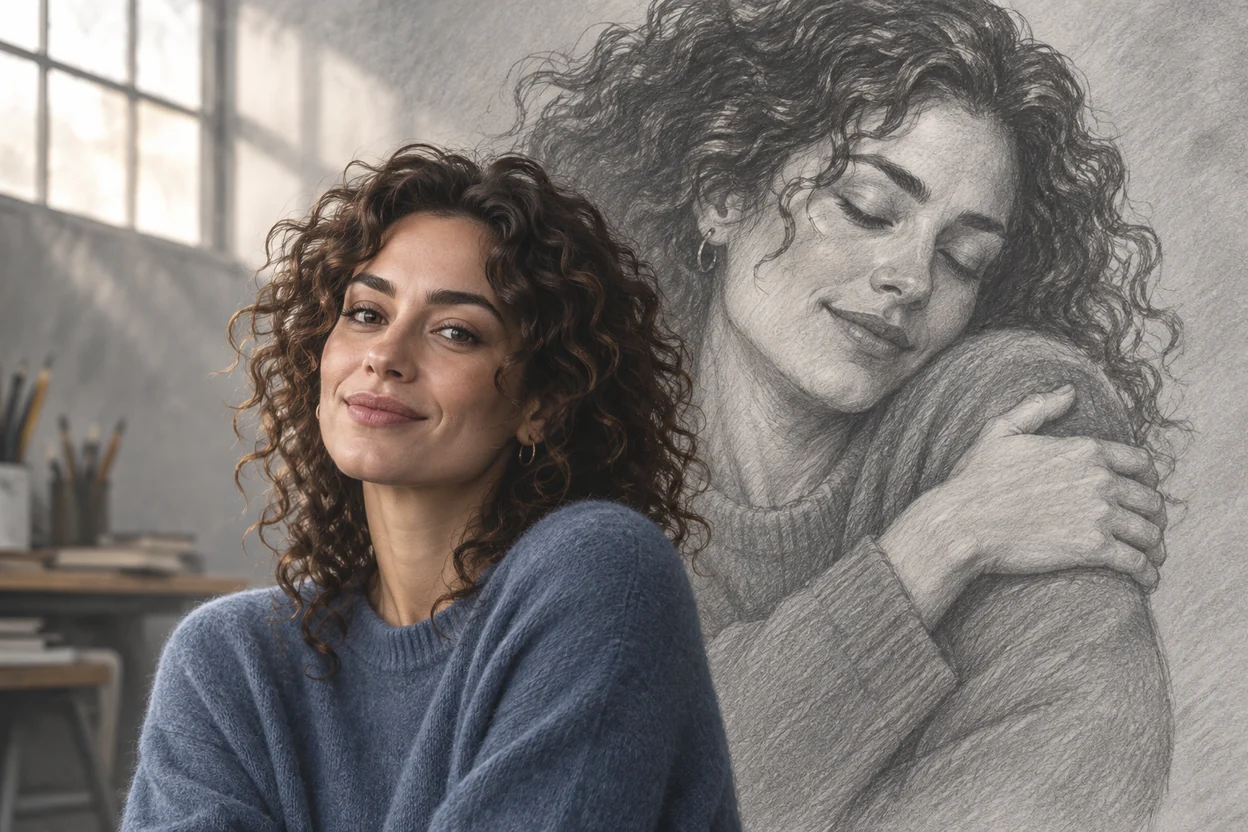
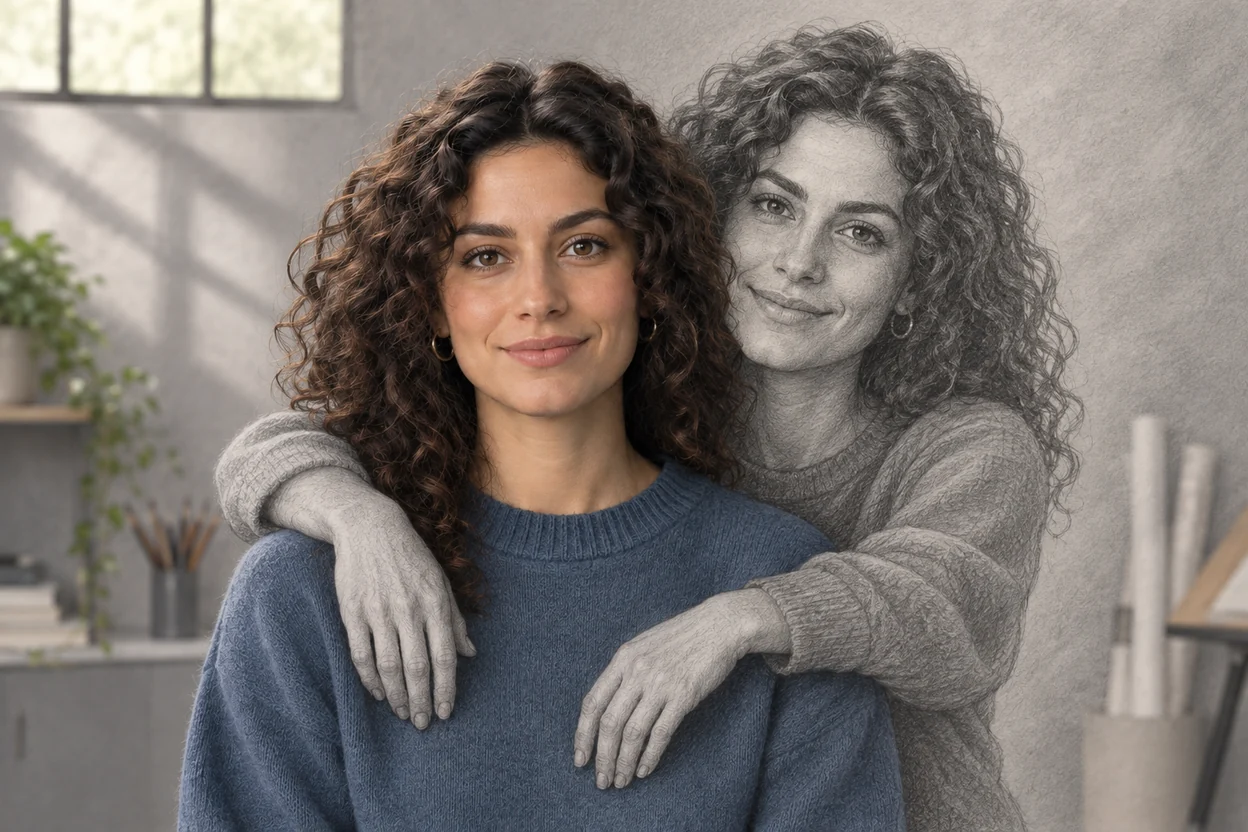
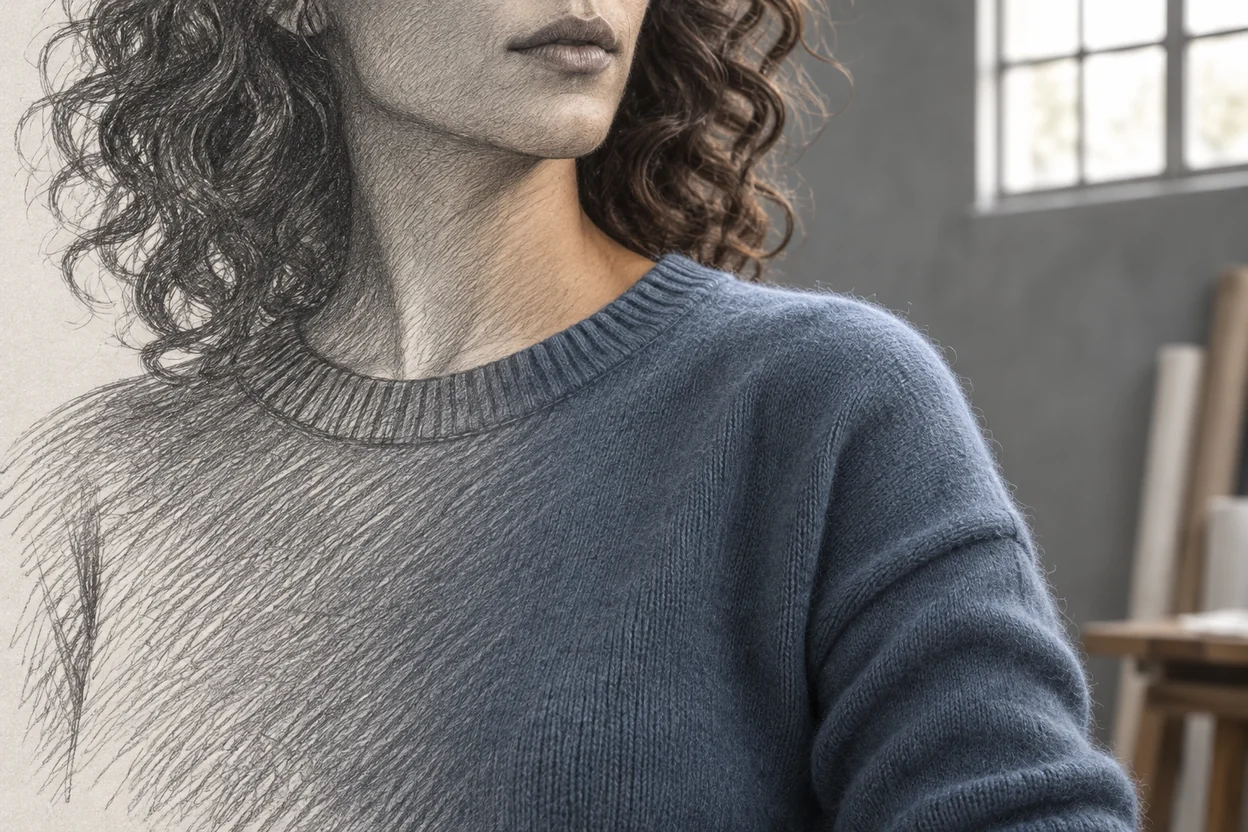
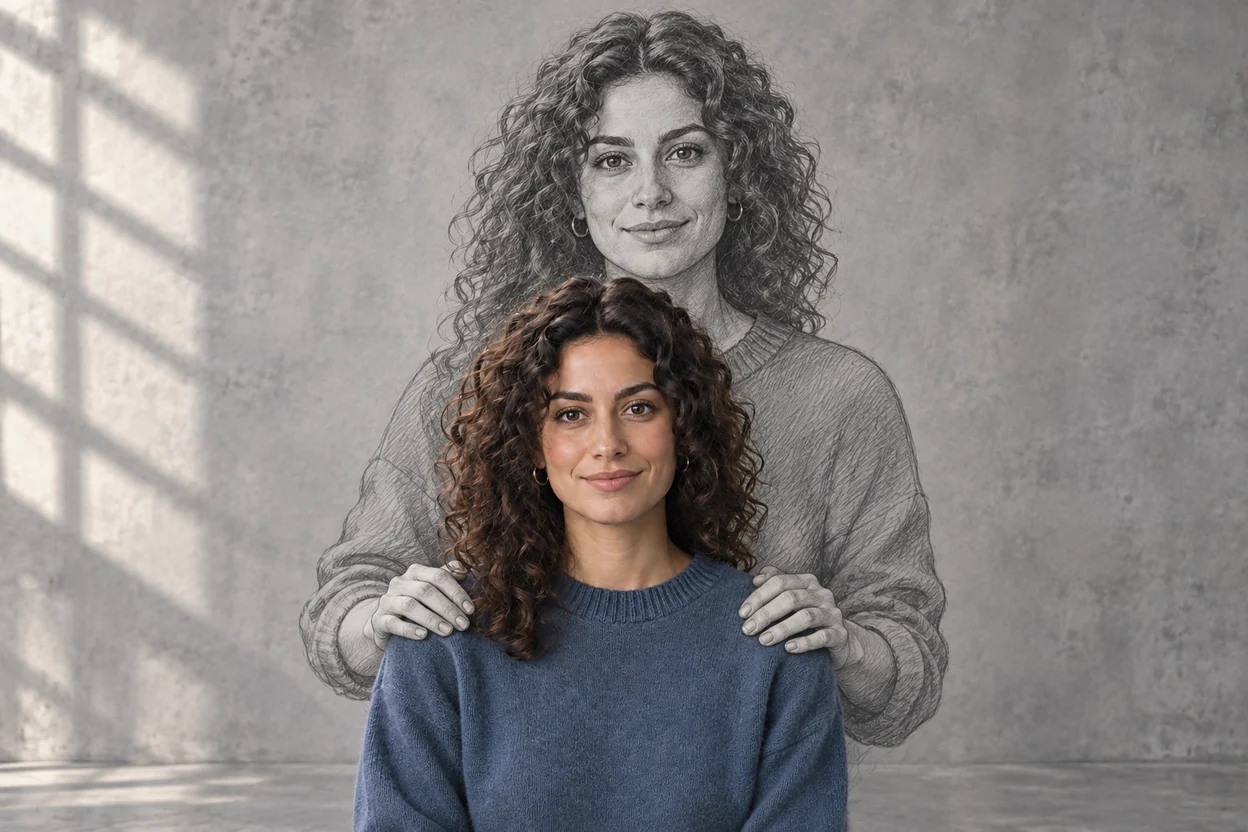
Self Hug Sketch turns one adult portrait into a mixed-media scene: the photographed person stays in front while a larger graphite version curves drawn arms around their shoulders. Choose which parts of the portrait to preserve, check the shoulder area for clear separation, or use text mode to create a fictional adult without uploading an image.
How to make a Self Hug Sketch
- Choose image edit to work from one adult portrait, or choose text mode to describe a fictional adult without an upload. The image workflow uses Nano Banana 2 for image editing and generation.
- For an edit, use a photo facing the camera with both shoulders in frame and some space around them. In the prompt, say what to keep—such as face, expression, hair, and clothing—and what to change: add a larger graphite self-portrait behind the subject, with sketched arms around the shoulders.
- Generate the scene, then inspect the face, shoulders, and arm contact. If the composition feels crowded, ask for a wider crop or more negative space around the sketch.
Compare the original portrait and the mixed-media embrace
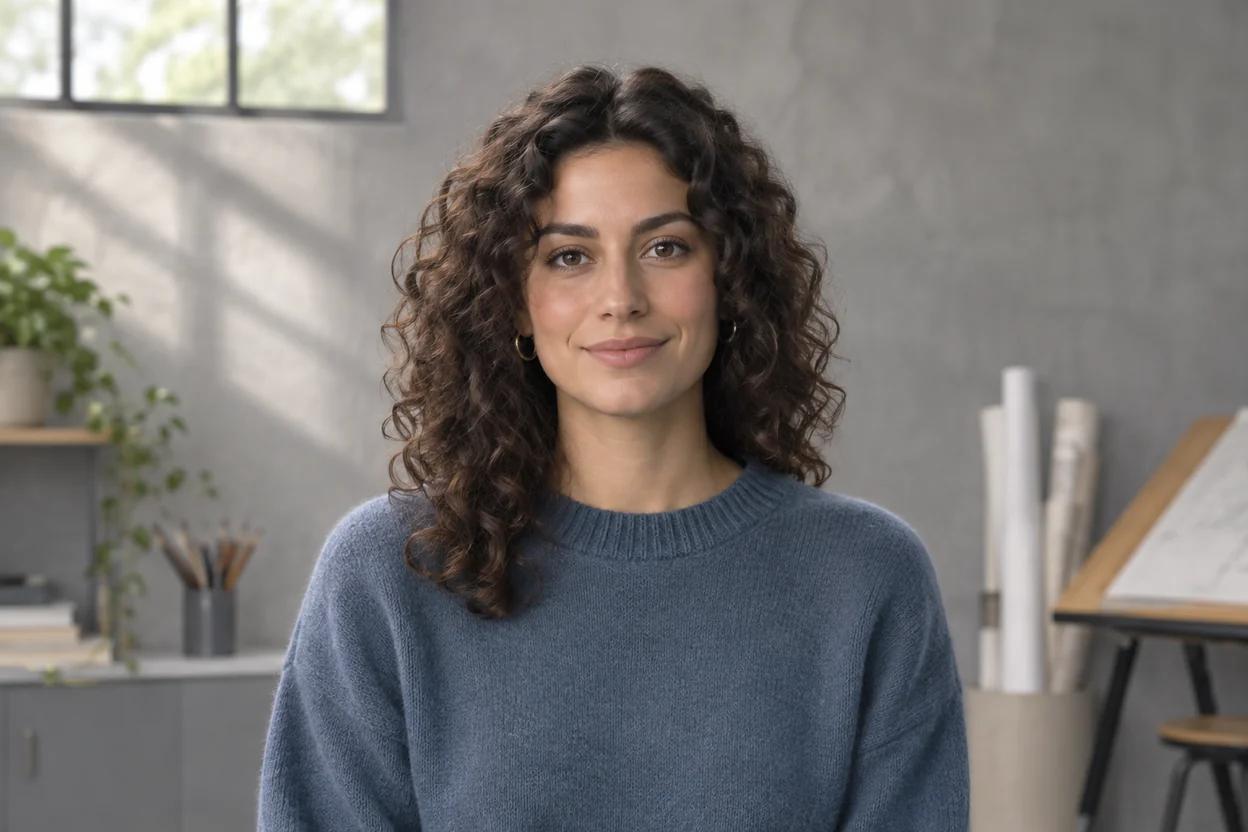
Check the portrait before using it
- Make sure the photographed person remains the clear foreground subject and the graphite version reads as a drawing of the same adult.
- Look closely at both shoulders and the sleeve-to-arm contact. Watch for a doubled face, overlapping real and drawn arms, extra hands, or unclear limb shapes.
- Check the crop, expression, and clothing against your request. If visible wording matters, review it carefully; text rendering is not guaranteed to be exact.
Questions about the Self Hug Sketch
What should I upload for an image edit?
Use one adult portrait with the face and both shoulders visible. A little space around the shoulders gives the sketched arms room to read clearly.
Can I make a Self Hug Sketch without a photo?
Yes. Use text mode to describe a fictional adult and the complete scene you want. Do not describe it as an edit of an uploaded portrait.
Do I need to include “Embrace of my own self”?
No. You can use the phrase as optional scene guidance, but the pose and visual details are enough to describe the image.
How do I check the cost and find a result again?
Check the displayed quote before you submit. After generation, use History to review and find your result.
How long does image generation take?
Check History after you submit. The task status shows when your edit is ready to compare with the original portrait.
Related tools
flux3video.dev · Updated
See update history
- — Keep the photo recognizable in front and the larger graphite self-portrait clearly behind it. Give the drawn arms a readable curve around the shoulders, preserve clean separation, and check the final crop for confusing overlaps.